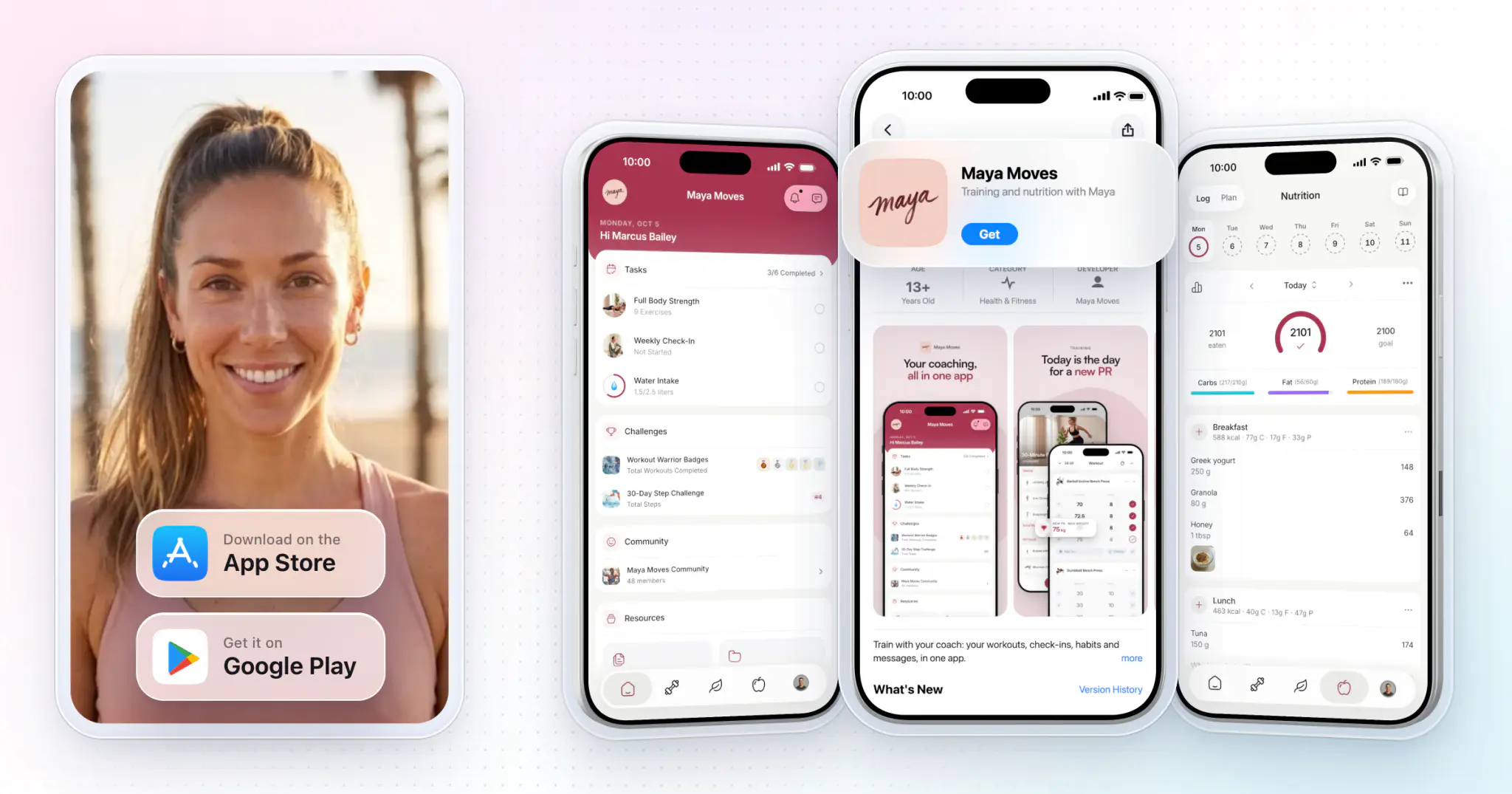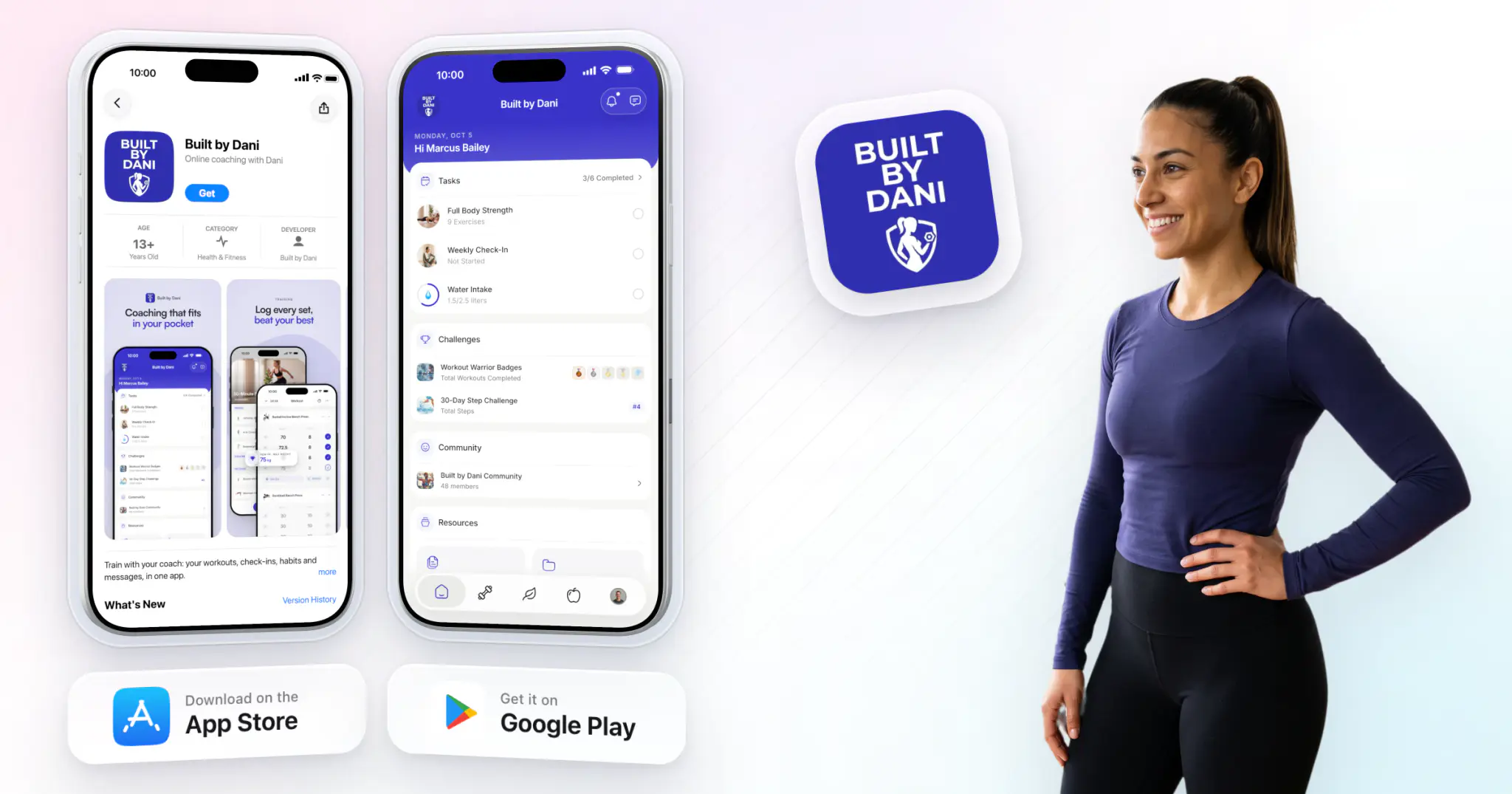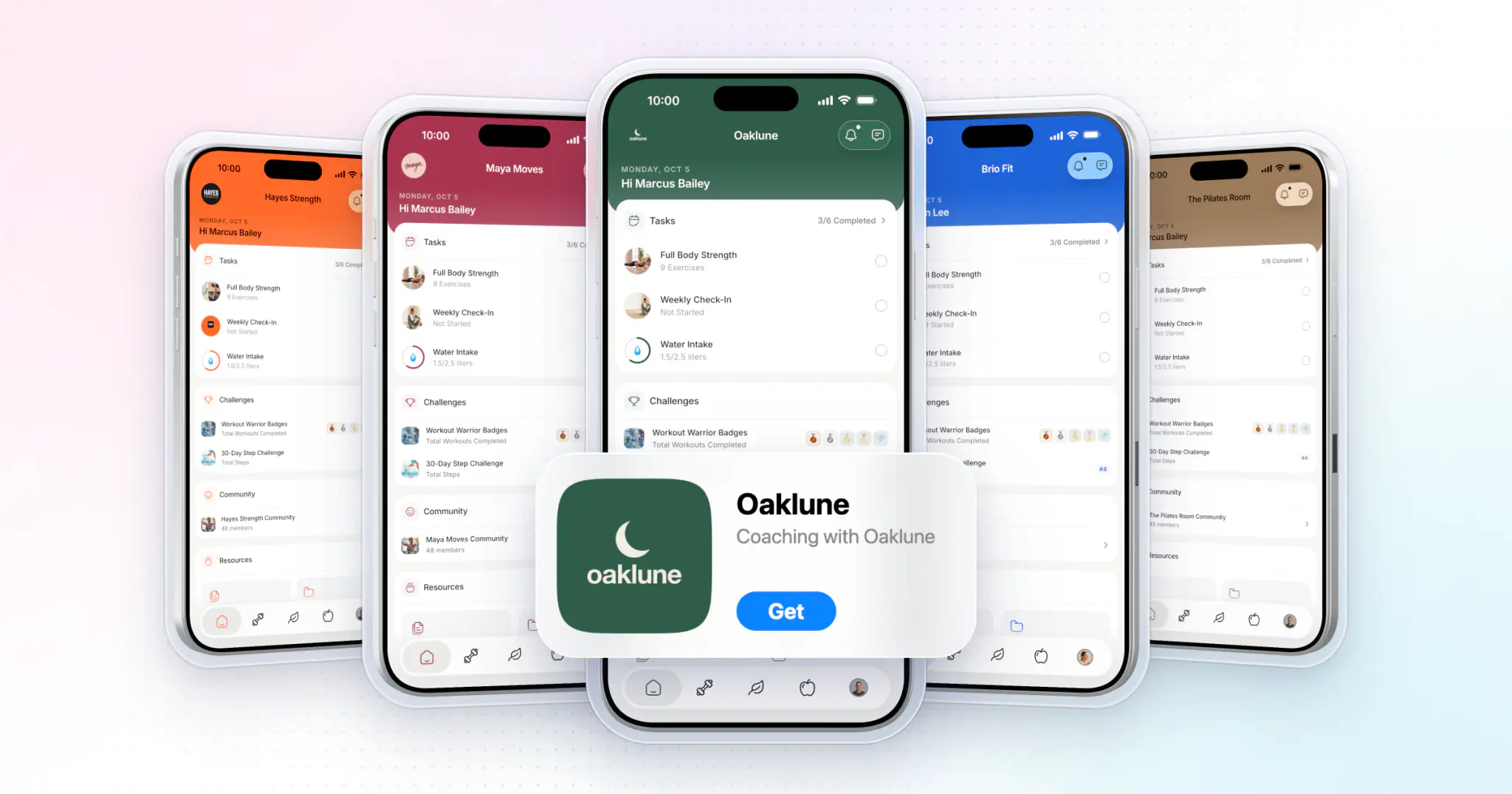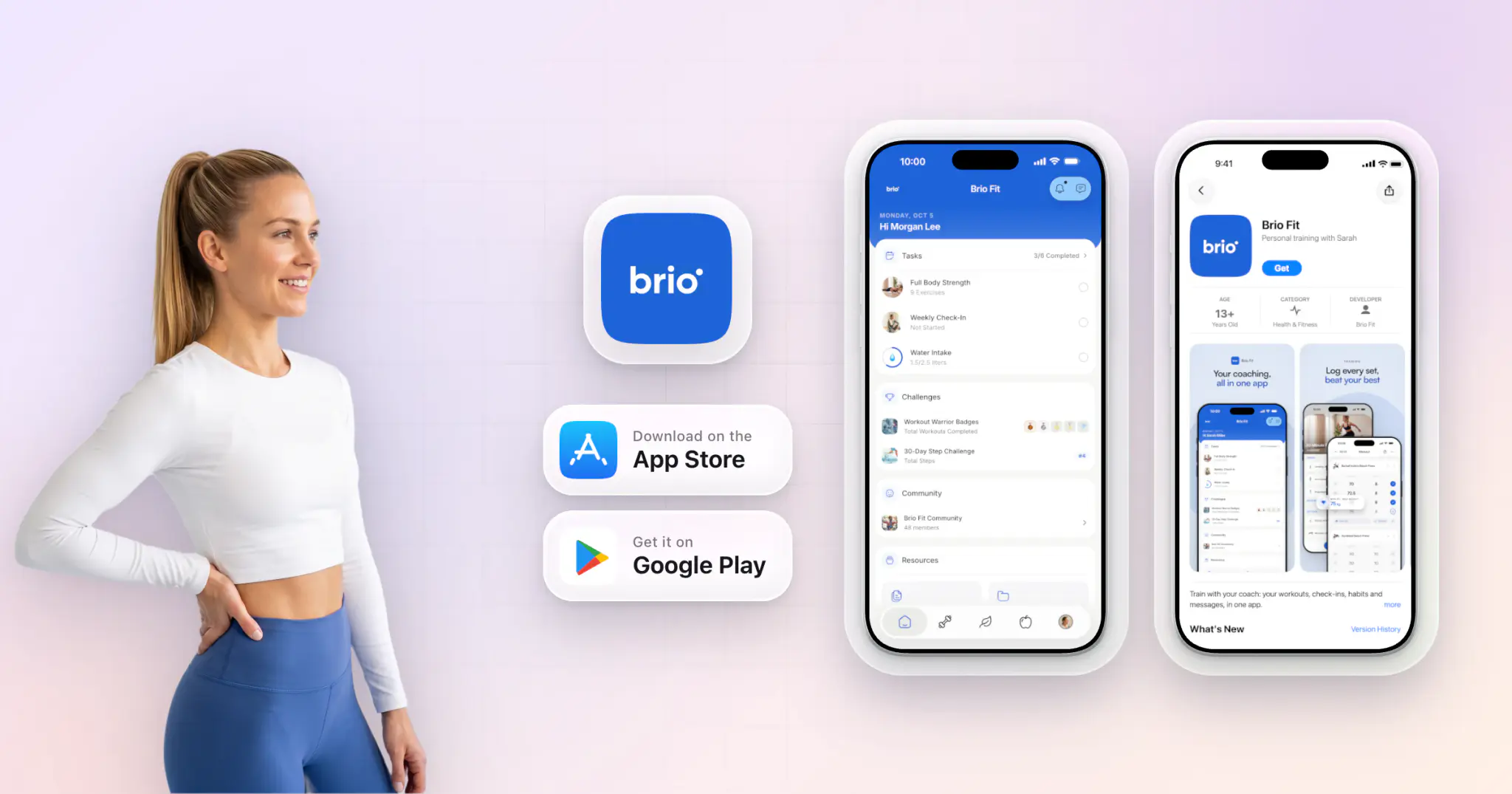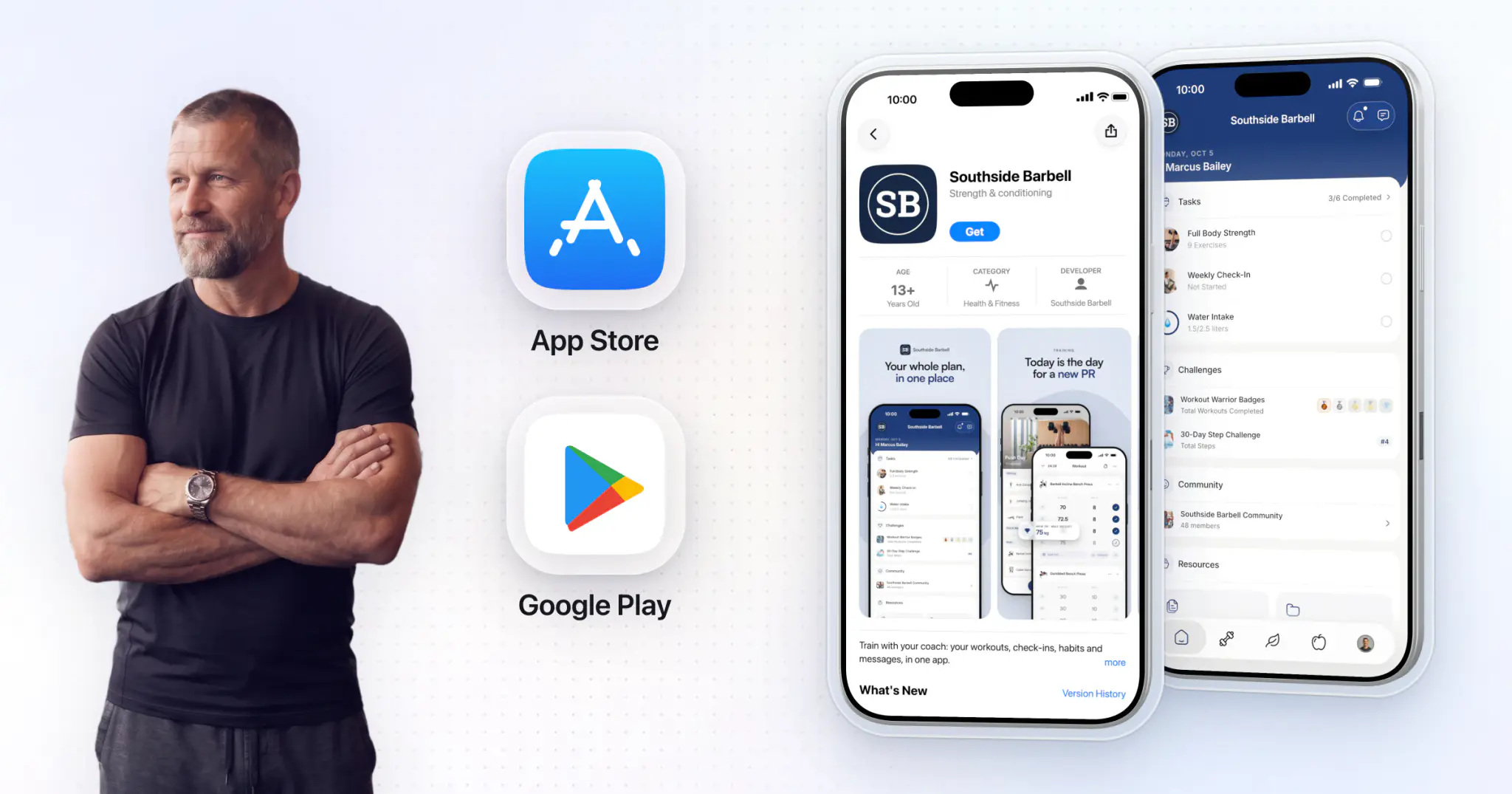
A white label gym app is your gym's own member app on the App Store and Google Play, under your name, icon and colors. The easiest way to get one is HubFit's Branded App: we build and maintain it, typically live in 7 to 10 business days once your developer accounts are ready.
Key takeaways
- Your gym's name is on the store listing and your icon is on every member's home screen.
- Members get the #1 coaching app under your brand: programs, 5,000+ exercise videos, nutrition, check-ins, challenges and community.
- We build, submit and maintain the iOS and Android apps. Store review and the privacy policy are handled for you.
- $189 a month on top of your HubFit subscription, with no setup fee. Apple charges $99 a year and Google $25 once.
What is a white label gym app?
A white label gym app is a ready-built member app that your gym publishes under its own brand. The platform supplies the software, the servers and the updates. The store listing, the icon and the colors inside are yours.
What carries your brand:
- The store listing. Members find your app by searching your gym's name, and your business is listed as the publisher.
- The icon and colors. Your logo on the home screen, your brand color through every screen.
- The notifications. Habit reminders, check-in reminders and challenge updates arrive in your gym's name.
- The content. Your programs, your follow-along workouts and your recipes, so the app feels like your coaching, not a generic tracker.
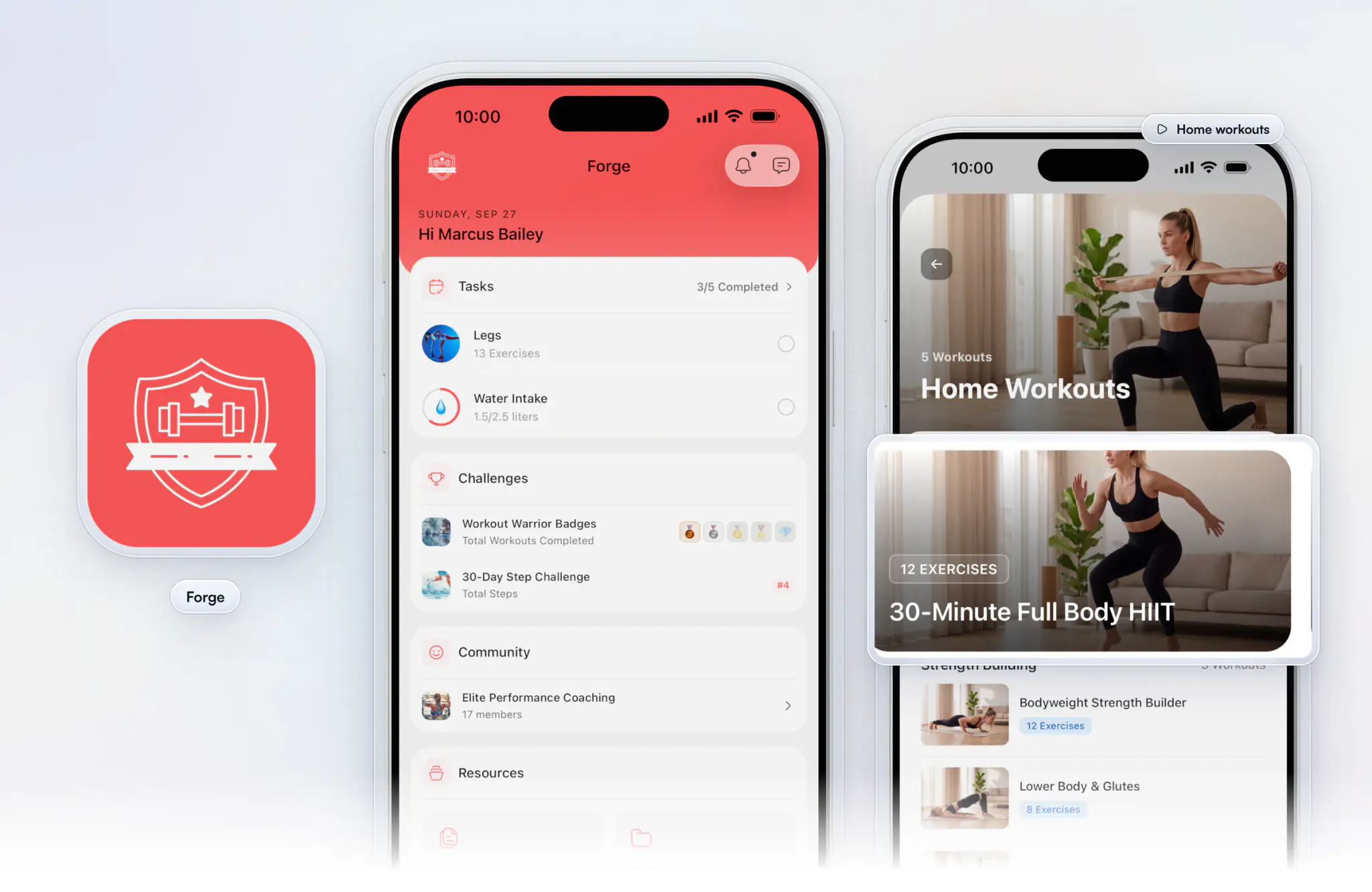
Forge, above, is an example branded app: the same HubFit platform, dressed in one gym's red, from today's tasks to the home workouts members stream on a busy day.



Your own app on the App Store and Google Play
- No setup fee
- Live in 7 to 10 business days
- Built and maintained by us
Why does a gym member app keep people coming back?
A gym member app keeps people coming back because it gives them a reason to open your gym every day, not just twice a week.
A class or a PT session is an hour. Between visits, the app is where members see today's workout, log their meals, tick off habits and check where they sit on the leaderboard. That daily contact protects retention when visit frequency quietly slips.
In one gym operator's six-month test, members who got regular digital touchpoints kept visiting almost as often, while the rest came 16.8% less, Health Club Management reported.
What do members use a gym app for between visits?
Members use a gym app for the training, eating and habits that happen outside your walls. Here is an example week for a member who visits twice.
| Day | What they open your app for |
|---|---|
| Monday | Today's program, logging every set |
| Tuesday | Logging meals against their macros |
| Wednesday | A habit reminder: water intake or meal prep |
| Thursday | A 30-minute follow-along home workout |
| Friday | Their weekly check-in for their coach |
| Saturday | Their place on the step challenge |
| Sunday | A new PR, shared in your community |
That is seven reasons a week to think about your gym, and none of them needs a staff member on the floor. They fall into two groups: the coaching members follow, and the extras that pull them back in on their days off.
How does your coaching carry on between sessions?
The hour on your gym floor only pays off if the rest of the week supports it. When each member's program, food and habits live in your app, your coaches can see who trained, who ate to plan and who is drifting, and step in before a quiet week turns into a lapsed membership.
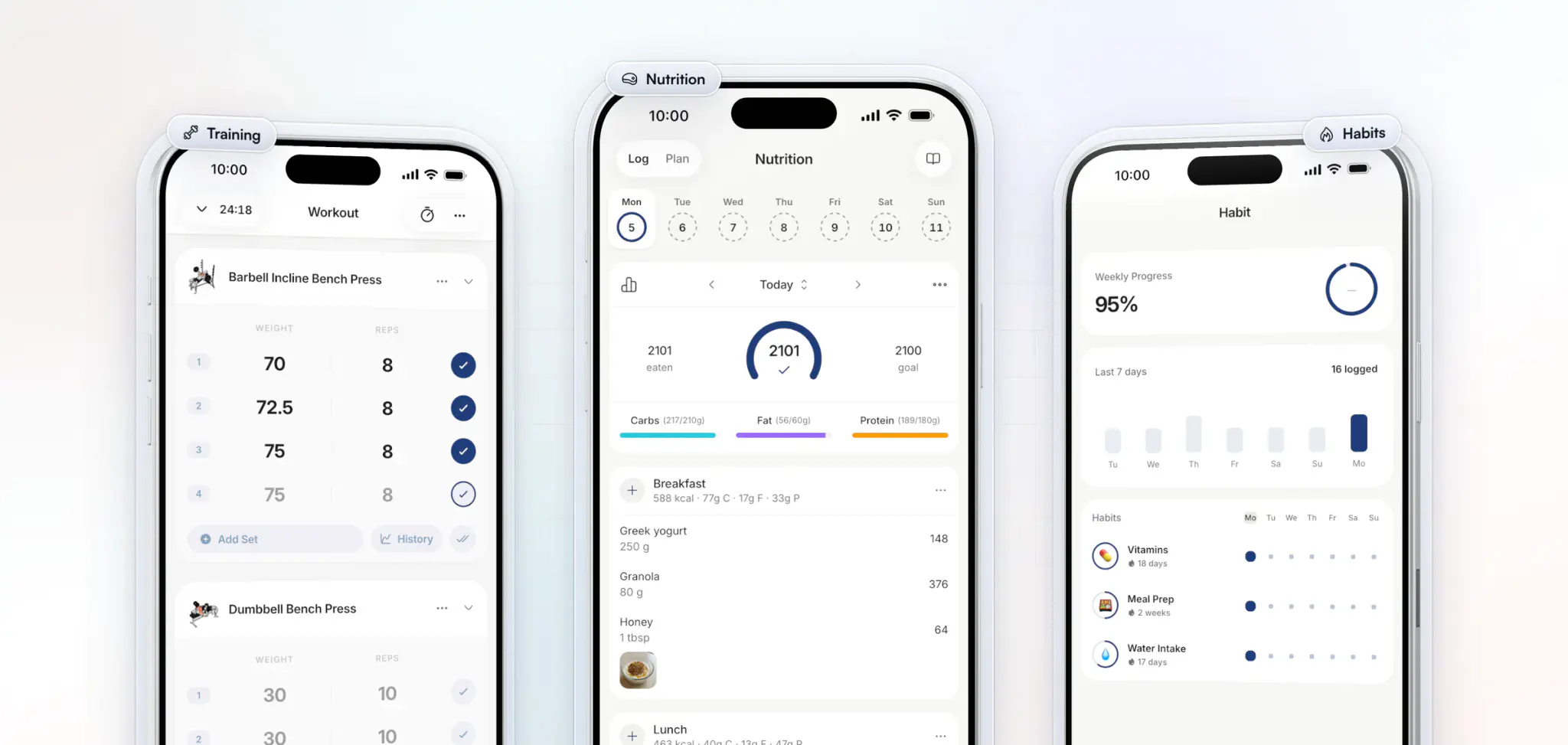
- Training. Members log every set against the program their coach built, and new PRs are tracked automatically.
- Nutrition. Meals logged against calorie and macro targets, with a barcode scanner for packaged food.
- Habits. Daily habits like water intake, vitamins and meal prep, with streaks and reminders in each member's time zone.
What keeps members opening your app on rest days?
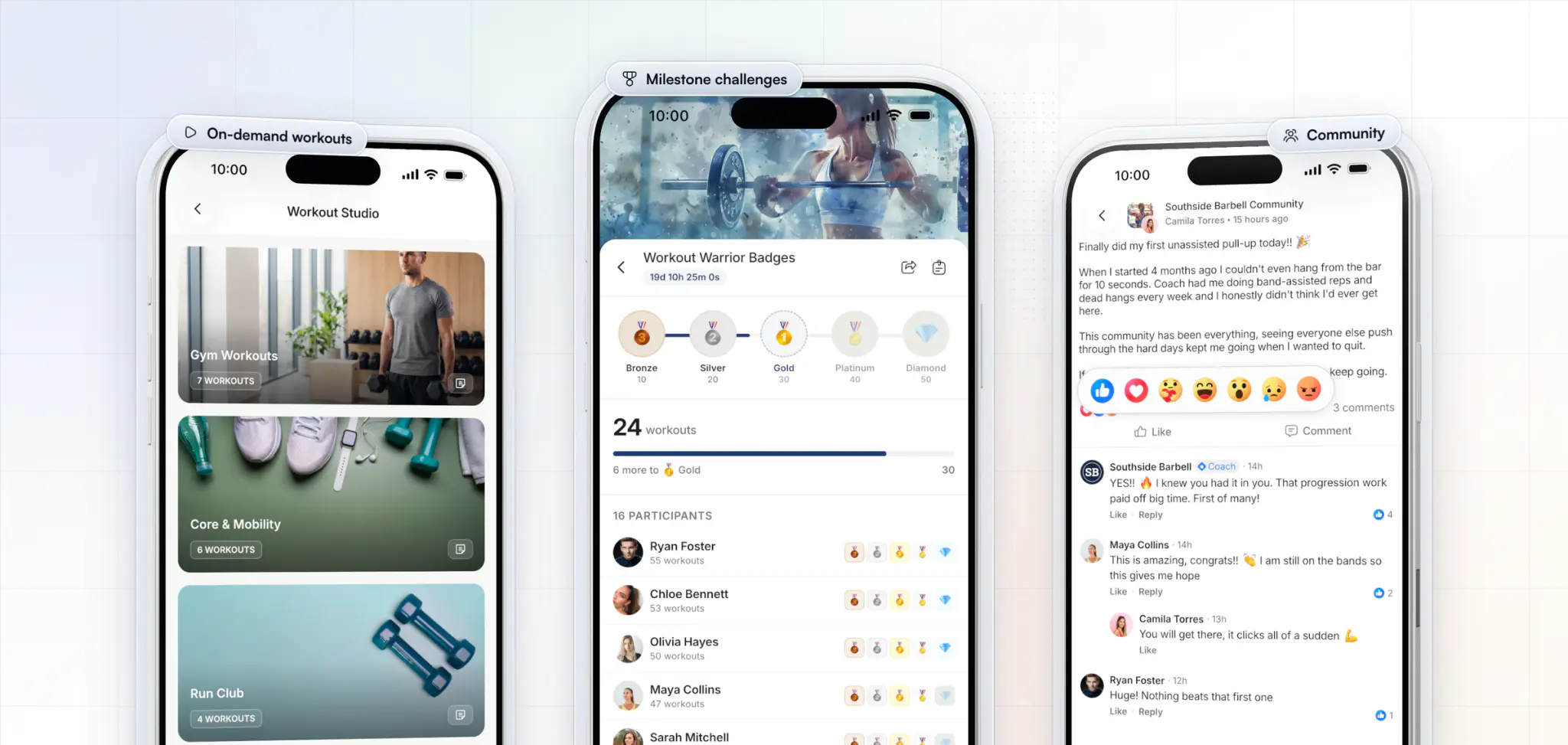
A program keeps members on track, but challenges and community are what make them open your app on a day off. They carry your gym floor home: the same faces, the same banter and the same pride in showing up.
- On-demand workouts. Your own follow-along videos, streamed in the app for busy days and travel.
- Milestone challenges. Members earn badges, from Bronze to Diamond, as they reach the targets you set.
- Community. A private feed where members post their wins and cheer each other on, and your coaches join in.
Why launch your gym's app with HubFit?
HubFit is the #1 coaching app, rated 4.9 on the App Store and Google Play, and the Branded App puts all of it on members' phones under your gym's name. You never build or maintain anything.
What you get:
- The whole platform, branded. Everything above, plus meal plans, check-ins, progress tracking and messaging, all in your app.
- Content ready on day one. 5,000+ exercise videos and 5,000+ recipes, so your coaches program from a full library instead of filming every movement.
- Built and kept current for you. We build the iOS and Android apps, prepare both store listings and handle App Store and Google Play review. New features and fixes reach your app automatically, so maintenance is never your job.
- Free for your members. They download your app and sign in. Members already on HubFit keep their programs, history and messages.
- Room for your whole team. Route new members to the right coach by package or location, and each coach sees only their own members.
All we need from you is your logo, your brand color, your app name and your two developer accounts, which we set up with you step by step.
How do I make an app for my gym?
With HubFit, you make an app for your gym in four steps: apply, set up your developer accounts, let us build and submit it, then launch it to members. Here is who does it at each step.
- Apply (you, a few minutes). Send your business details. When it's your turn, we help you settle your app name, icon and brand color.
- Set up your developer accounts (you, with us). Your business enrolls with Apple and Google Play as an organization, with a free D-U-N-S number. We guide you through each one.
- Build and store review (us). We build the iOS and Android apps, write the store listings and privacy policy, and take both through review: typically 7 to 10 business days.
- Launch to your members (you, with your app live). Members search your gym's name, download and sign in.
Ready now? Apply for your branded gym app; there's nothing to pay to apply.
How do you get members to download your gym's app?
You get members to download your gym's app by making it the way they get their workouts from day one. A launch week that works:
- Load it before you announce it. Put each member's program in the app first, so the first thing they see is today's workout.
- Put it everywhere members already look. A QR code at the front desk and in the changing rooms, a line in your welcome email, a mention at the start of every class.
- Launch with a challenge. A 30-day step or workout challenge gives everyone a reason to join in week one, and members can post their share cards to Instagram.
- Start the community. Post a welcome thread and pin it, so new members see a busy feed, not an empty one.
- Make it part of joining. New members download the app as part of signing up, so every new member starts in it.
How much does a white label gym app cost?
A white label gym app with HubFit costs $189 a month on top of your HubFit subscription, plus the store fees you pay Apple and Google directly. There is no setup fee.
| Cost | Amount | Paid to |
|---|---|---|
| Branded App add-on | $189/mo | HubFit |
| Apple Developer Program | $99 a year | Apple |
| Google Play Console | $25 once | |
| Year one, add-on + fees | $2,392 |
Year one is $2,268 for the add-on plus $124 in store fees. From year two the Google fee drops off: $2,367 a year. Updates, store listings, store review and the privacy policy are all part of the $189.
Compare that with a custom app. By our estimate, building one costs about $80,000 to $250,000 and takes 6 to 12 months, then $2,000 to $5,000 a month to run. With HubFit there is nothing to build: apply for your own branded fitness app instead.
Which gyms is a branded app right for?
A branded app is right for any gym whose members train between visits, or that wants them to. What you lead with depends on the gym you run, from a boutique gym to a hybrid gym that coaches members in person and online.
| If you run | Lead your app with |
|---|---|
| A boutique gym | Follow-along workouts and challenges |
| A personal training gym | Programs, check-ins and messaging |
| A strength gym | Programs with automatic PR tracking |
| A hybrid gym, in person and online | One app for both kinds of member |
| A gym with several coaches | Routing new members to each coach |
FAQ
These are the questions gym owners ask most before launching their own member app.
How much does a white label gym app cost?
$189 a month on top of your HubFit subscription, with no setup fee. Apple charges $99 a year and Google $25 once for your developer accounts. Applying is free. Building your own costs far more: see what a fitness app costs to develop.
How long does it take to launch a branded gym app?
Apps are typically live in 7 to 10 business days once your Apple and Google developer accounts are ready. Pick your app name early: these gym name ideas help.
Can my gym's app handle class booking and check-in at the door?
It works alongside them. Keep your booking software, your access system and your POS for the front desk. The branded app covers training, nutrition, check-ins, habits, challenges, community and on-demand content on the days members aren't in the building.
Will members have to create new accounts?
Not if they already use HubFit. Once your app is live, they download it from the App Store or Google Play and sign in with their existing details. Their programs, workout history and messages are all there, which helps keep gym members through the switch.
Do I need a developer to build my gym's app?
No developer or agency. Your app is published from your business's own Apple and Google Play accounts, so the listing names your gym, and we set both up with you. Then we handle the build, the store listings and the review. Here is how getting a fitness app onto the App Store works.
What happens to my app when HubFit adds new features?
New features and fixes reach your app automatically, and we maintain both apps for you, so members always have the latest version under your name. See everything else gyms get in HubFit for gyms.
Your gym, on every member's phone
You don't need developers, an agency or a six-figure budget to give members an app with your name on it. Apply today, and we'll start with your app name, icon and color.



Your own app on the App Store and Google Play.
- Your name, icon & colors
- On the App Store & Google Play
- Built & maintained by us


Maya Moves
by Maya Brooks