
Blog
Product updates, guides, and coaching insights from the HubFit team.
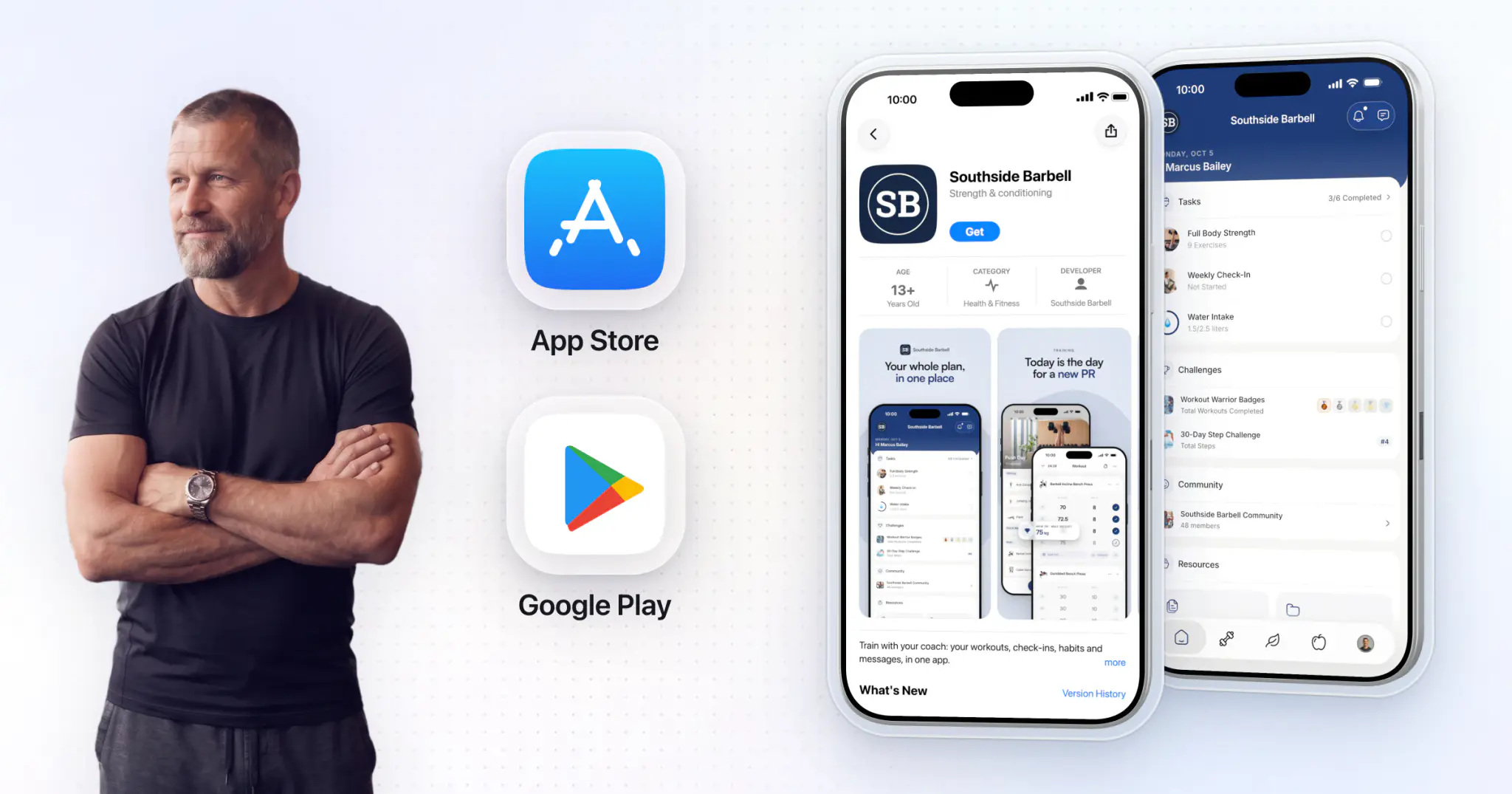
White label gym app: live in 7 to 10 business days
Your gym's name on members' phones with HubFit's Branded App: what it does, what it costs and how fast it launches.

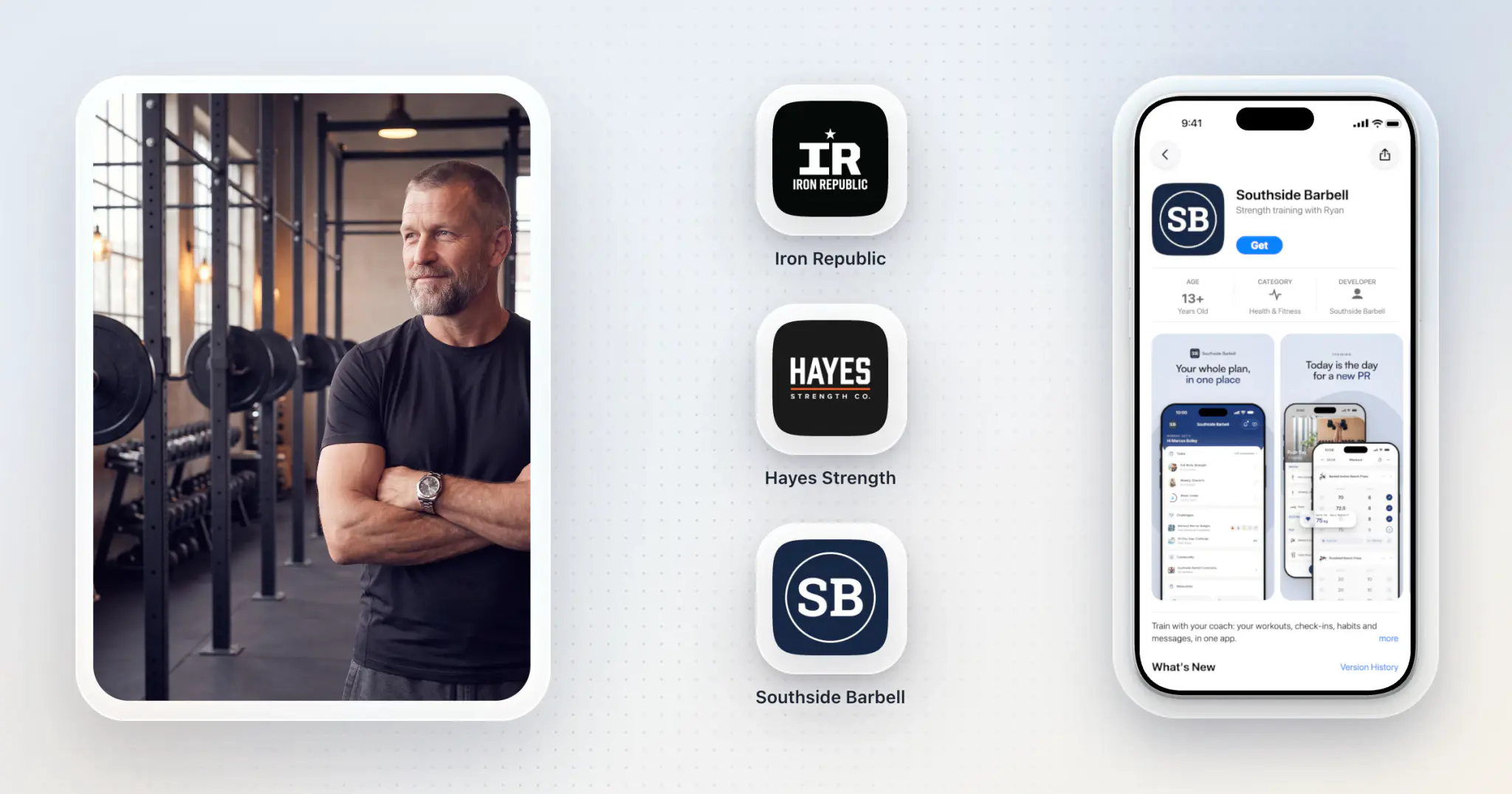
Gym Names: 60 Ideas and a Name Check
60 original gym names by type, each with its home-screen name, and how to check yours is free before it goes on your own app.
40 Fitness Challenge Ideas for Coaches, With the Scoring Rules for Each
Forty fitness challenge ideas for your clients, from step and workout challenges to gym and group ideas, each with what counts, the mode and the length. Plus a 30-day plan, tier math, a 12-month calendar and a launch message.
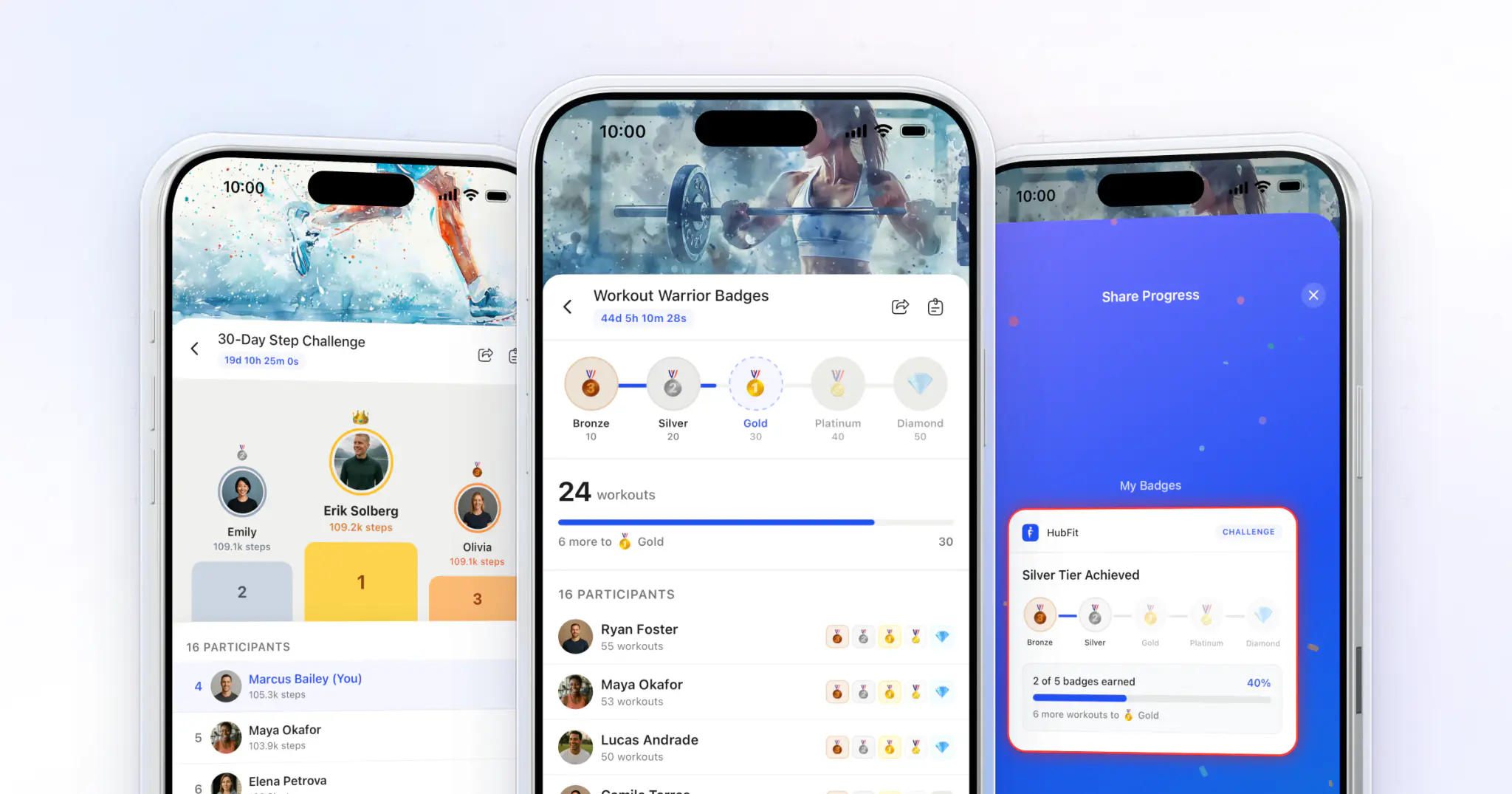
Step Challenge: How to Run One for Coaching Clients
How to run a step challenge your clients finish: a copyable 30-day template, how many steps a day to aim for, tiers from their own baseline, rules, team play and ideas.

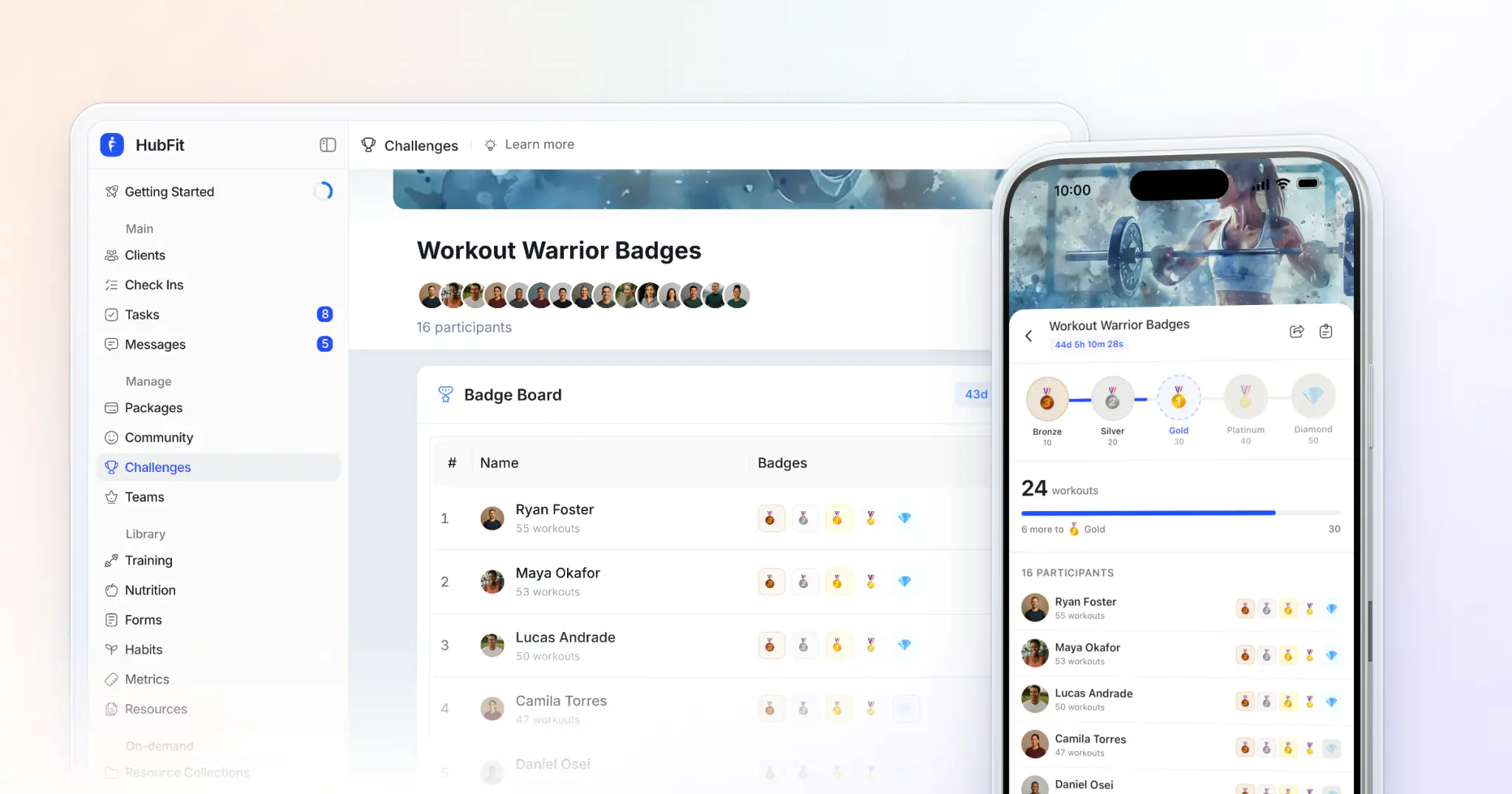
Milestone Challenge vs Leaderboard: Which to Run
When to rank clients on a leaderboard, when to reward them with milestone badges, how to keep a leaderboard fair, and how to pick five tiers so every client earns one.
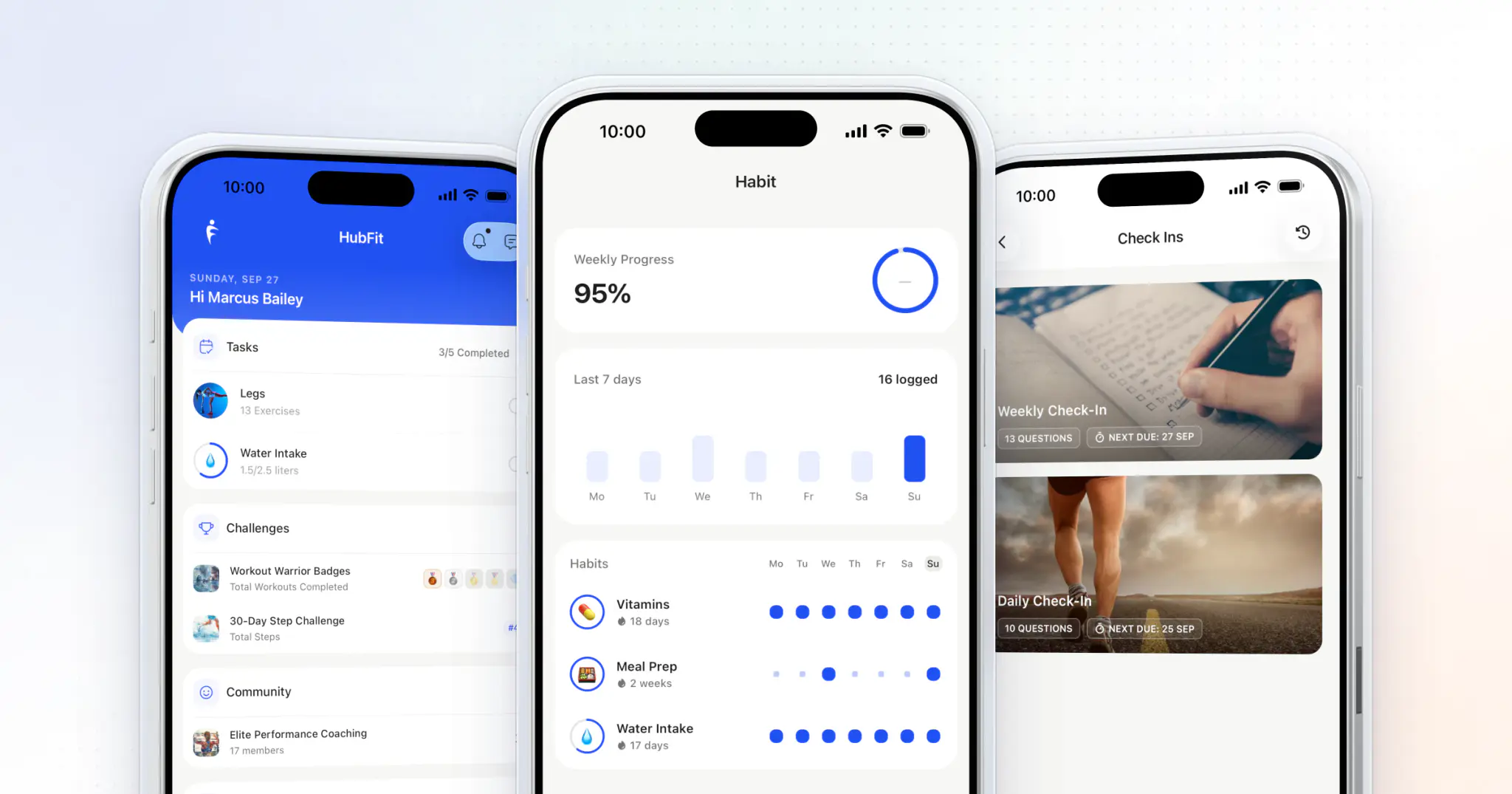
How to Keep Clients Accountable Between Check-Ins
Keep clients accountable between check-ins with a week-one agreement, a daily anchor, visible progress, fast feedback and a plan for the ones who go quiet.
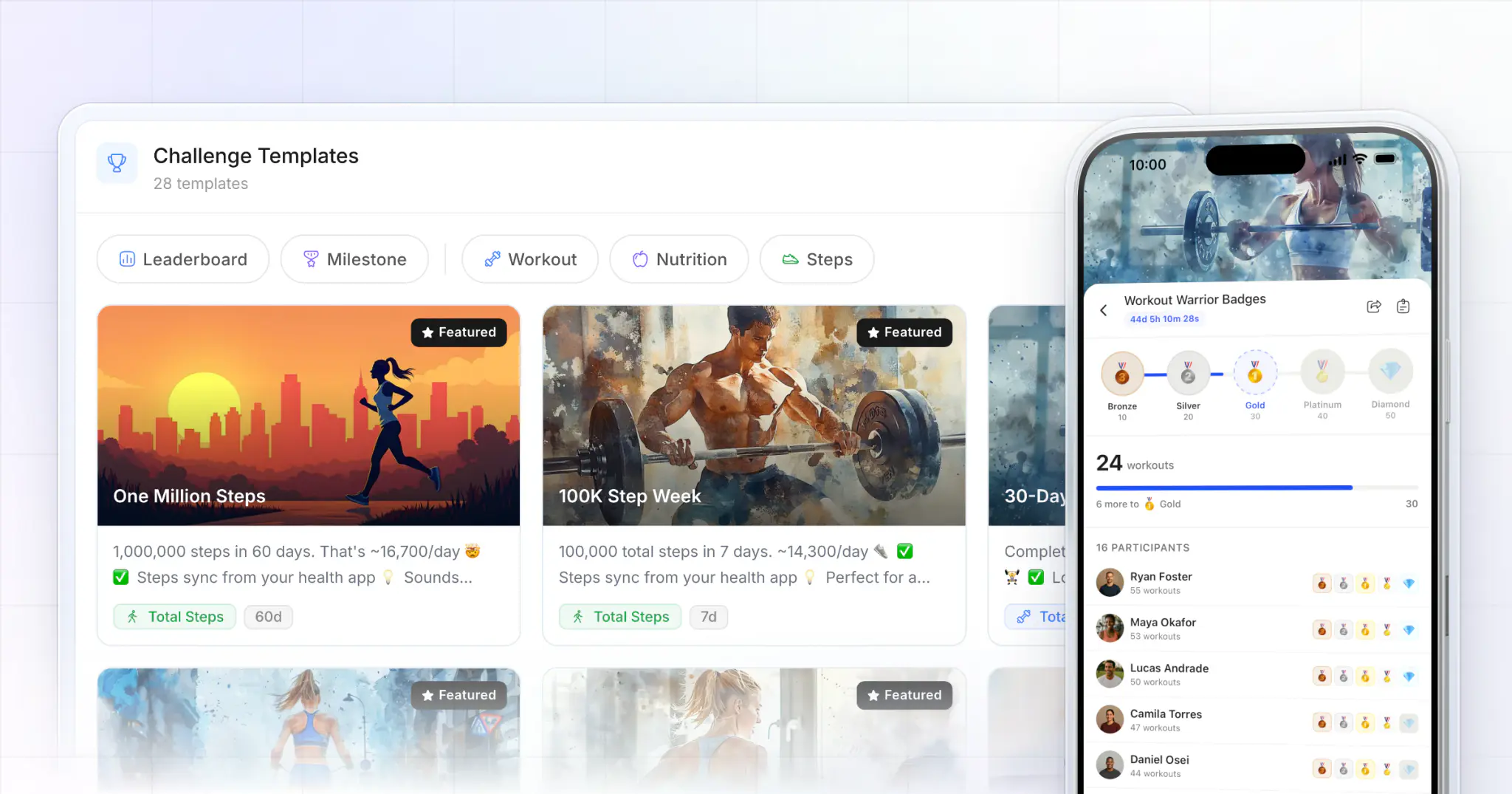
Fitness Challenge Software: Our Top Pick for Coaches
HubFit is our top pick: leaderboards and badges that track workouts, food logs and steps by themselves, and challenges you can sell or give away for leads. Here's how 5 others compare.
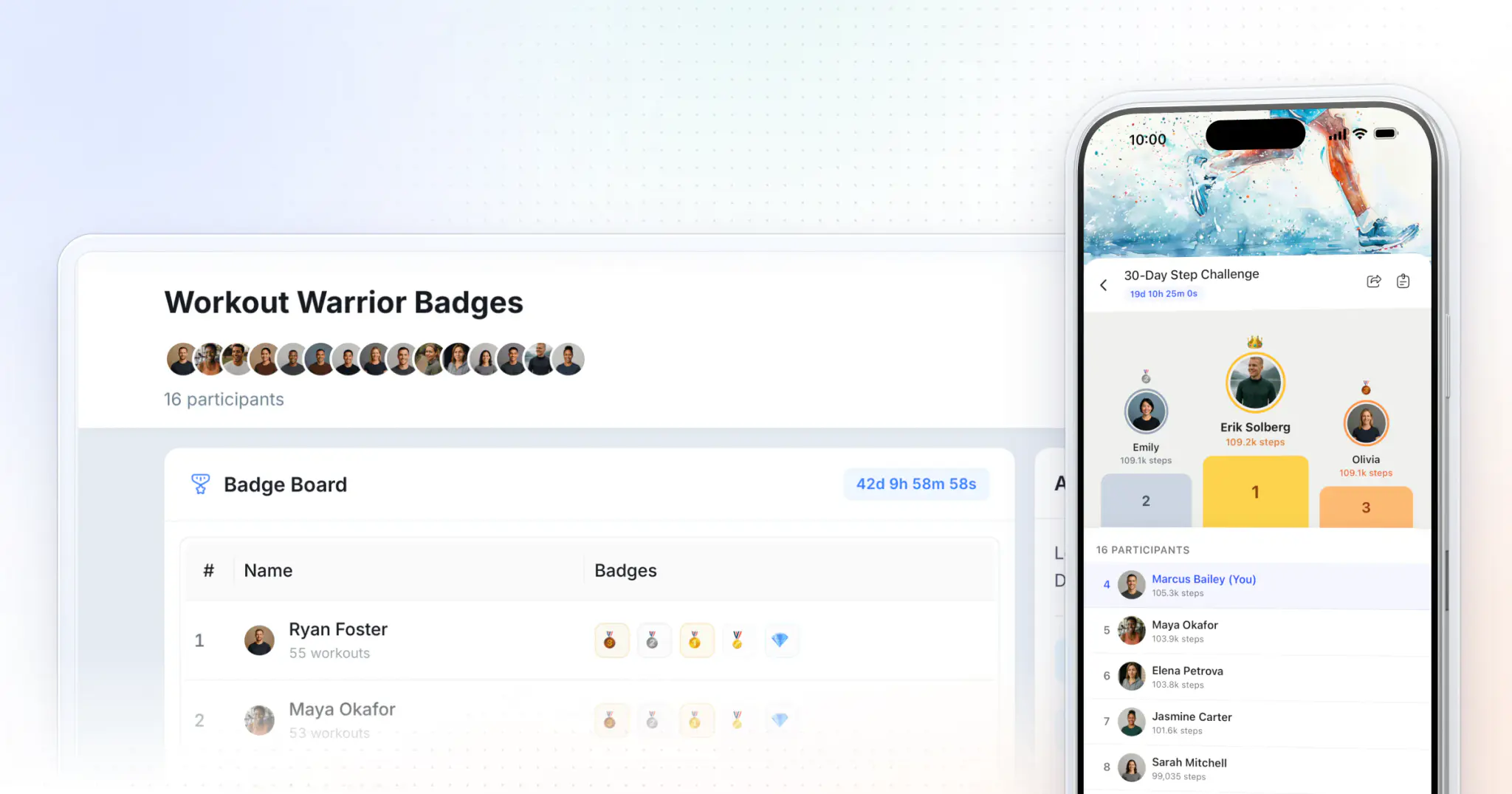
How to Start a Fitness Challenge for Your Clients
Start a fitness challenge in seven steps, for the clients you coach or as a free challenge that wins new ones: one behavior, the right mode (leaderboard or milestone), a length, badge tiers, rules, a launch message and an ending.
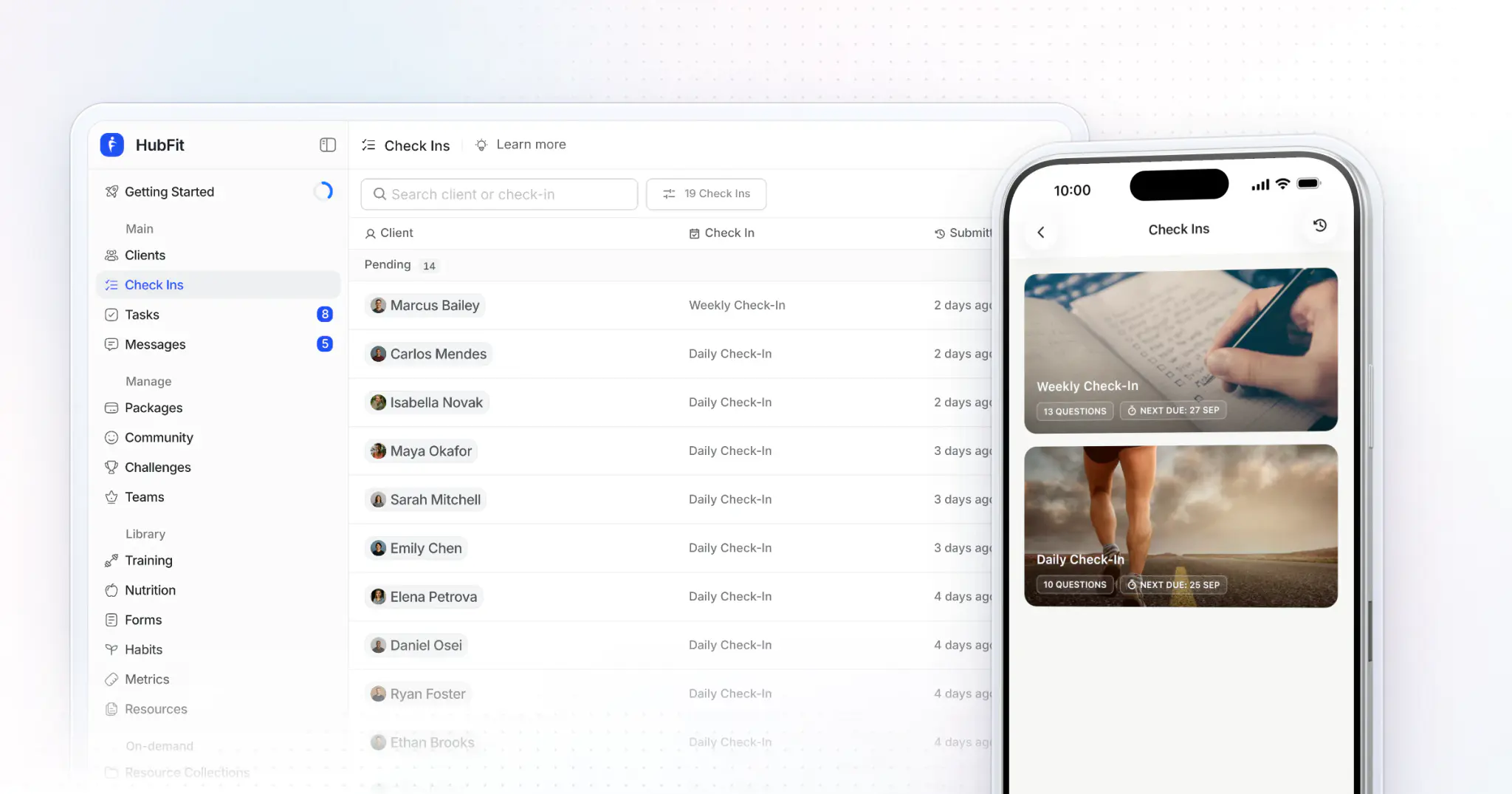
How to Do Client Check-Ins as an Online Coach in 2 Minutes
A five-step check-in system for online coaches: a short form, a fixed day, the trend and a reply in about two minutes per client, plus a weekly form to copy.
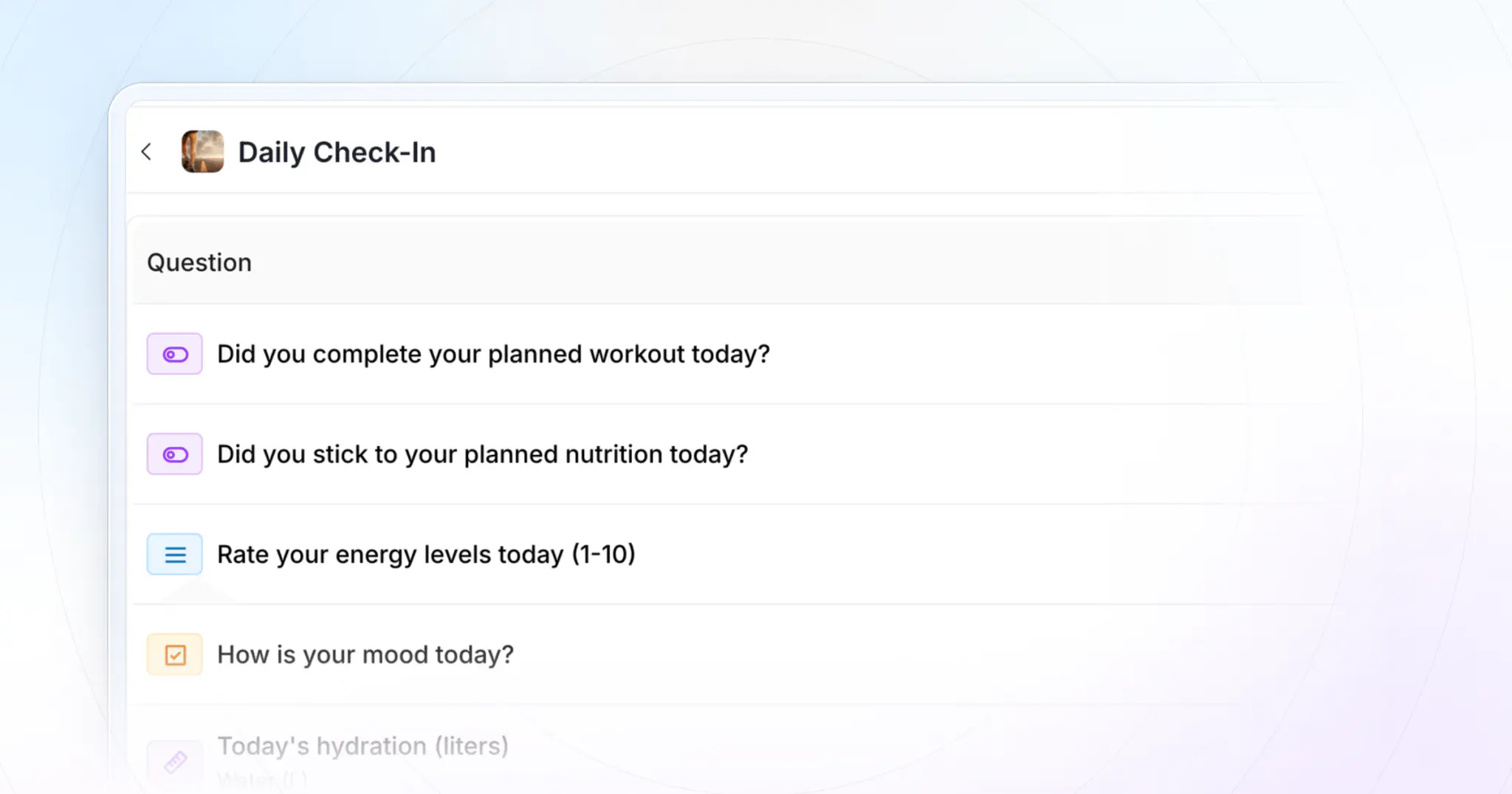
Daily Check-In Form Template for Online Coaches
A free seven-question daily check-in form template your clients finish in under a minute: copy it as a form or a spreadsheet, see a filled-in week, and learn how to reply.
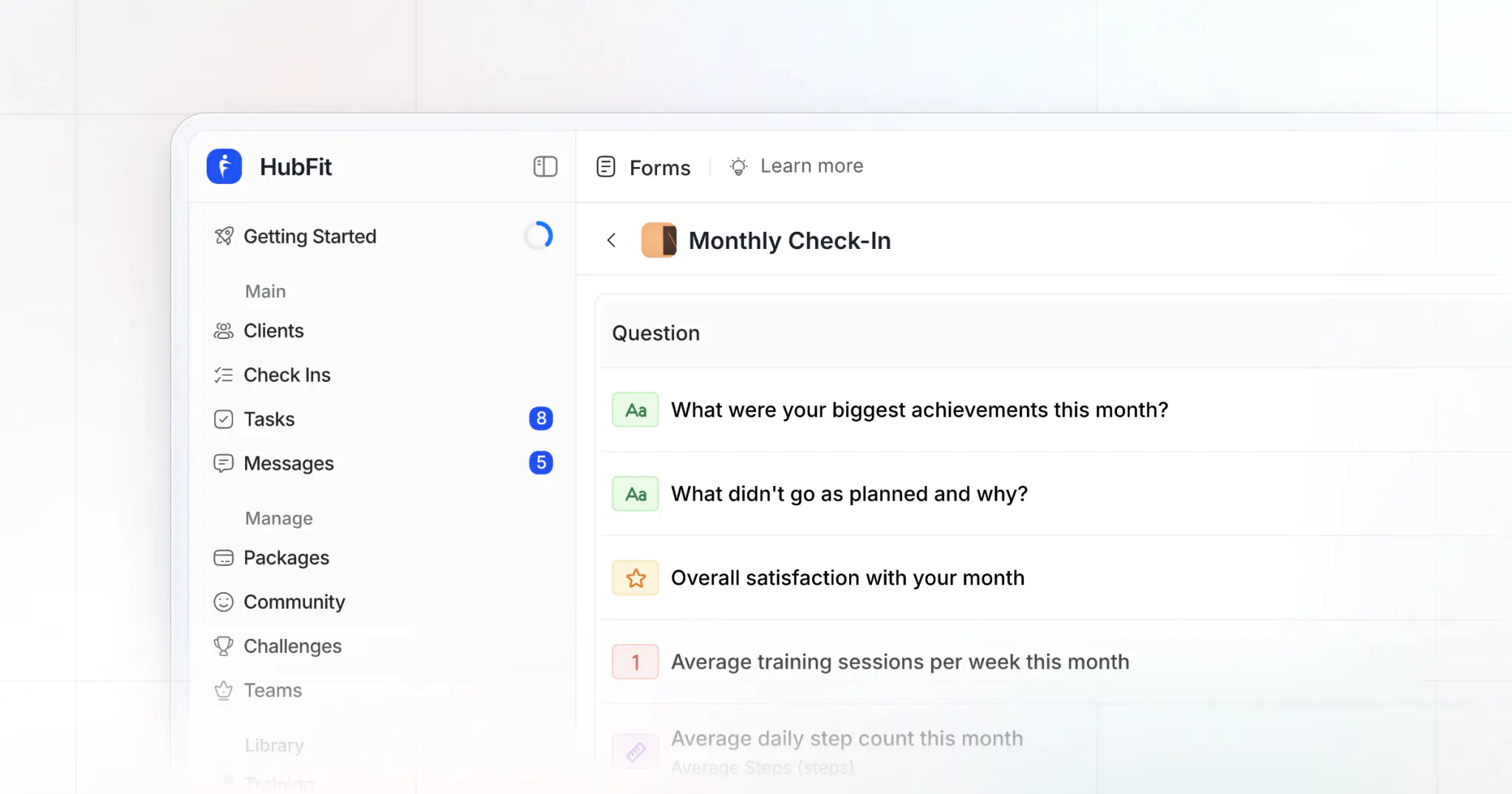
Monthly Check-In Form Template for Online Coaches
A 12-question monthly check-in form template to copy, 18 optional questions by goal, weekly vs monthly compared, a filled-in month and a 20-minute review routine.
Weekly Check-In Form Template for Online Coaches
A free weekly check-in form template: 12 fields in four parts and a coach's reply box, to copy as a form or a spreadsheet, with a filled-in week and the mistakes to avoid.
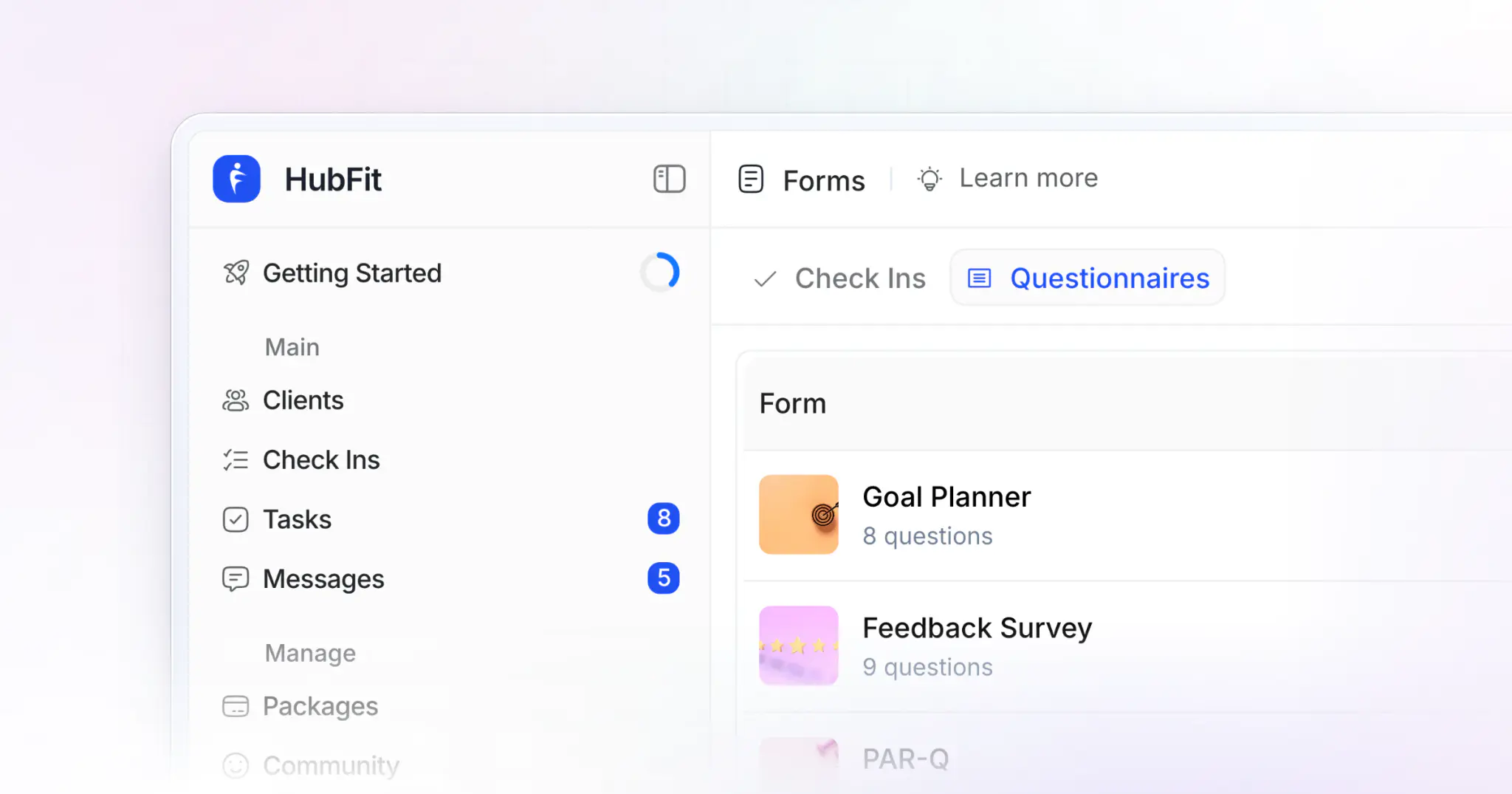
Nutrition Coaching Questionnaire: 22 Questions to Copy
22 nutrition coaching questions to copy as a ready form: 10 to ask once at intake and 12 for the weekly check-in, each with its answer type, plus questions by goal and a worked example.
How to Retain Online Coaching Clients: 7 Strategies
Seven ways to keep online coaching clients longer, with the churn math, an early-warning routine and what to say the week a client goes quiet.
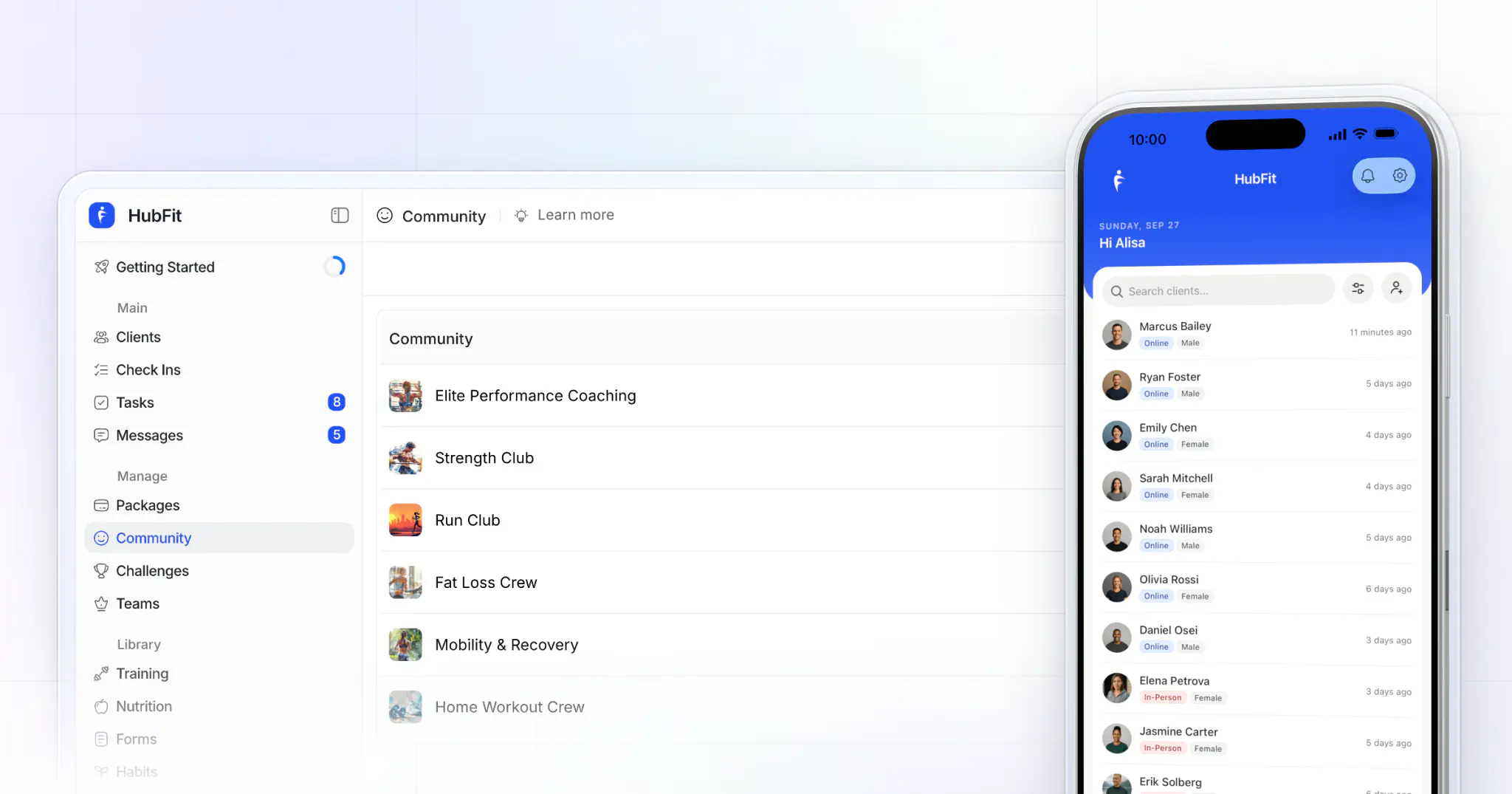
Gym Member Retention: 10 Strategies That Work
Gym member retention is won between visits. Ten strategies, the tools you need, how to measure churn, LTV and NPS, and what to say when a member asks to cancel.
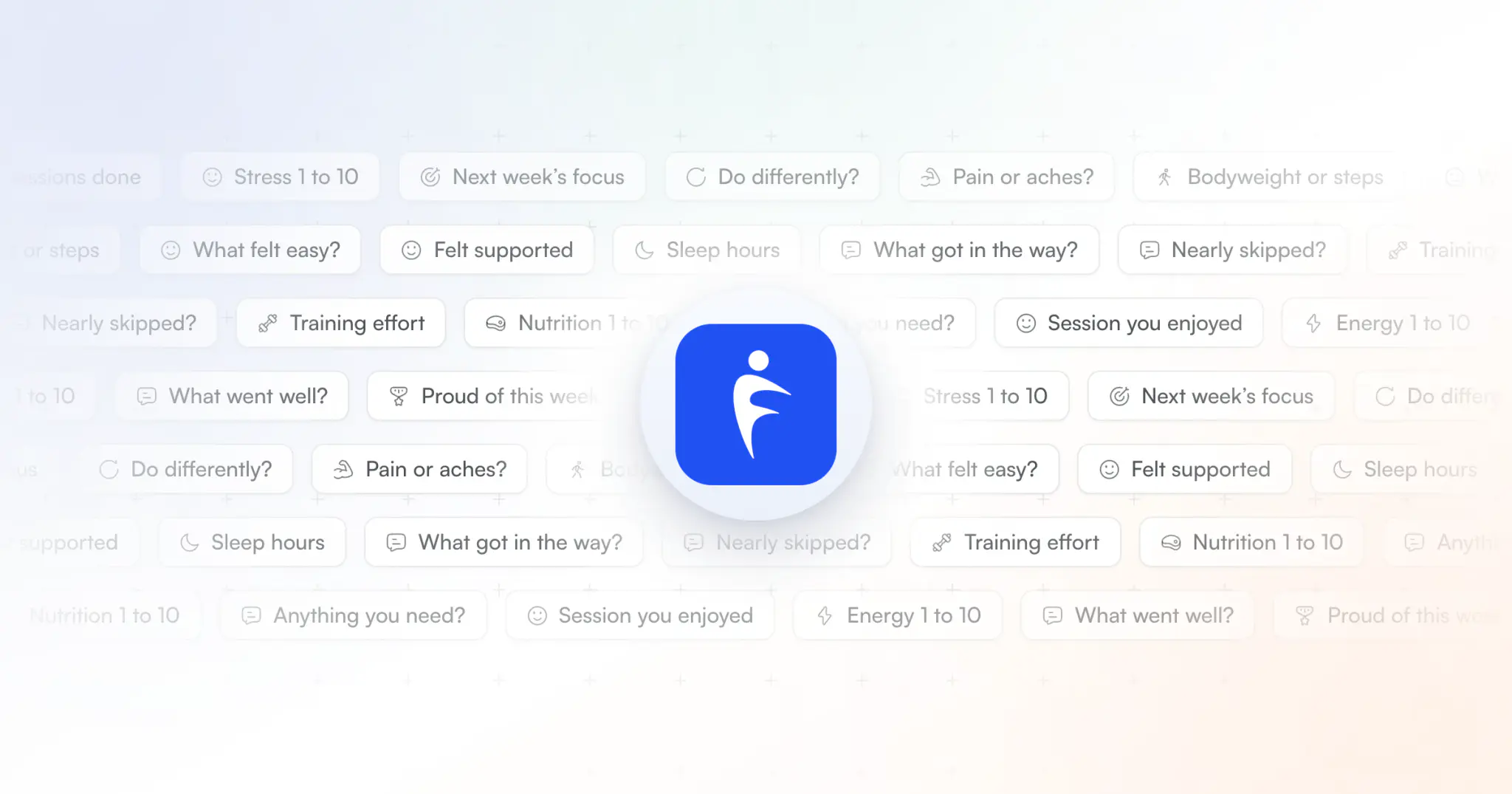
Client Check-In Questions: 30 to Copy and Use
30 client check-in questions for coaches and personal trainers: the weekly 12 with answer types, six deeper ones to rotate in, and 12 by client goal.
Supercharge your coaching business
See why HubFit is the coaching platform of choice for modern fitness professionals.