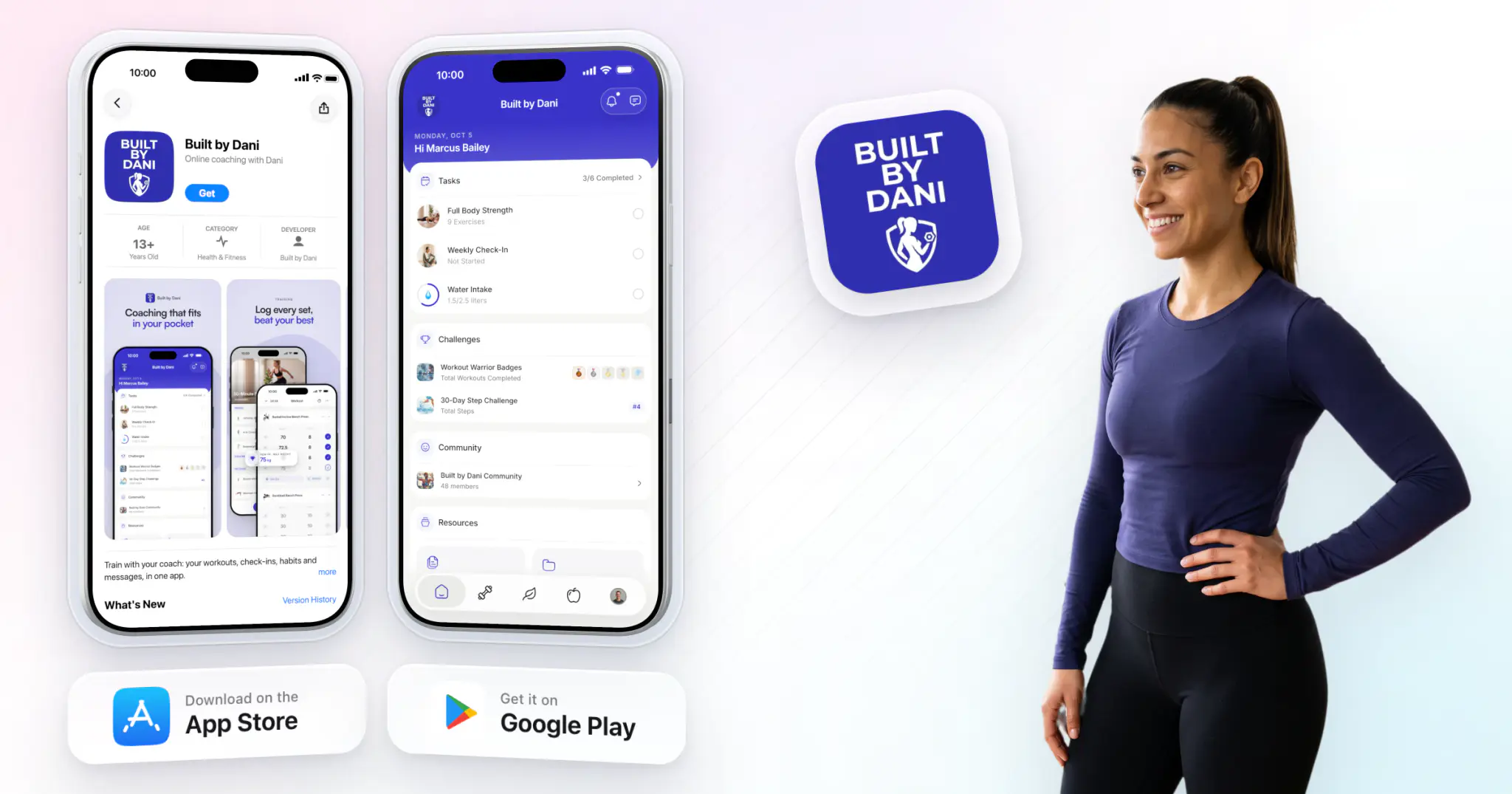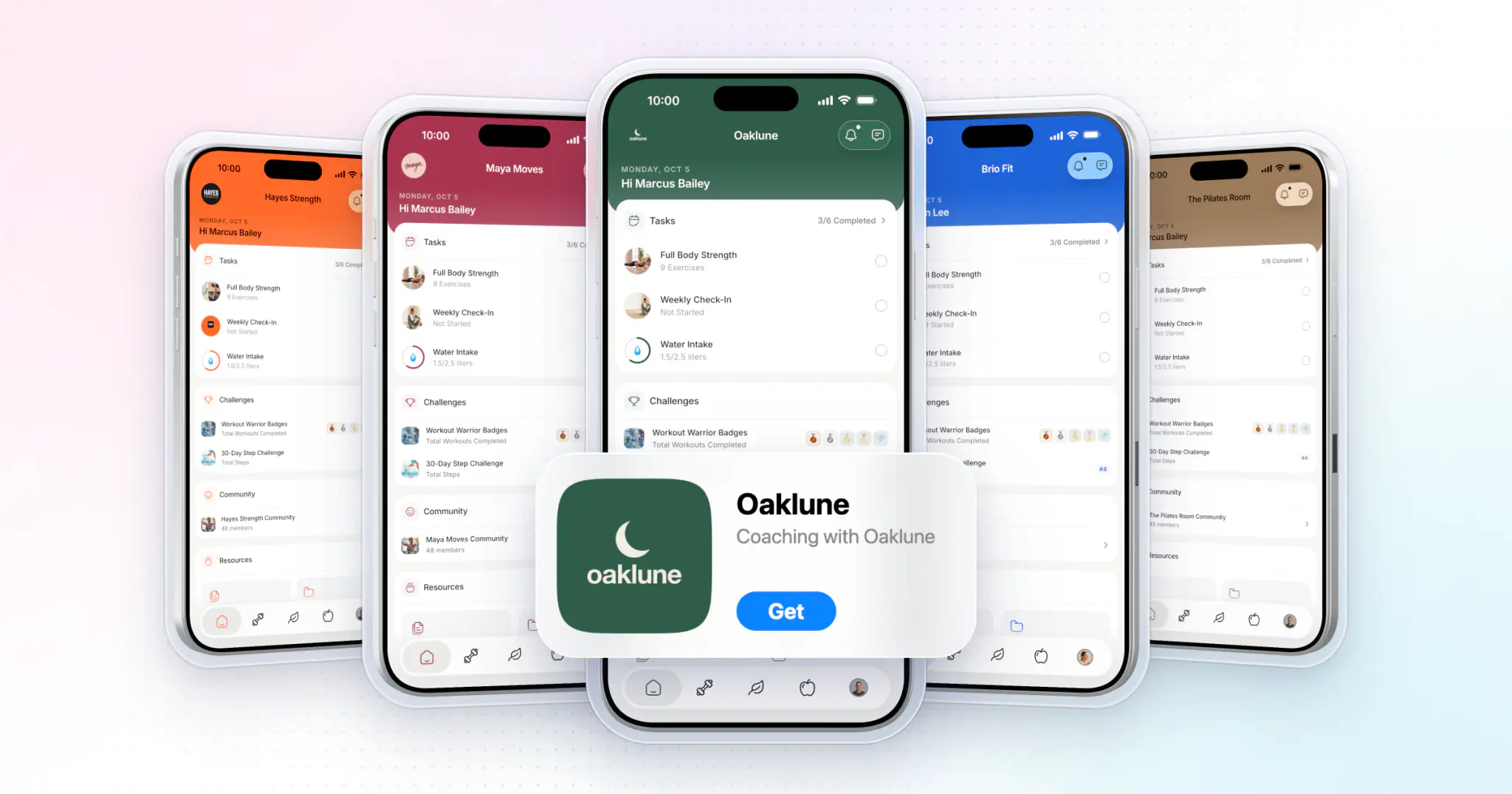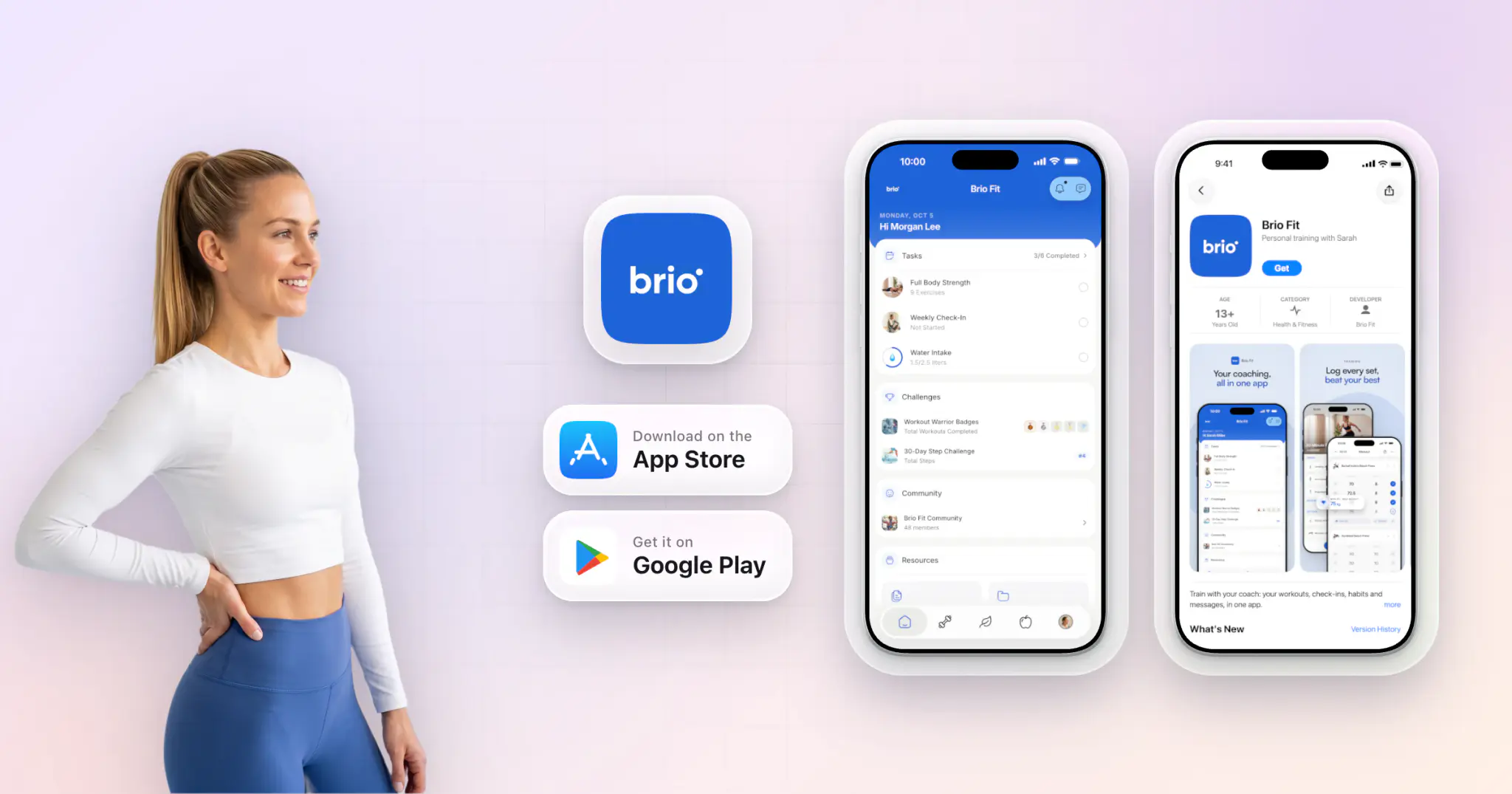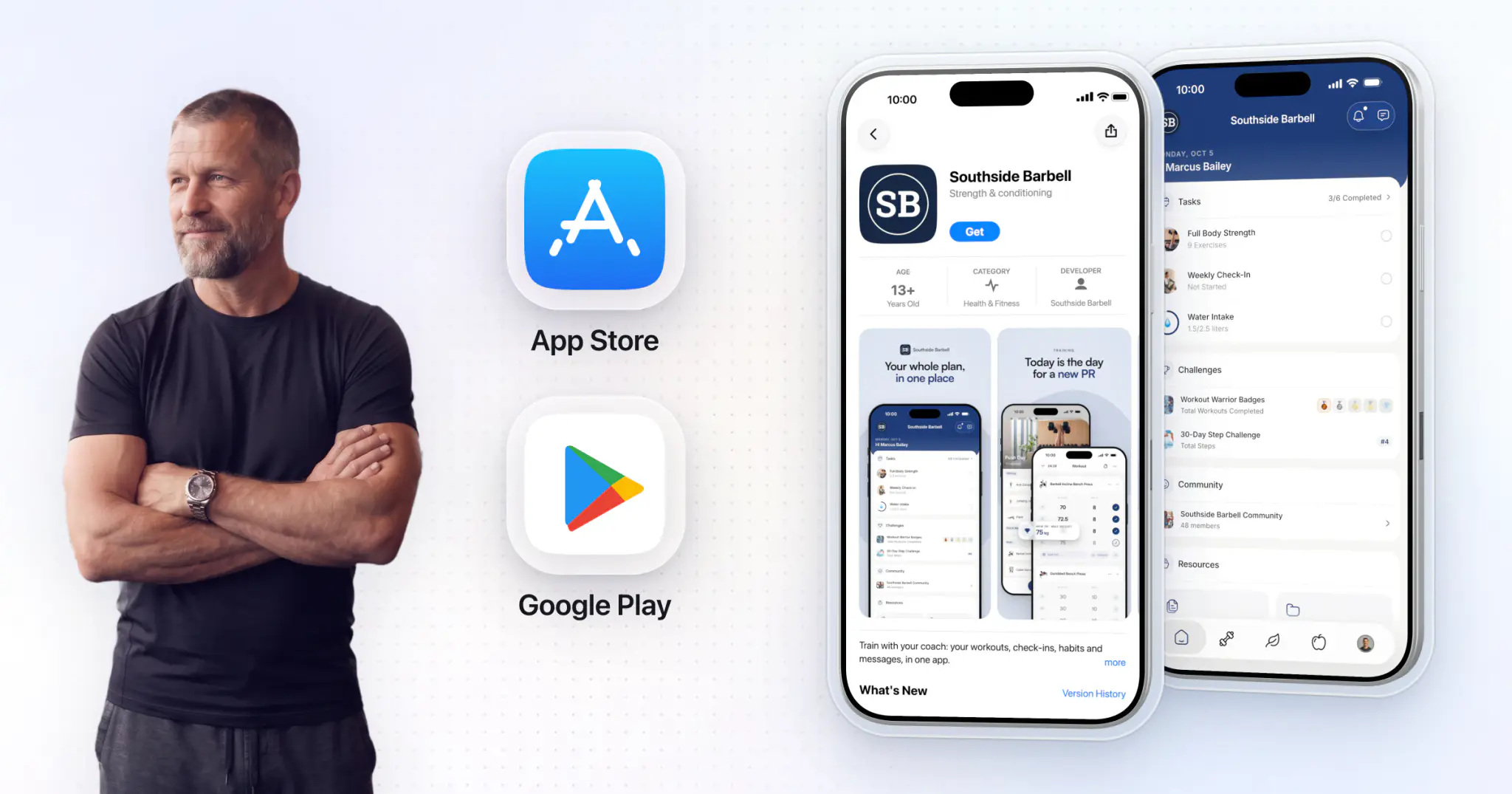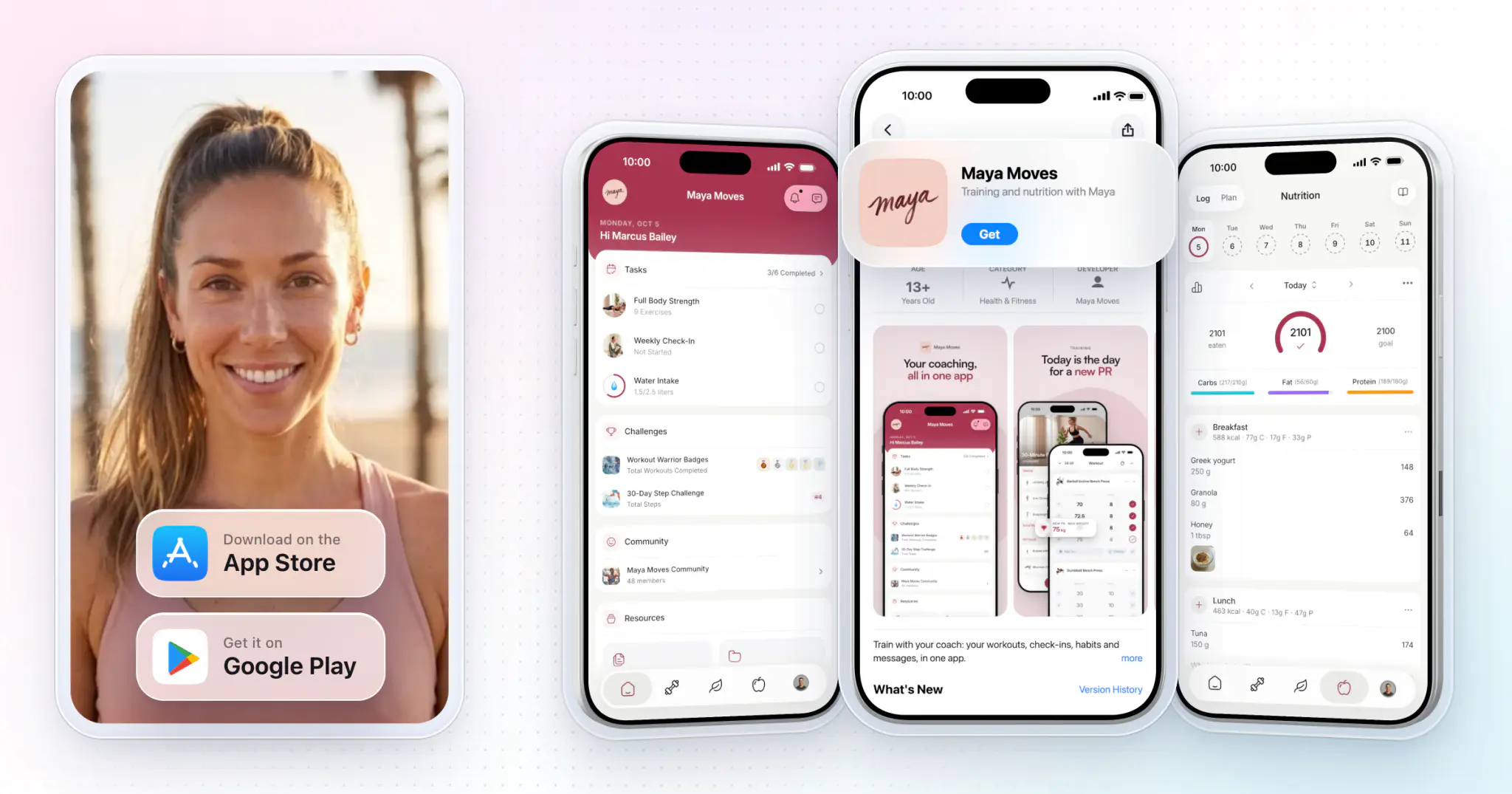
The easiest way to create a fitness app for your coaching business or gym is HubFit's Branded App: your own app on the App Store and Google Play, with your name, icon and colors. We build, submit and maintain it, and it is typically live in 7 to 10 business days once your developer accounts are ready. The other two routes make you the app company.
Key takeaways
- There are three ways to create a fitness app: hire developers, use a no-code app builder, or launch a white-label app under your brand.
- A custom build is a software project. It costs five or six figures, takes months, and needs paid updates every year as iOS and Android change.
- White-label is the quickest route for coaches. Our Branded App has no setup fee and no commitment, and we handle the build, store review, the privacy policy and every update.
What are the three ways to create a fitness app?
You can build a fitness app from scratch with developers, assemble one with a no-code builder, or launch a finished coaching app under your own brand.
| Route | Who builds it | Time to launch | You maintain |
|---|---|---|---|
| Custom build | An agency or your hires | 6 to 12 months | Code, servers, updates |
| No-code builder | You, from templates | Weeks to months | Screens, data, payments |
| HubFit Branded App | We do | 7 to 10 business days | Nothing, just coach |
A custom build means you pay an agency or a team to design and code every screen, the servers behind them and the coach tools, then fund their work every year after launch.
A no-code app builder lets you assemble an app from templates without writing code. It costs less, but you still do the product work: you design the screens, wire up payments and push notifications, and support the app yourself.
A white-label fitness app is a finished coaching app published under your brand. It is the route built for coaches, and it is what HubFit's Branded App does.
If you're a coach, trainer or gym, the Branded App fits. A custom build only makes sense for a funded app startup selling to the public.


Your own app on the App Store and Google Play
- No setup fee
- Live in 7 to 10 business days
- Built and maintained by us
What features does a coaching fitness app need?
A coaching app needs everything your clients do between sessions: train, eat, check in, keep habits, talk to you and pay you.
| Feature | What clients do | In your Branded App |
|---|---|---|
| Workout programs | Follow and log sessions | Programs, logging, records |
| Nutrition | Follow plans, log meals | Meal plans and a food log |
| Check-ins | Send weekly updates | Forms with push reminders |
| Habits | Tick off daily habits | Streaks and reminders |
| Messaging and community | Talk to you and others | Chat and a community feed |
| Progress and wearables | Track metrics, sync data | Apple Health, Health Connect |
| Payments | Buy and renew packages | Stripe checkout |
| Push notifications | Get nudged on time | Sent in your app's name |
You also need the other half: a coach dashboard where you build programs, review check-ins and manage clients. Clients see the features your HubFit account includes, so a custom build has to match all of this before it matches what you can launch with us.
How do you build a custom fitness app with developers?
You hire an agency or a team, and they take your app through roughly eight stages, from a written spec to the yearly updates that keep it in the stores.
- Write the spec. Define your target audience and the core features for a first version (an MVP), and what can wait. A tight first version keeps the budget down.
- Design every screen. A designer maps each flow for iPhone and Android: sign-up, a workout in progress, a meal log, a check-in form.
- Build the app and the backend. Developers choose the tech stack, build both apps, the servers and database, and the coach dashboard you will work from.
- Add payments. Most coaches use Stripe. Apple's guideline 3.1.3(d) lets real-time one-to-one fitness training be paid outside the app, but group live services must use in-app purchase.
- Set up push notifications. Reminders for workouts, check-ins and habits are what keep clients using the app.
- Handle data privacy. Apple asks for your app's privacy practices before it accepts the app, Google Play requires a Data safety form and a privacy policy, and an app with accounts must let users delete them in the app.
- Test with real clients, then submit. A small group of clients finds the bugs, then the app goes through App Store and Google Play review from your own developer accounts.
- Update it every year. Since April 28, 2026, Apple requires every upload to be built with Xcode 26 and the iOS 26 SDK, and Google Play requires new apps and updates to target Android 16 (API level 36) by August 31, 2026. Each new OS version means another round of paid work.
Then someone has to support your clients when the app won't log them in.
What does it cost? One development agency's 2026 guide puts a fitness app MVP at $25,000 to $30,000 and a full-featured fitness app at $60,000 to $160,000, plus about 15 to 20% of the build cost each year for maintenance. Hiring in-house costs more: the median software developer earns $135,980 a year and the median QA tester $104,300 (May 2025), so two developers and a tester for six months come to about $188,000 in pay alone. The full breakdown is in what fitness app development costs.
How do you make a fitness app with a no-code builder?
A no-code builder swaps code for templates, but the product decisions, the setup and the upkeep are still yours.
- Check what it publishes. Some builders only make a web app, so clients can't find you by searching your name in the App Store. Make sure it ships native iOS and Android apps.
- Pick a template and design your screens. You arrange the workout, nutrition and progress screens yourself, then add your logo and colors.
- Load your content. Every program, exercise video, meal plan and check-in form goes in by hand.
- Connect payments and push notifications. Most builders support both, but you wire them up and test them.
- Write your privacy policy and store forms. Apple's privacy details and Google's Data safety form are your job.
- Enroll and submit. Apple's guideline 4.2.6 rejects template-built apps unless the business behind the content submits them, so the app goes out from your own developer accounts.
- Keep it running. When iOS or Android changes, you check that your app still works, and your clients come to you when something breaks.
The cost is a monthly plan plus your hours, and those hours come out of your coaching. You also have to build the coach side: how you review a check-in or change a program has to be set up, too.
Why is HubFit's Branded App the best way to create your own fitness app?
You get a real app with your name on it, fast, with the whole HubFit platform inside and nothing to build or maintain.
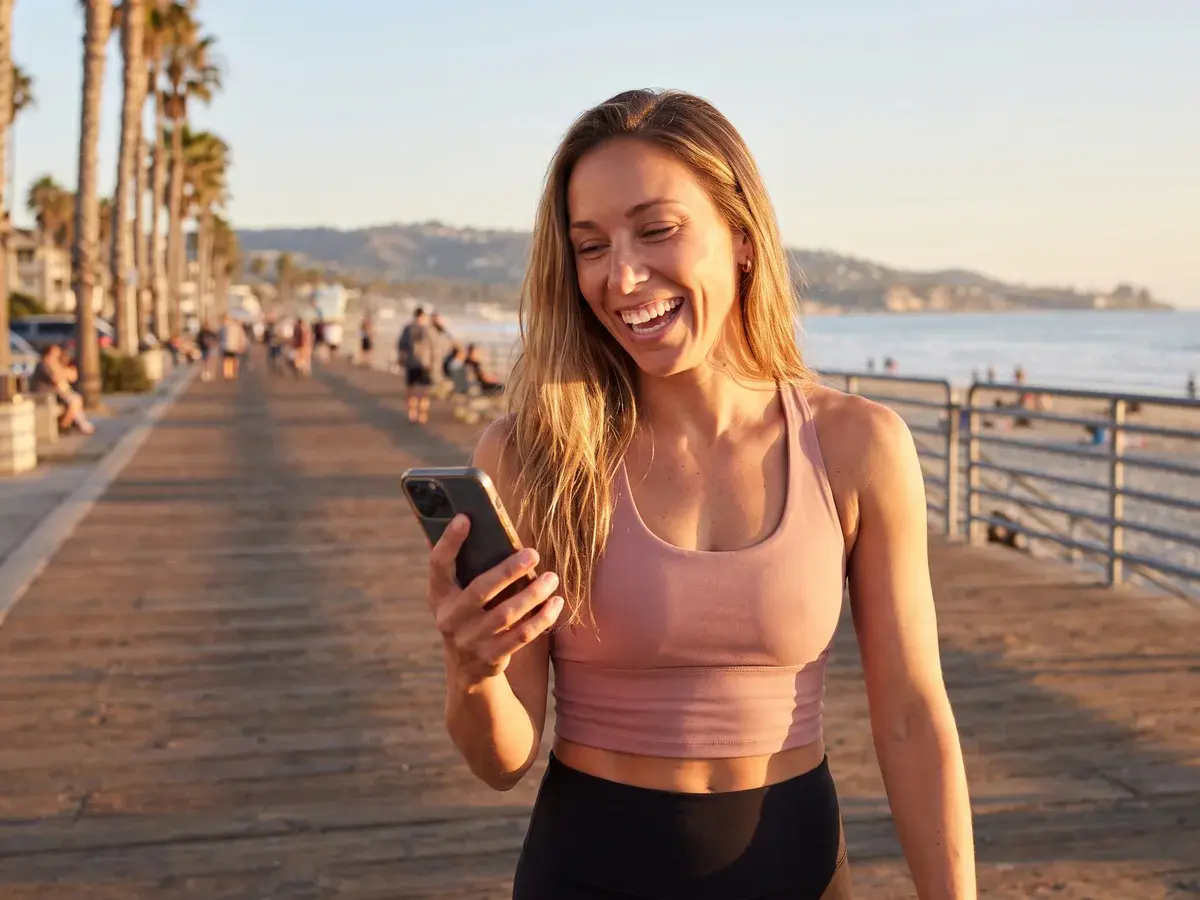
Clients search your name in the App Store or Google Play, download an app with your icon, and see your colors inside it. Picture Maya Moves, an example branded app for a coach: her icon on the client's home screen, her name on the store listing, her rose color on every workout and check-in. Here is what you get:
- Your App Store and Google Play listings, prepared and submitted for you. You are listed as the publisher.
- Store review and the privacy policy, handled for you.
- Push notifications in your name, for check-in reminders, habit nudges and messages.
- Every HubFit feature, kept up to date. Your app runs HubFit's client app under your brand, and new features reach it automatically.
That covers every stage a custom build pays for. The spec and design are done, and the yearly iOS and Android updates are ours to ship, not yours to fund.
What will your clients use every day?
These are the features from the table above, the ones a developer would code screen by screen. In a Branded App they are already built and in daily use by coaches, so you launch with the full coaching experience on day one. Your clients get a finished app, not a first version.
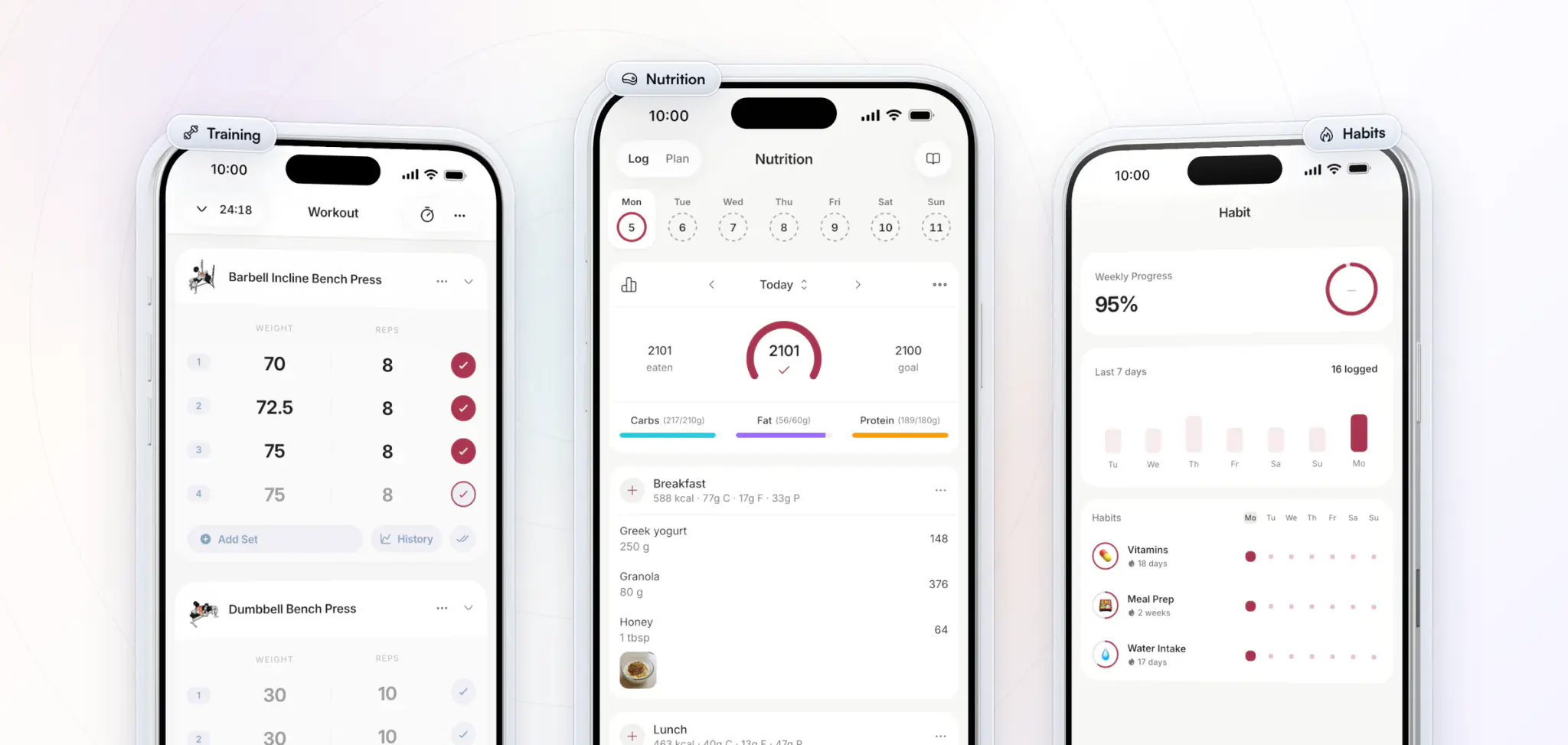
- Training. Clients follow the program you build, log every set as they go and see a personal record the moment they hit one, so you see the work, not just hear about it.
- Nutrition. They log meals by search or by scanning a barcode, against the macro targets you set, and follow your meal plans.
- Habits. Daily habits like vitamins, meal prep and water intake sit in the app with streaks and reminders, so the small things get done between check-ins.
What keeps clients coming back between sessions?
Clients rarely quit in a session with you. They drift away in the days between, when nothing pulls them back. These features give them a reason to open your app on the days you don't see them, and a client who opens your app every day is a client who renews.
- On-demand workouts. Your follow-along workout videos stream right in the app, ready anytime, at home or in the gym.
- Challenges. Milestone challenges with badges to earn, and step challenges with a leaderboard, turn consistency into a game.
- Community. A private feed in your brand where clients share wins, ask questions and keep each other going.
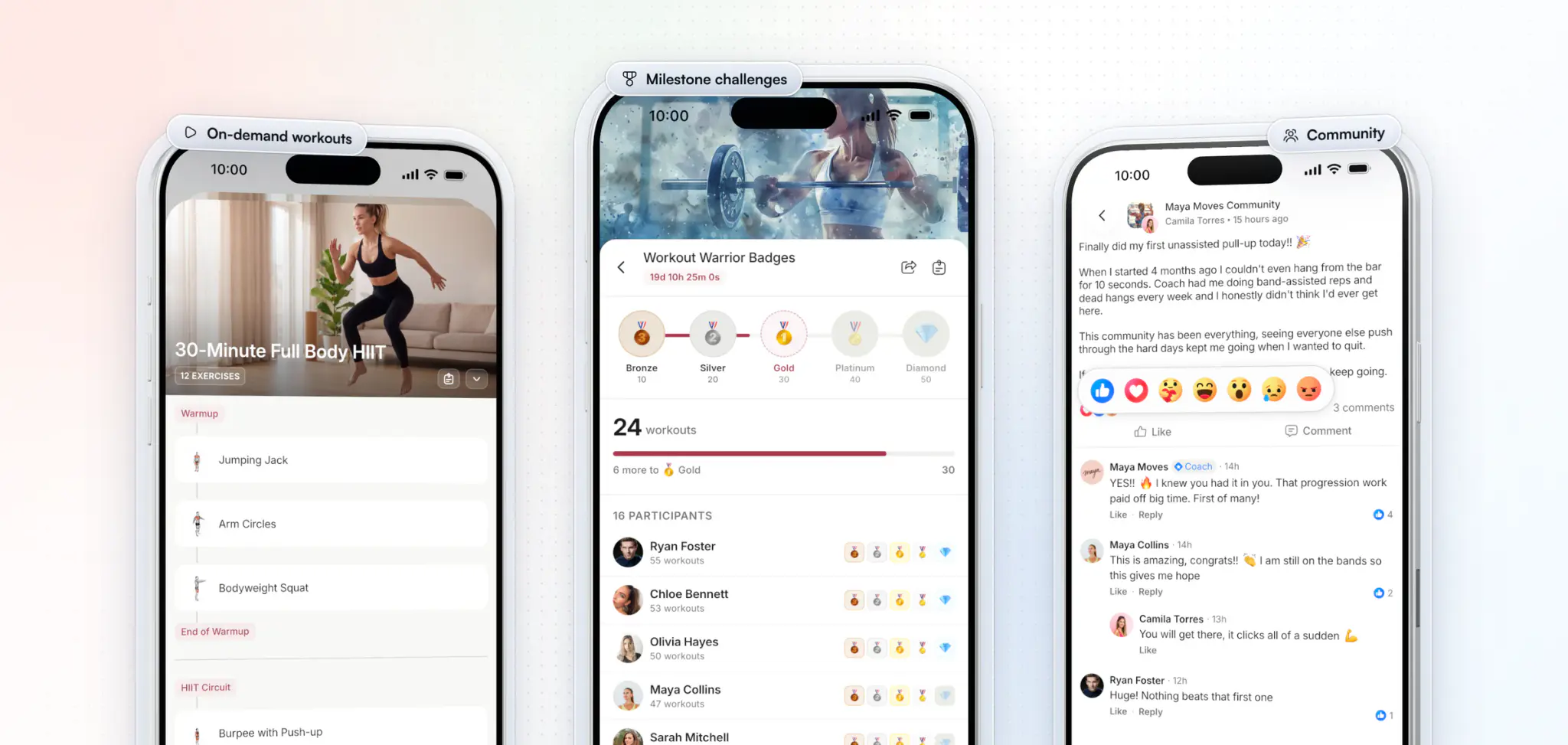
Weekly check-ins, messaging with you and Stripe payments are in there too, so clients never need a second app.
Your clients move over easily. Existing clients download your app and sign in with their current details, and their programs, history and messages are all there.
How do you make your own fitness app with HubFit?
It takes three steps, and we do the building.
- Apply and share your brand. Tell us about your business. You don't need a logo or brand kit to apply; we help you settle the app name, icon and color.
- Open your developer accounts. Enroll your business with Apple Developer and Google Play as an organization, with a free D-U-N-S number. We walk you through every step.
- We build, submit and launch. We build the iOS and Android apps, take them through App Store and Google Play review, and your app goes live.
App Store rules require a branded app to be published under the business's own developer account, so it goes out from your account and your business shows as the seller.
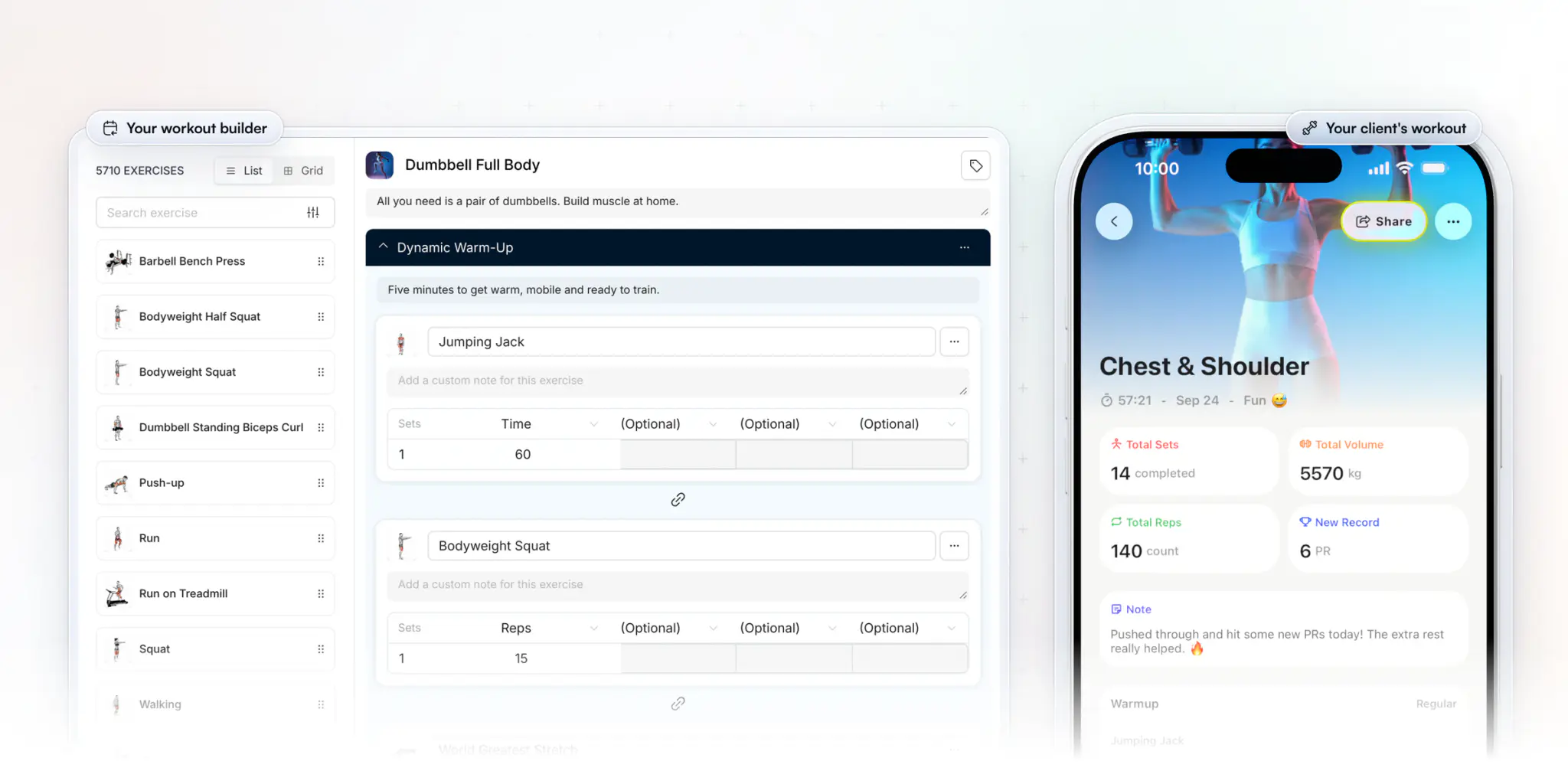
After launch, you keep coaching as you do today. You build workouts and programs in the web dashboard, and every session a client logs in your app comes back to you with its sets, volume and new records. Check-ins arrive the same way, ready to review.
Want all of this under your own name? Apply for your branded app.
How long does each route take, and who does the work?
A custom build takes months, a no-code build takes weeks of your own time, and a Branded App is typically live in 7 to 10 business days.
| Task | Custom build | No-code builder | HubFit Branded App |
|---|---|---|---|
| Spec and screen design | You and an agency | You | Done, a finished app |
| Building iOS and Android | Developers | You, in the builder | We build it |
| Payments and push | Developers | You wire them up | Included |
| Privacy and store review | You and developers | You | We handle it |
| Yearly OS updates | Paid developer work | You check and fix | We ship them |
| Time to launch | 26 to 52 weeks | Weeks, plus your hours | 7 to 10 business days |
As for money, a custom build costs five or six figures before its yearly upkeep, and a no-code builder is a monthly plan plus your time. Our Branded App is an add-on to your HubFit subscription, with no setup fee and no commitment. On every route with a store listing under your name, you also pay Apple $99 a year and Google Play $25 once.
What mistakes do coaches make when they create a fitness app?
The costly ones happen before a line of code is written.
- Enrolling as an individual. Apple shows an organization's legal name as the seller, so enroll your business, not yourself, if you want the business name on the listing.
- Building features before clients ask for them. Launch with what your clients use every week, then add.
- Budgeting for launch day only. The yearly OS updates and client support cost money every year the app is live.
- Choosing a web app by mistake. If clients can't find your name in the App Store, it isn't the app you pictured.
FAQ
The questions coaches ask most before they create a fitness app.
How much does it cost to create a fitness app?
A custom fitness app often costs $25,000 to $30,000 for an MVP and $60,000 to $160,000 for a full-featured app, by one agency's 2026 figures, plus yearly maintenance. Our Branded App is an add-on to your HubFit subscription, with no setup fee and no commitment: apply for your branded app. The full breakdown is in what fitness app development costs.
How long does it take to build a fitness app?
A custom build takes 6 to 12 months by our estimate, and a no-code build takes weeks of your own time. A HubFit Branded App is typically live in 7 to 10 business days once your developer accounts are ready.
Do I need my own Apple and Google developer accounts?
Yes. Apple's Guideline 4.2.6 only accepts a template-built app from the business behind its content, and enrolling as an organization with a free D-U-N-S number puts your business name on the listing. Apple charges $99 a year and Google Play $25 once. The steps are in how to put your fitness app on the App Store.
Can I make my own fitness app without coding?
Yes. A no-code builder lets you assemble one yourself, but you still define your target audience and core features, design the screens, test with real clients and support the app. With our Branded App you build nothing: HubFit's client app already works, and we handle the store listings, review and every update.
Can AI build a fitness app?
AI app builders can draft an MVP's screens and simple logic from a prompt. An app for paying clients still needs a solid tech stack, careful handling of client data, wearables if you want them, store approval and maintenance every year. That is the work our Branded App takes off your plate, so you only coach.
Do Apple and Google take a cut of what my clients pay?
Usually not for live one-to-one training. Apple lets real-time one-to-one services such as fitness training be paid outside the app, while group live services must use in-app purchase. Google Play's billing isn't required for physical services such as gym memberships. Most coaches take payment on their own checkout, and HubFit uses Stripe.
Is Custom Branding the same as a branded app?
No. Custom Branding puts your logo, color and brand name in the HubFit app, checkout and share cards, and your logo on emails, while the app on the stores stays HubFit. The Branded App is your own app, with your name and icon, listed on the App Store and Google Play under your business. It is a true white-label app.
Your own fitness app, without building one
You don't need to hire developers or learn a builder to give your clients an app with your name on it. Apply today: it costs nothing to apply, there's no commitment, and we build, submit and maintain it from there.


Your own app on the App Store and Google Play.
- Your name, icon & colors
- On the App Store & Google Play
- Built & maintained by us
Maya Moves
by Maya Brooks