
 vs
vs
HubFit vs Trainerize
HubFit brings training, nutrition, check-ins, payments and your clients' app into one platform. Here's how it compares with Trainerize, feature by feature.
14-day free trial · Cancel anytime · Free for your clients
Coaches Trust HubFit
50,000+
Thousands of coaches use HubFit to grow and manage their fitness business.
Trusted Reviews
3,000+
#1 rated coaching platform. With 3,000+ five-star reviews across all platforms, coaches simply love HubFit.
Coach Satisfaction

99%
99% of coaches on HubFit rate their experience as excellent.
At a glance
HubFit vs Trainerize in one look
HubFit is a modern, all-in-one platform for online coaches and personal trainers: quick to set up, simple for your clients, and built so you run your whole coaching business from one place. Where Trainerize sells key tools as add-ons, HubFit keeps them in your plan, so you grow without stacking extra subscriptions.
 HubFit
 Trainerize
Why switch
Why coaches switch from Trainerize
A modern, fast app for you and your clients, with the features Trainerize sells separately already in your plan.
Meal planning without an add-on
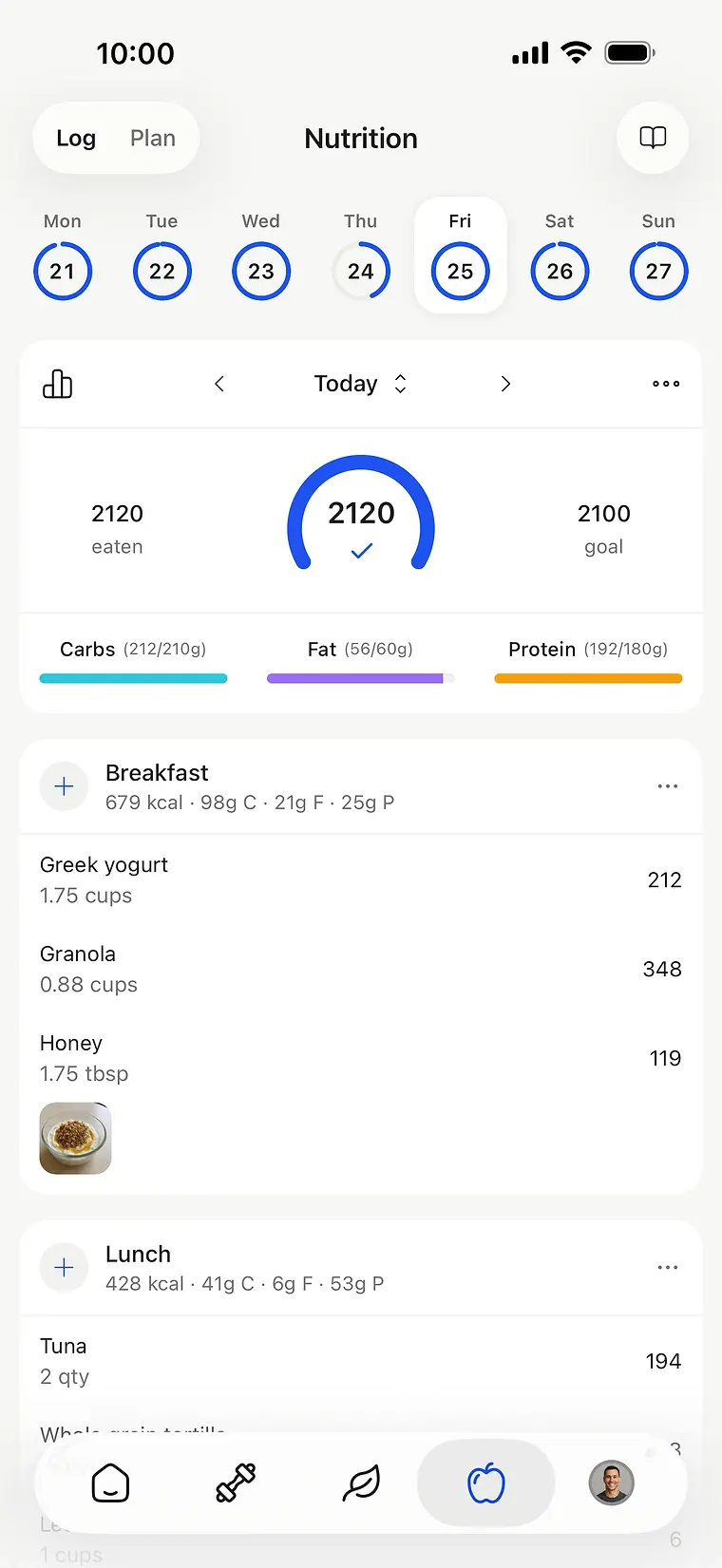
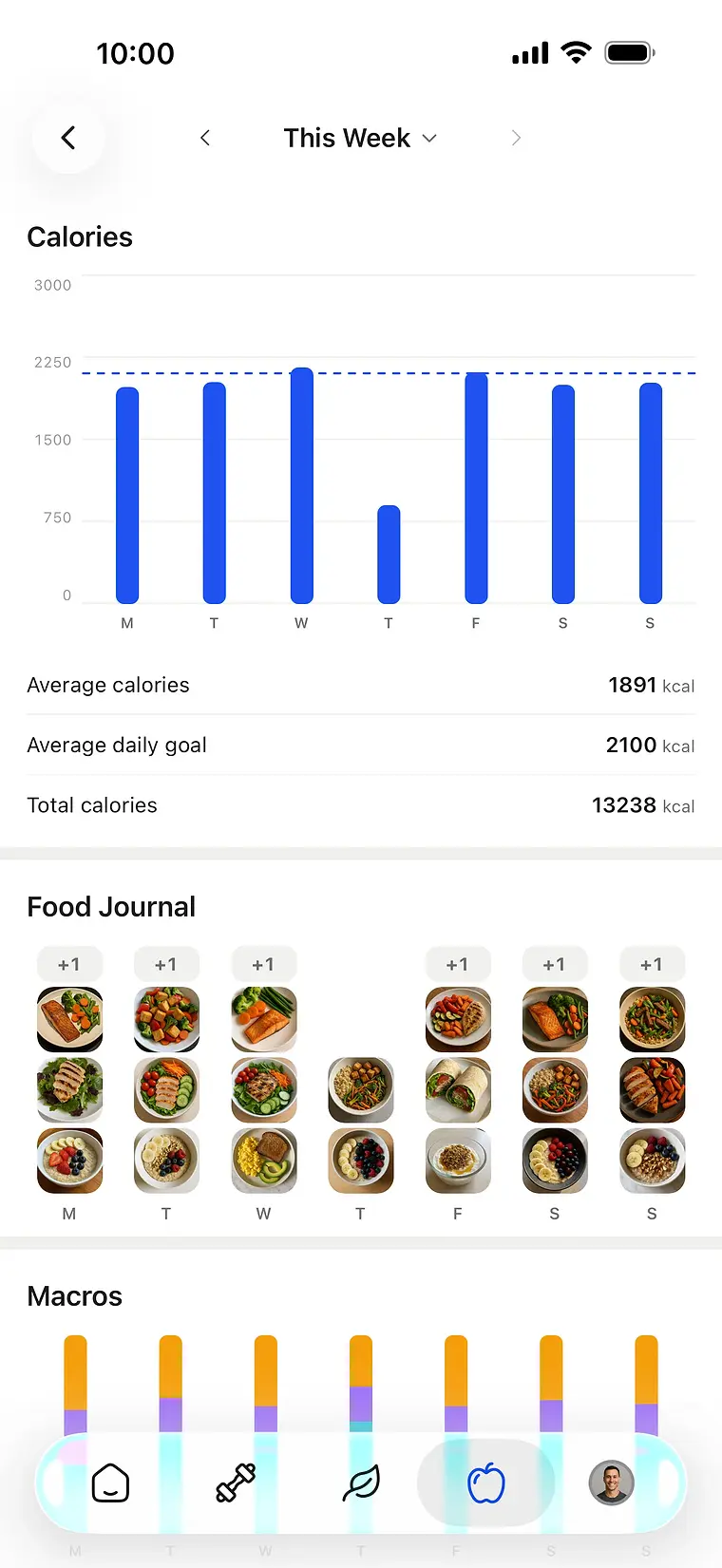
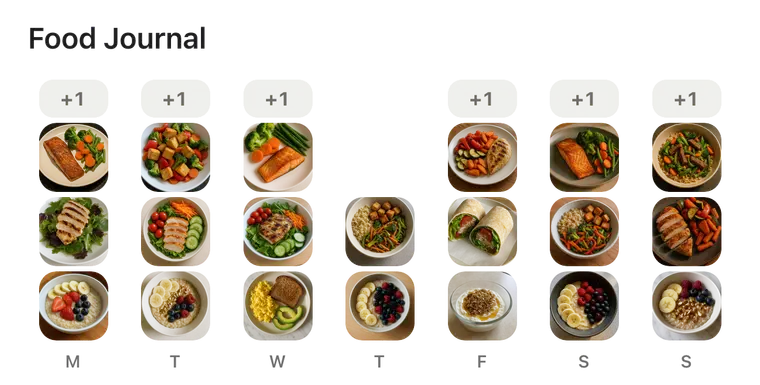
Trainerize's meal planner needs its Advanced Nutrition add-on: $20 a month, rising to $45 from Pro 30. HubFit includes meal plans, a 5,000-recipe library and a barcode scanner from Standard, and the Smart Meal Planner and Meal AI on Premium.
- HubFit
- Meal plans included, no add-on
- Trainerize
- Advanced Nutrition add-on: $20–45/month
Get paid without a payments add-on
On Trainerize's Grow and Pro plans, Stripe payments are a $10-a-month add-on. HubFit's Payments & Packages come with Premium, and HubFit adds no transaction markup: you pay Stripe's standard rate.
- HubFit
- Included on Premium, no HubFit markup
- Trainerize
- Stripe payments add-on: $10/month on Grow and Pro

Contact information
Payment method
Card
Card information

Cardholder name
Country or region
 Stripe
Check-ins built for reviewing
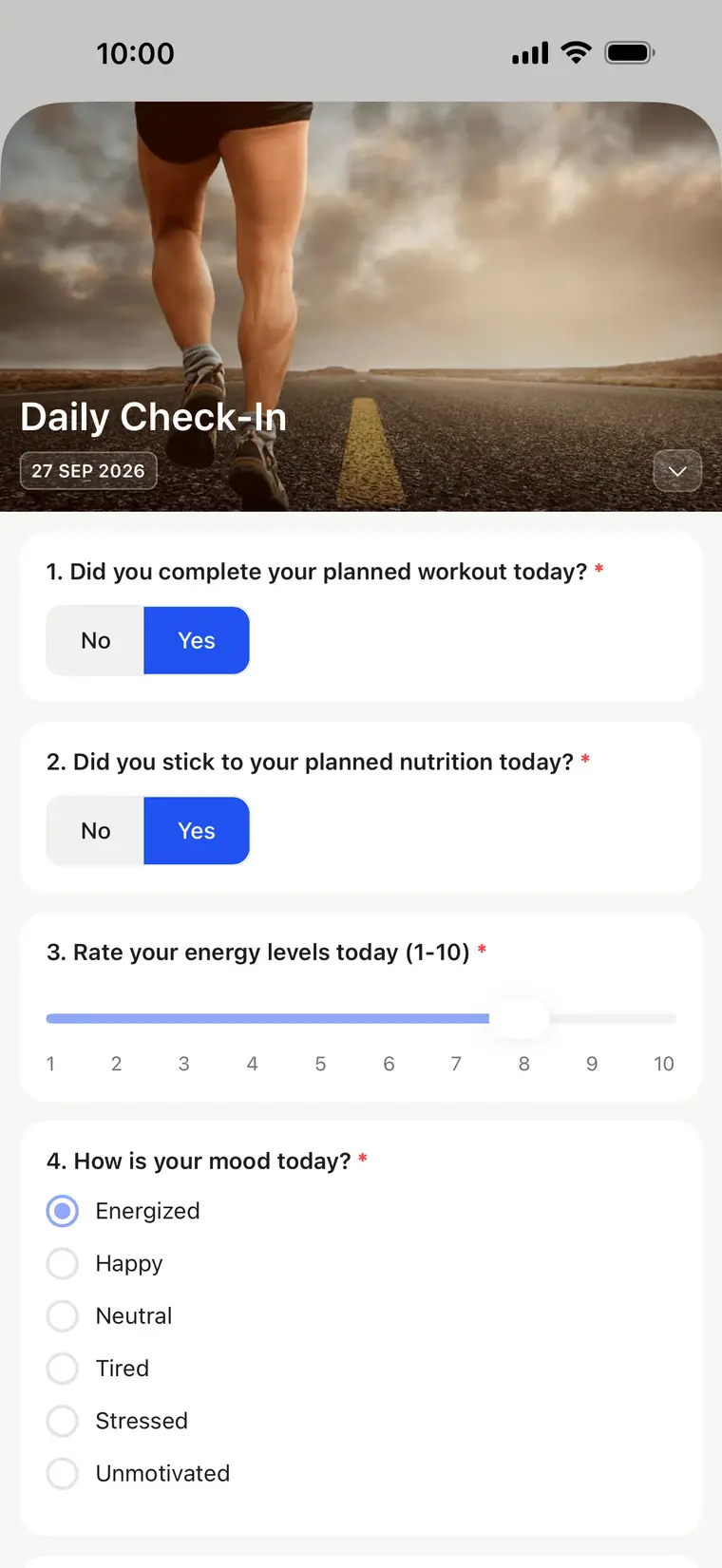
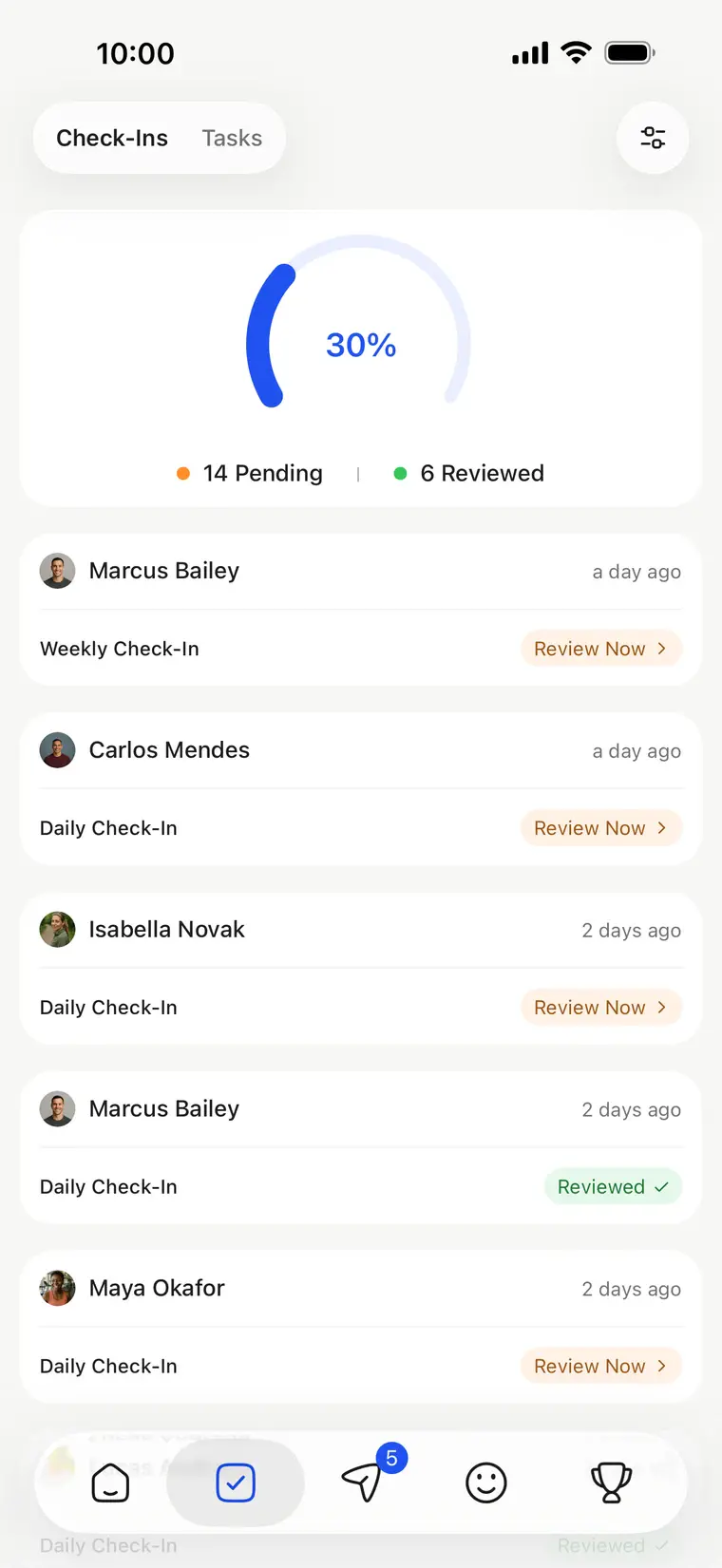
Trainerize's check-in forms offer four answer types, and only account owners and admins can build them. HubFit check-ins have 11 question types, from progress photos and video to signatures and synced metrics, a review inbox and side-by-side comparison, and any coach on your team can build them.
- HubFit
- 11 question types, review inbox
- Trainerize
- 4 answer types; only owners and admins build forms

AI that comes with the plan
Trainerize's AI check-in replies and meal-photo macros (FitMetrics) start at $150 a month with a 25-client minimum. HubFit's Workout AI and Meal AI are part of Premium at no extra cost.
- HubFit
- Workout AI and Meal AI on Premium
- Trainerize
- FitMetrics AI from $150/month, 25-client minimum

Workout AI
Beginner Full Body
Jumping Jack
1 set · 60 s

Bodyweight Squat
1 set · 15 reps
Push-up
Design a beginner full-body routine

Meal AI · Breakfast
679 kcal
98g C · 21g F · 25g P
- Greek yogurt212
- Granola348
- Honey119
Greek Yogurt with Granola and Honey
A full meal plan from a few choices
Set a calorie goal, pick a macro split, choose how many meals and any dietary needs, and HubFit builds the plan with real meals and macros. Swap any meal, then save it to your client.
- Macro splits: Balanced, High Protein, Low Carb, Keto, Low Fat or your own
- 3 to 6 meals a day, from 800 to 6,000 calories
- Dietary filters: keto, vegetarian, vegan, pescatarian, gluten-free, dairy-free, nut-free, paleo
- Every meal comes with its macros, and you can swap any of them
- HubFit
- Smart Meal Planner on Premium
- Trainerize
- Meal planner needs the Advanced Nutrition add-on
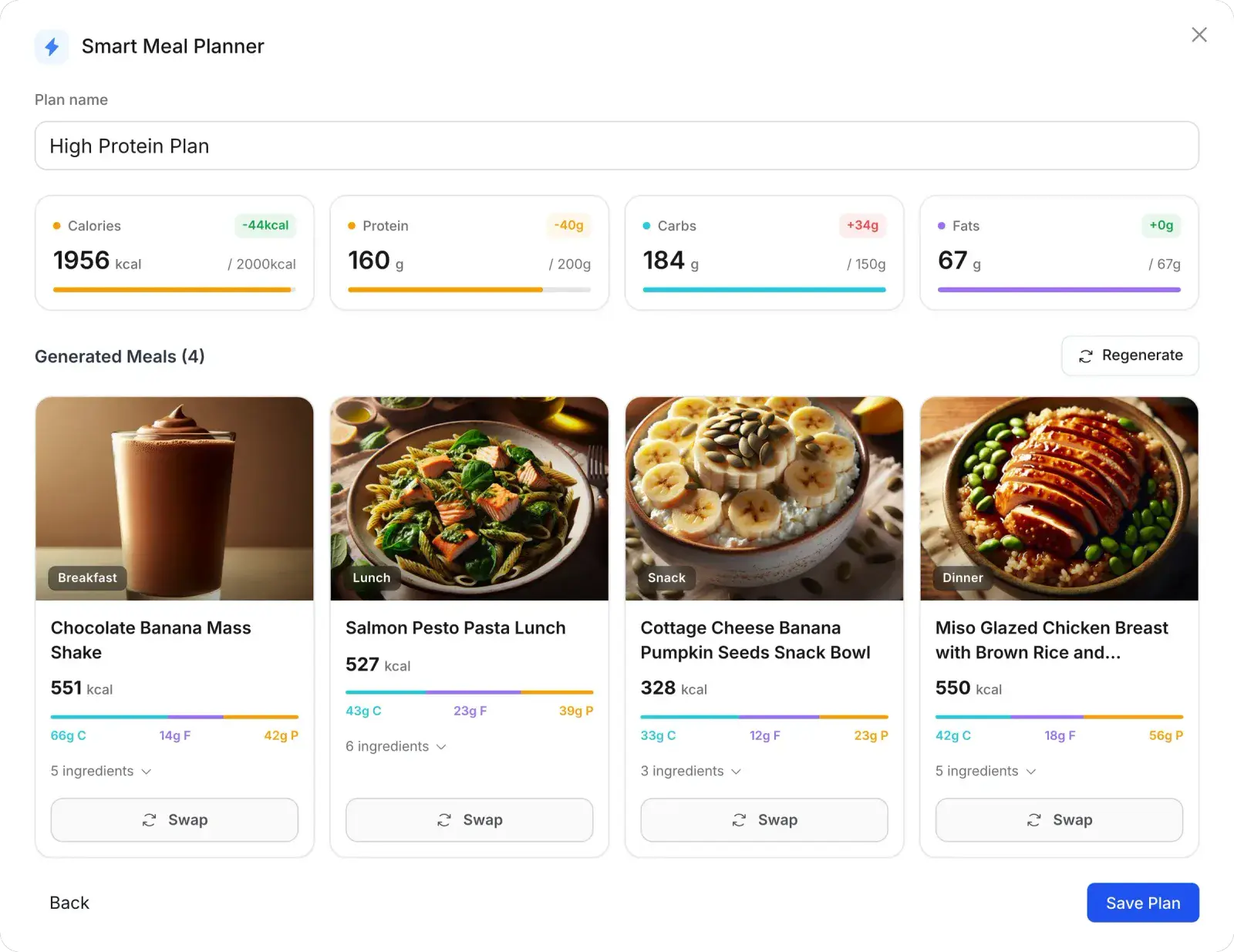
- Calorie goal
- 2,000 kcal
- Macro split
- High Protein
- Total meals
- 4 Meals
Coach clients in their own language
The Trainerize app is available in English only. HubFit's client app runs in 10 languages, including Spanish, French, Portuguese, Dutch, Norwegian and Turkish.
- HubFit
- Client app in 10 languages
- Trainerize
- App in English only

“I've used a lot of coaching platforms and this is the only one where I've been really happy with how it works. You don't have to have five different programs just to coach people. Everything is in one place.”

Start with a 14-day
free trial.

Cost
What 100 clients cost each month
$211 a month less on HubFit: $2,532 a year.
HubFit Premium75% LESS$211 a month less
- Premium plan (up to 100 clients)$69
- Meal plans, Smart Meal Planner and Meal AIIncluded
- Stripe paymentsIncluded
- Workout AIIncluded
Trainerize Pro 100$211 a month more
- Pro 100 plan (100 clients)$225
- Advanced Nutrition add-on (meal planning)$45
- Stripe payments add-on$10
- AI Workout BuilderIncluded
Feature by feature
HubFit vs Trainerize: the full comparison
Every row names Trainerize's plan or add-on, so you can check it against their pricing page.
| HubFit | Trainerize | |
|---|---|---|
| Cost | ||
| 100 clients with meal planning and payments | HubFit$69/monthPremium, up to 100 clients | Trainerize$280/monthPro 100 $225 + Advanced Nutrition $45 + payments $10 |
| Nutrition | ||
| Meal plans and recipes | HubFitIncludedMeal plans, 5,000+ recipes and a barcode scanner, from Standard | Trainerize$20–45/month add-onMeal tracking is included; meal planning needs Advanced Nutrition |
| Smart meal planning and AI | HubFitIncluded on PremiumSmart Meal Planner and Meal AI | TrainerizeAdd-onSmart Meal Planner needs Advanced Nutrition; meal-photo AI from $150/month |
| Business | ||
| Client payments | HubFitIncluded on PremiumNo HubFit transaction markup | Trainerize$10/month add-onOn Grow and Pro; included on Studio |
| AI for coaches | HubFitIncluded on PremiumWorkout AI and Meal AI | TrainerizeFrom $150/monthAI Workout Builder on paid plans; AI check-ins (FitMetrics) need 25+ clients |
| Your own app on the App Store | HubFitYour own listingUnder your name, with the Branded App add-on | TrainerizeShared listingPro: the ABC Trainerize listing, shown as “Fitness App” on iPhone |
| Coaching | ||
| Check-ins | HubFit11 question typesReview inbox, side-by-side compare, Loom feedback | Trainerize4 answer typesBuilt by account owners and admins |
| Community | HubFitSocial feed with pollsOn Ultimate | TrainerizeGroupsIts help article doesn't list native polls |
| Client experience | ||
| Client app languages | HubFit10 languages | TrainerizeEnglish only |
| Web access for clients | HubFitFull web dashboardNutrition, habits, training, metrics and progress photos | TrainerizeLimitedClients see their calendar only in the mobile app |
Switching
How to switch from Trainerize
You can move over in a weekend: set up HubFit once, then invite your clients.
- 1
Start your free trial
14 days free, no commitment. Keep Trainerize running meanwhile.
- 2
Set up programs and meals
Rebuild programs, with Workout AI drafting workouts. Meals from 5,000+ recipes.
- 3
Build your onboarding once
Every new client gets their program, nutrition, habits and check-ins.
- 4
Invite your clients
Add them by email. The app is free for them, plan ready.
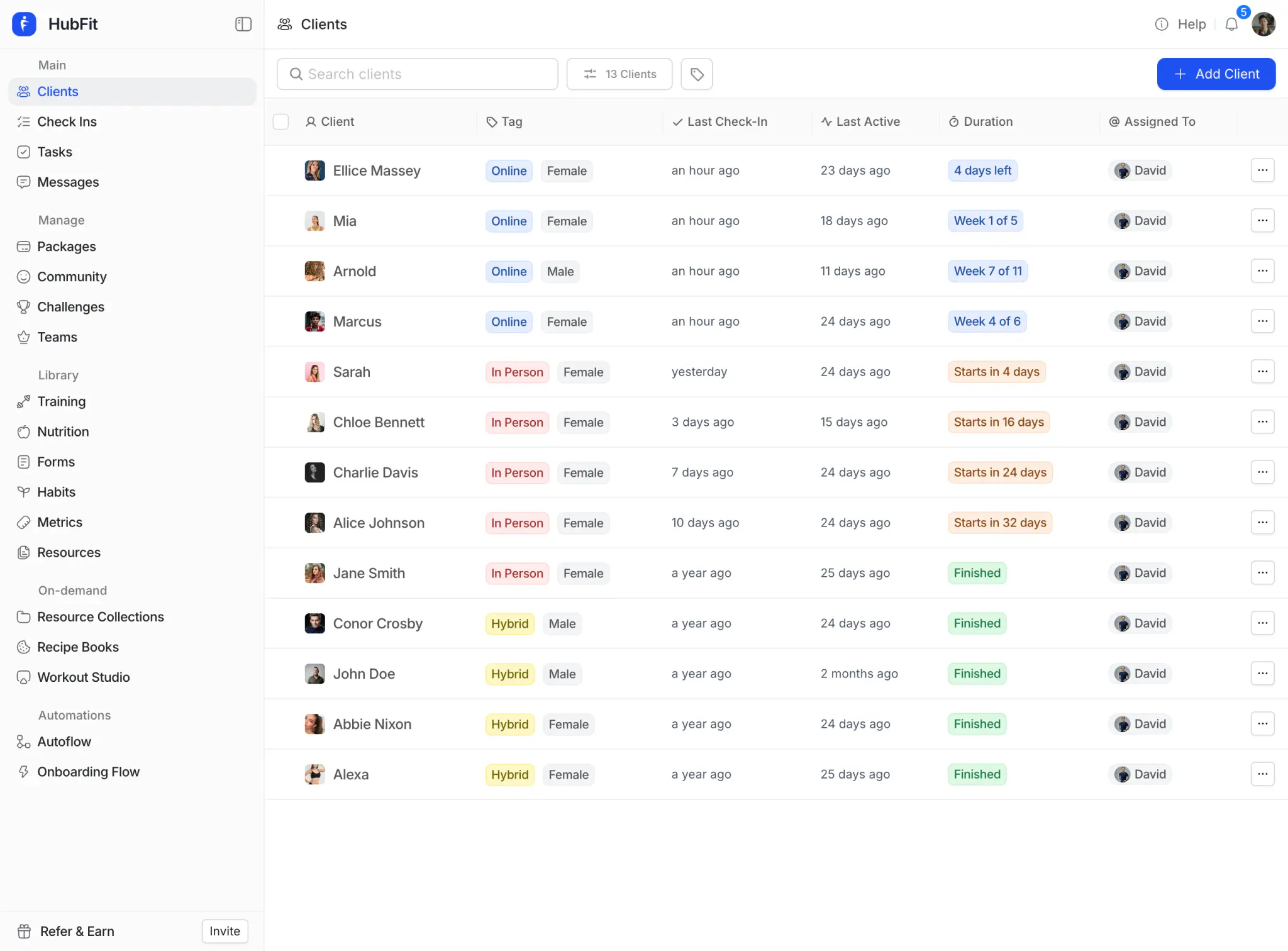
New client added

Onboarding flow
Online Coaching
11.80s




Program
Assigned



Meal plan
Assigned


Habits
Assigned

Check-in
Assigned

Marcus Bailey
Plan ready
Ryan Foster
Plan ready
Emily Chen
Plan ready
Sarah Mitchell
Plan ready
Noah Williams
Plan ready
Olivia Rossi
Plan ready
Daniel Osei
Plan ready
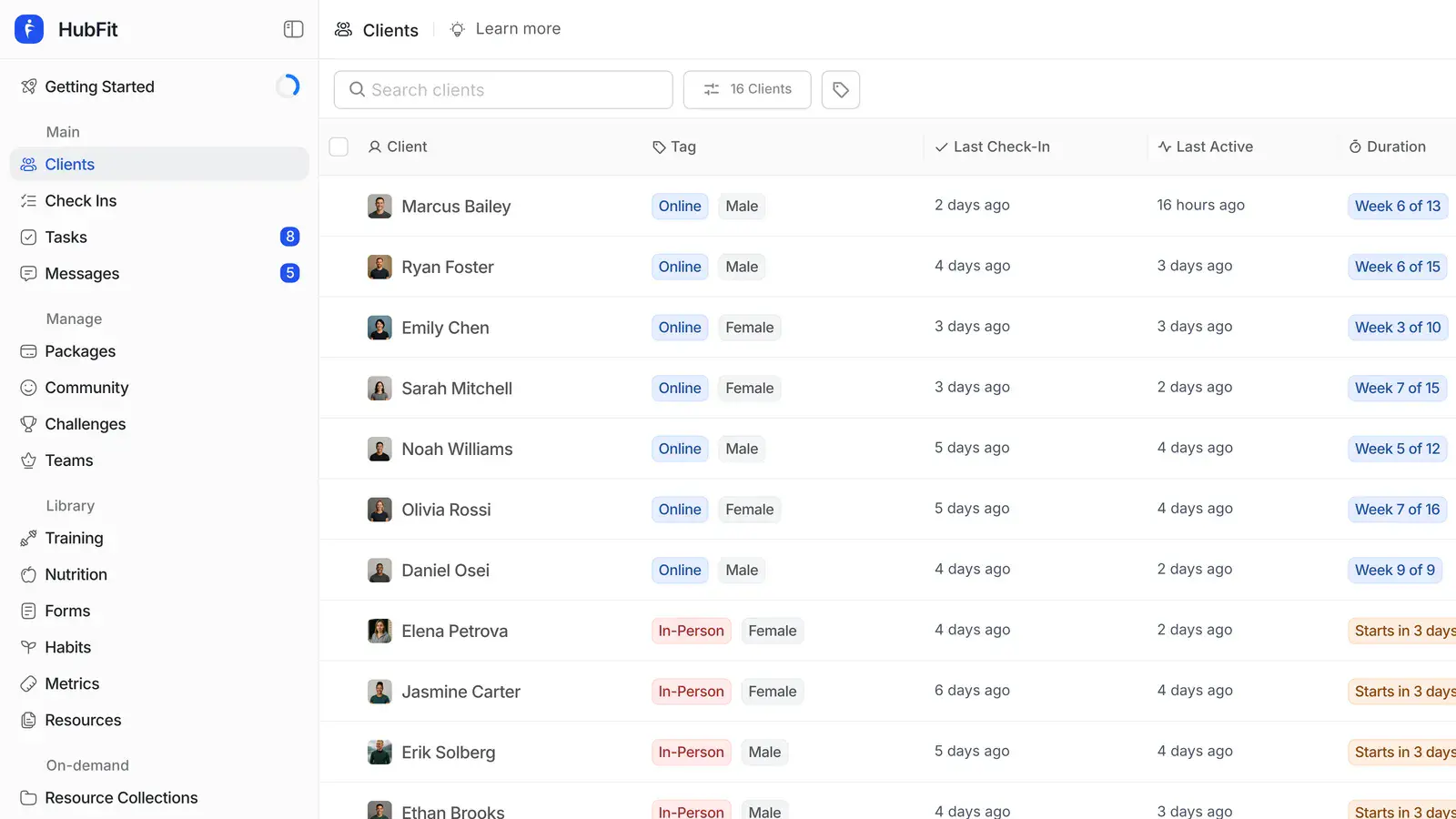
Elena Petrova
Plan ready
Jasmine Carter
Plan ready
Erik Solberg
Plan ready
Ethan Brooks
Plan ready
Maya Okafor
Plan ready
Isabella Novak
Plan ready
Carlos Mendes
Plan ready
Camila Torres
Plan ready
0
1
2
3
4
5
6
7
8
9
10
11
12
13
14
15
clients
Everything else
Everything else that comes with HubFit
The comparison covers the essentials. Here is the rest of the platform you and your clients get.
Everything you need to coach
Training, nutrition, check-ins, and habits: the core pillars of coaching, all built into one platform.
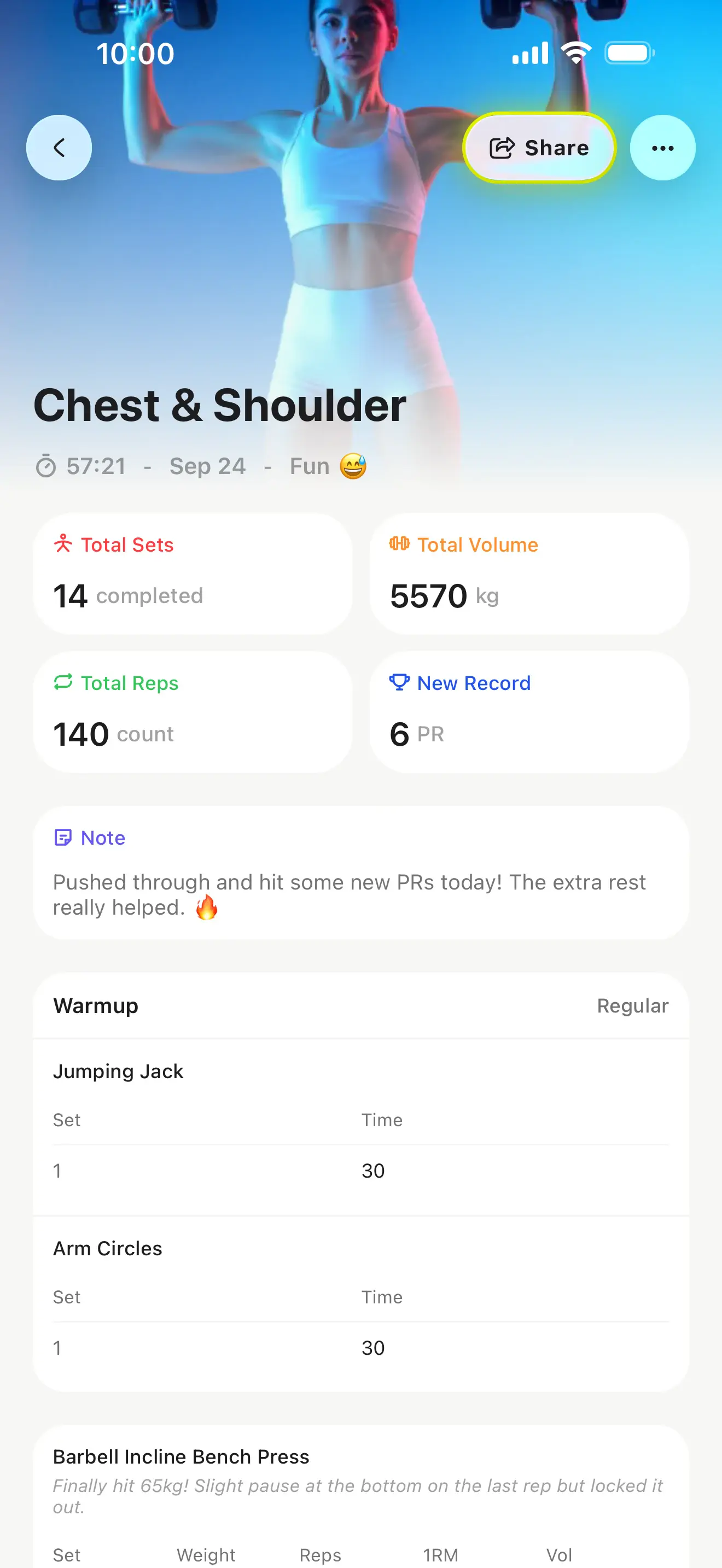
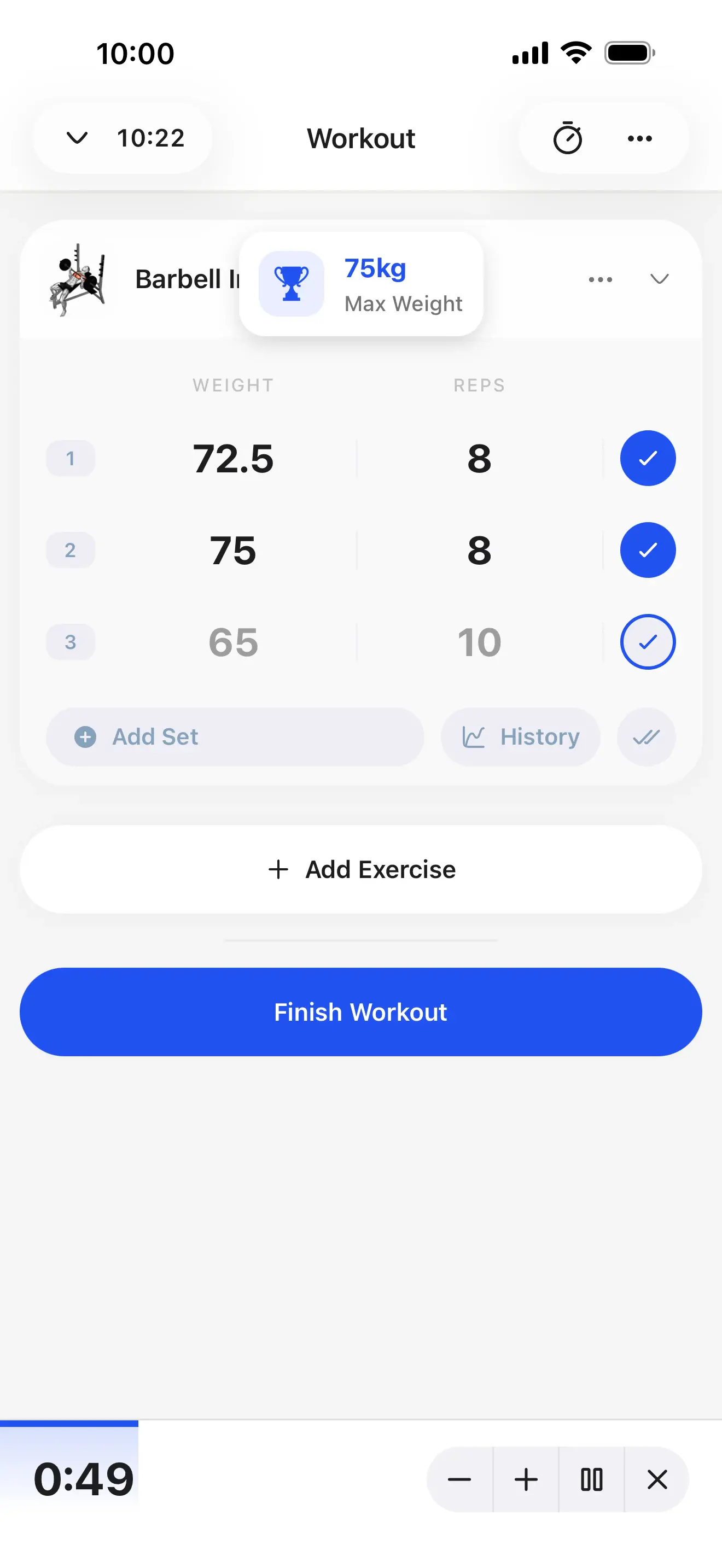
Training
Build workouts, track history, and run every training style: supersets, circuits, intervals, and AMRAP.
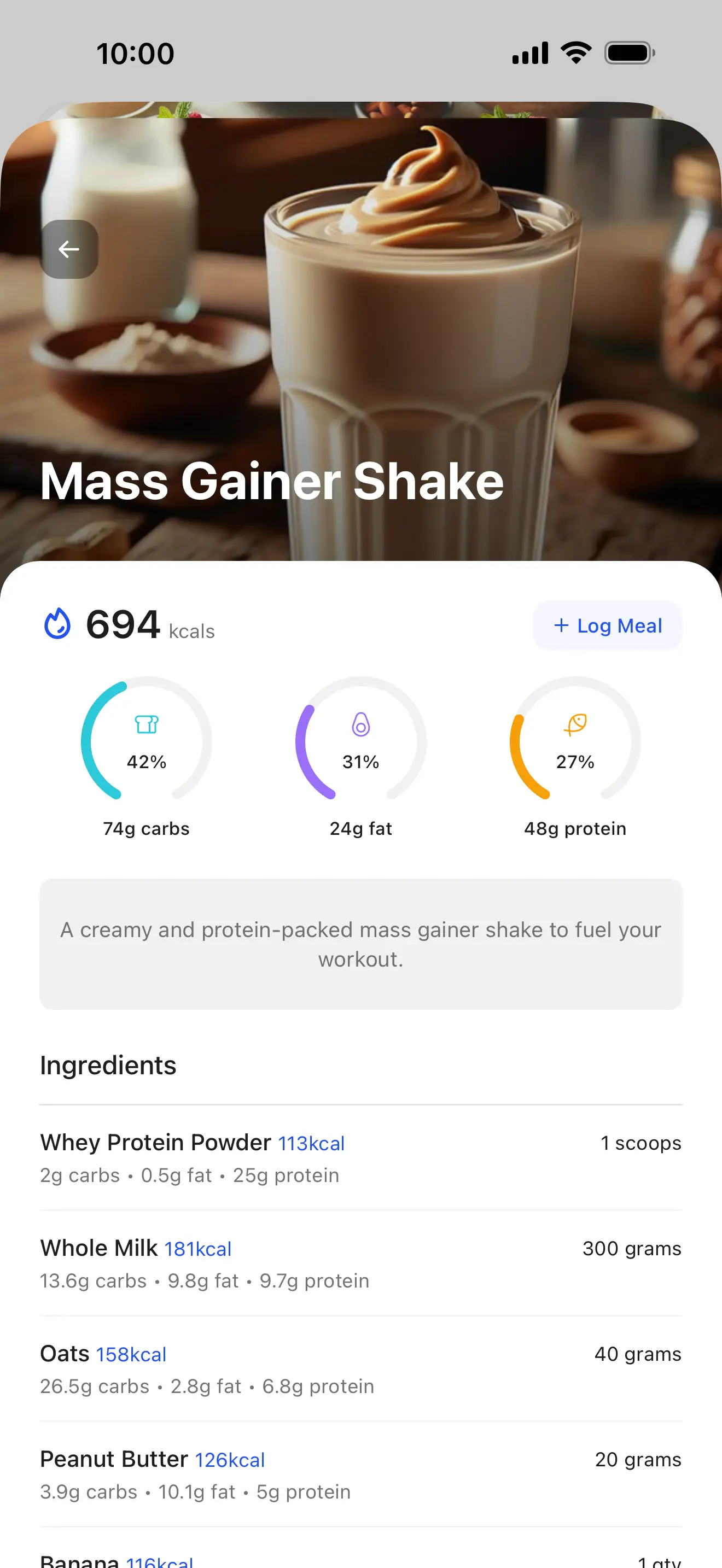
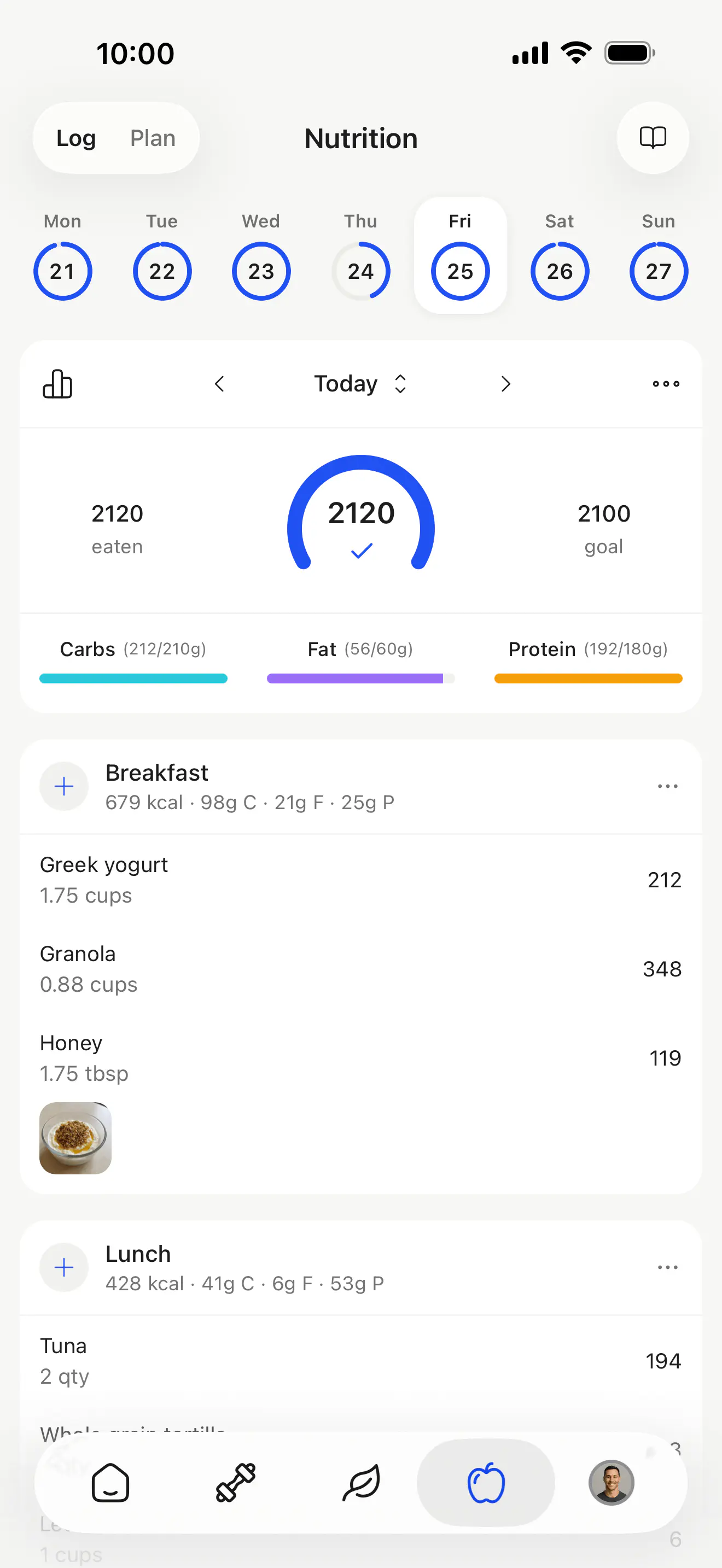
Nutrition
Create meal plans, set macro targets, and let clients log meals with the in-app nutrition tracker.
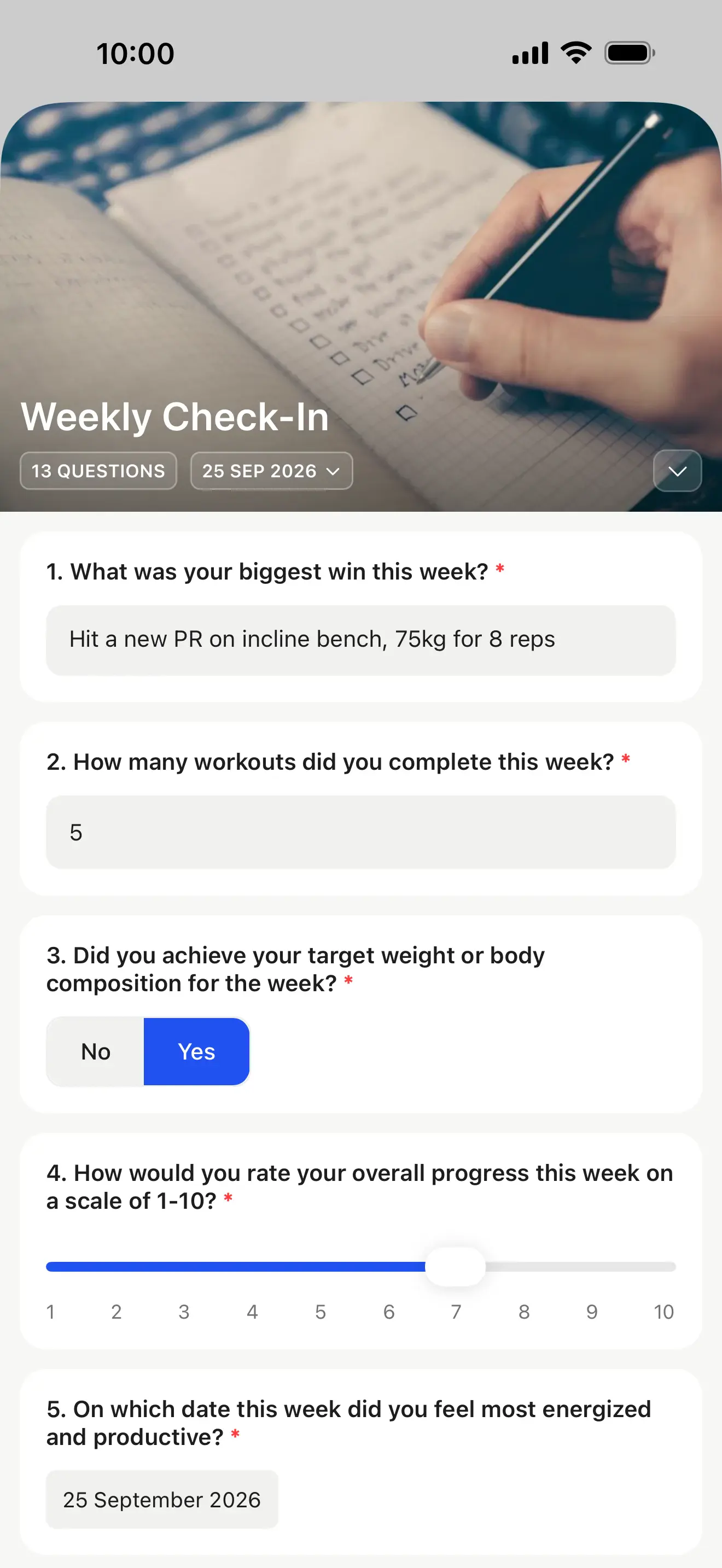
Check-ins
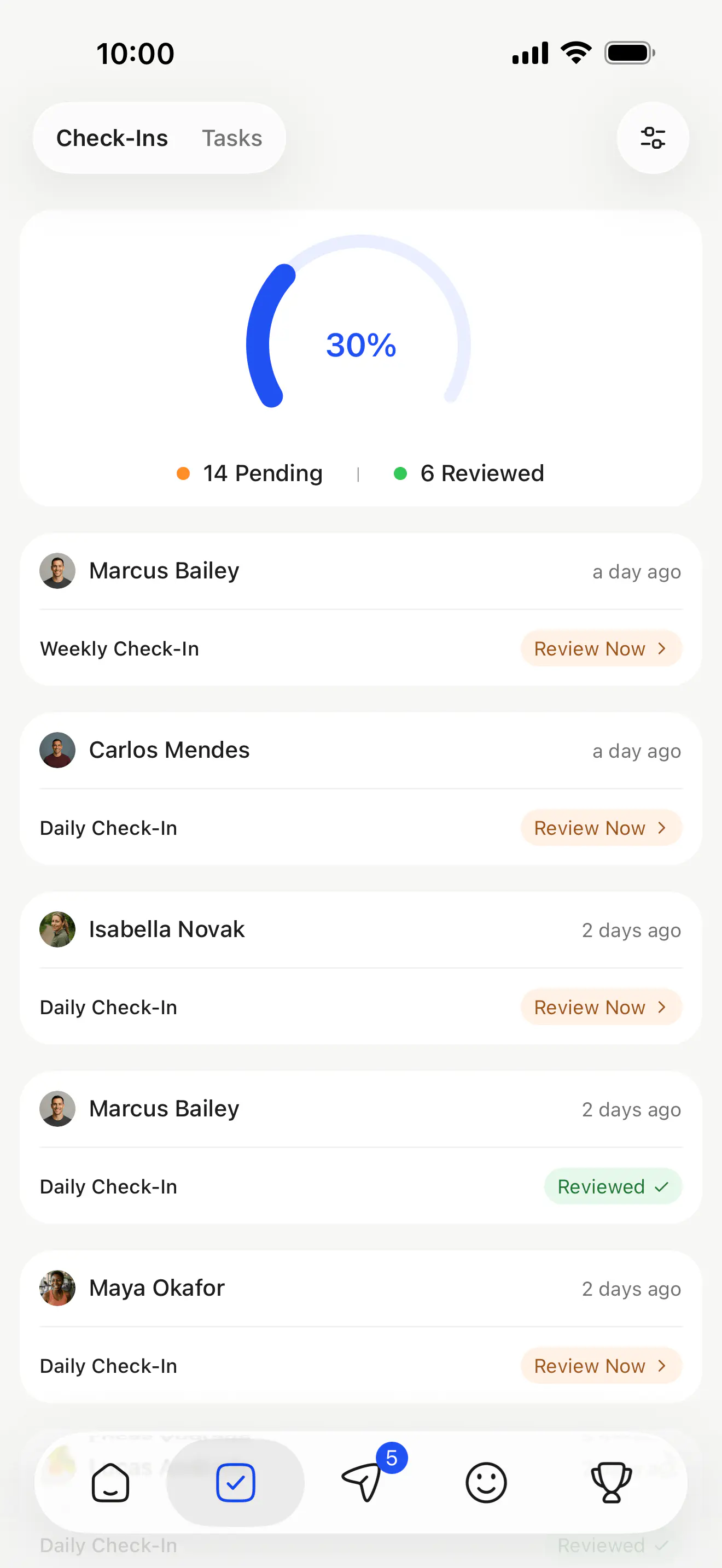
Schedule daily, weekly, bi-weekly, or monthly check-ins. Review everything in a dedicated review inbox.
Habits
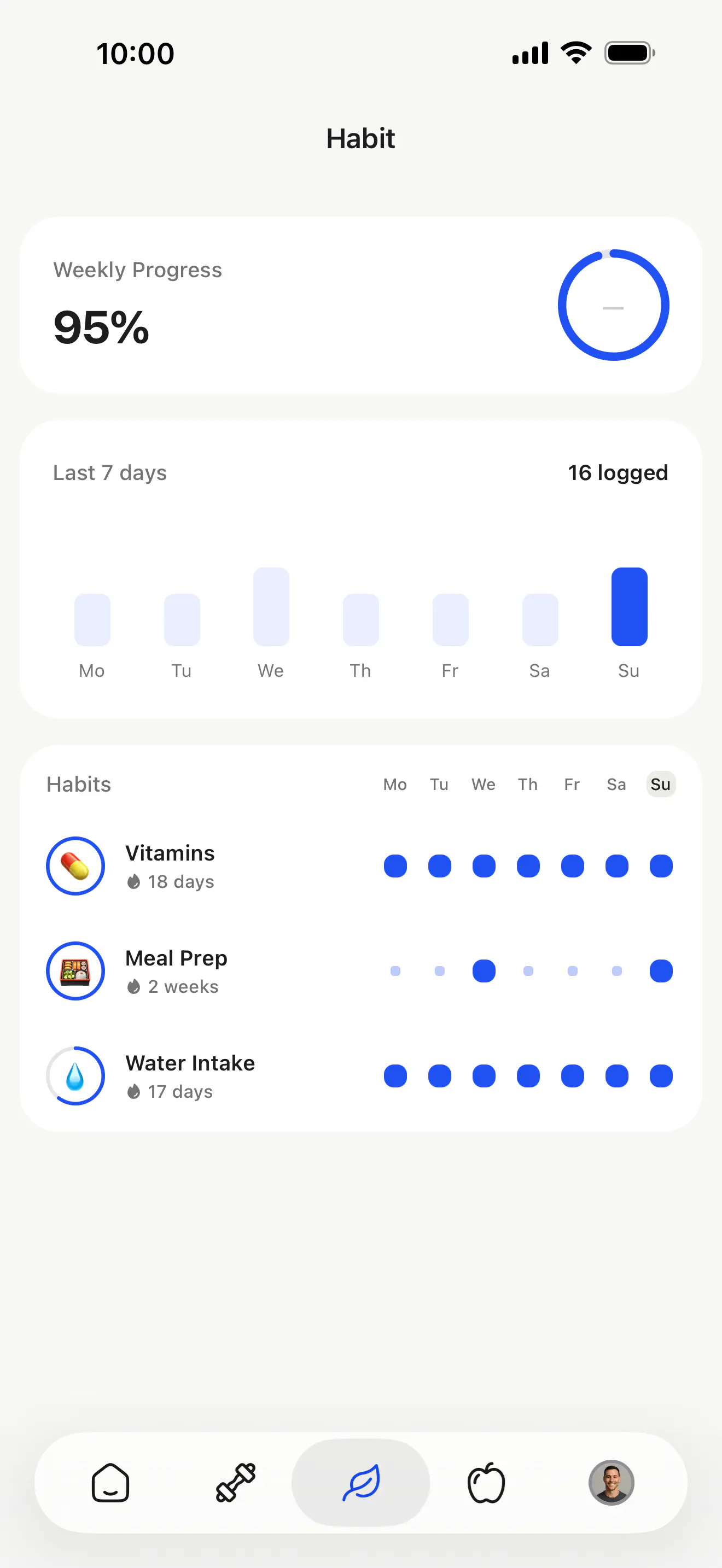
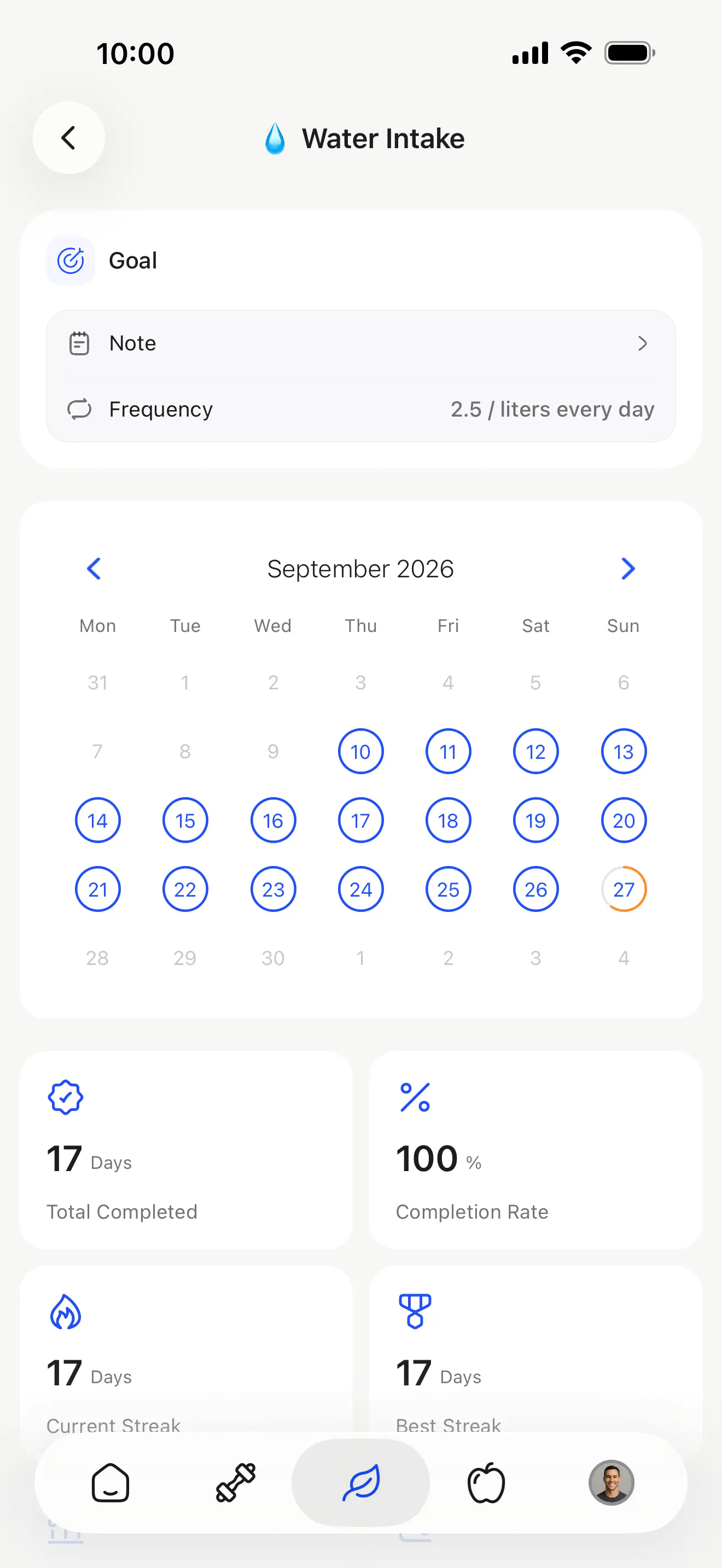
Daily habit tracking that keeps clients accountable, with numeric targets or a simple yes/no tick. Pick from a ready-made library or build your own, checked off in seconds.
Keep clients coming back
Build a connected coaching experience with community, challenges, and messaging that drives retention and results.
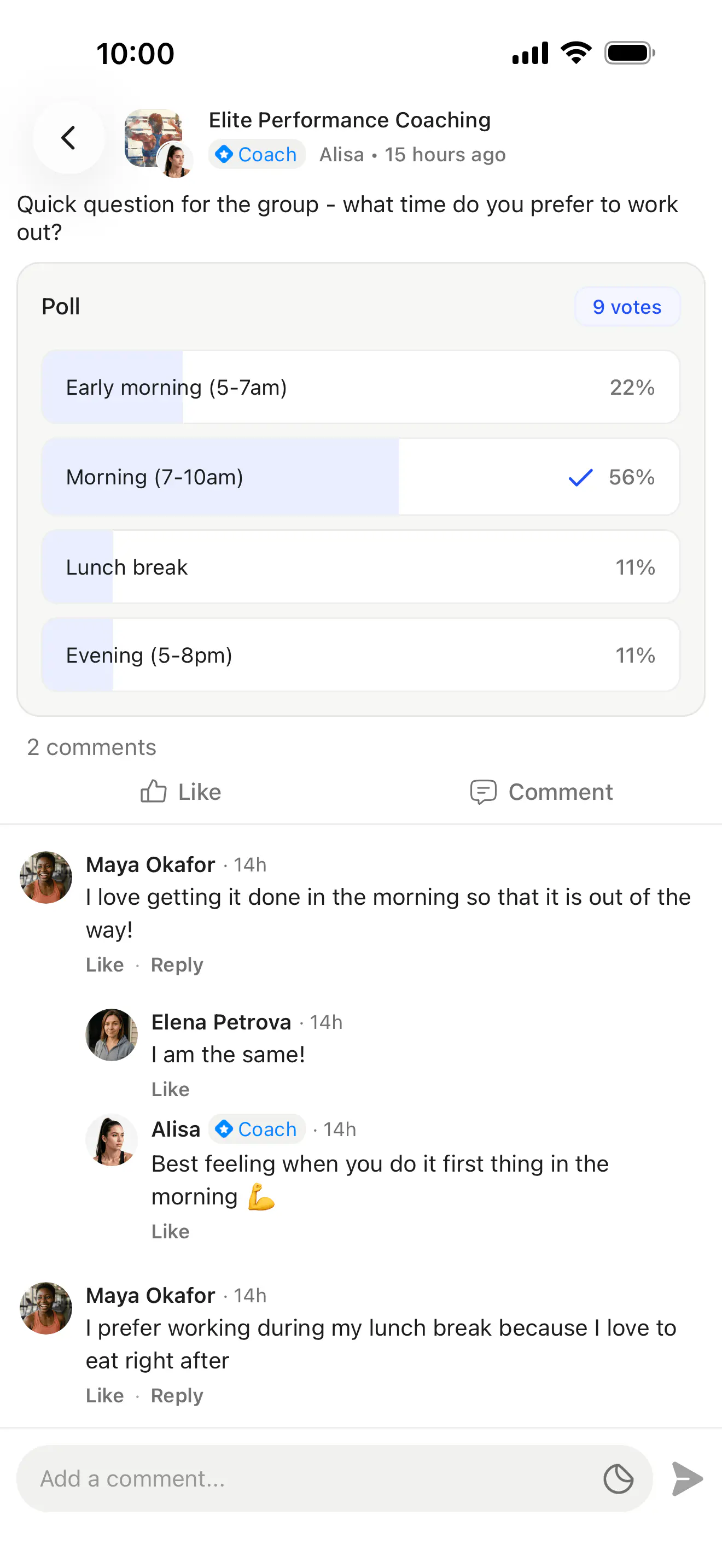
Community
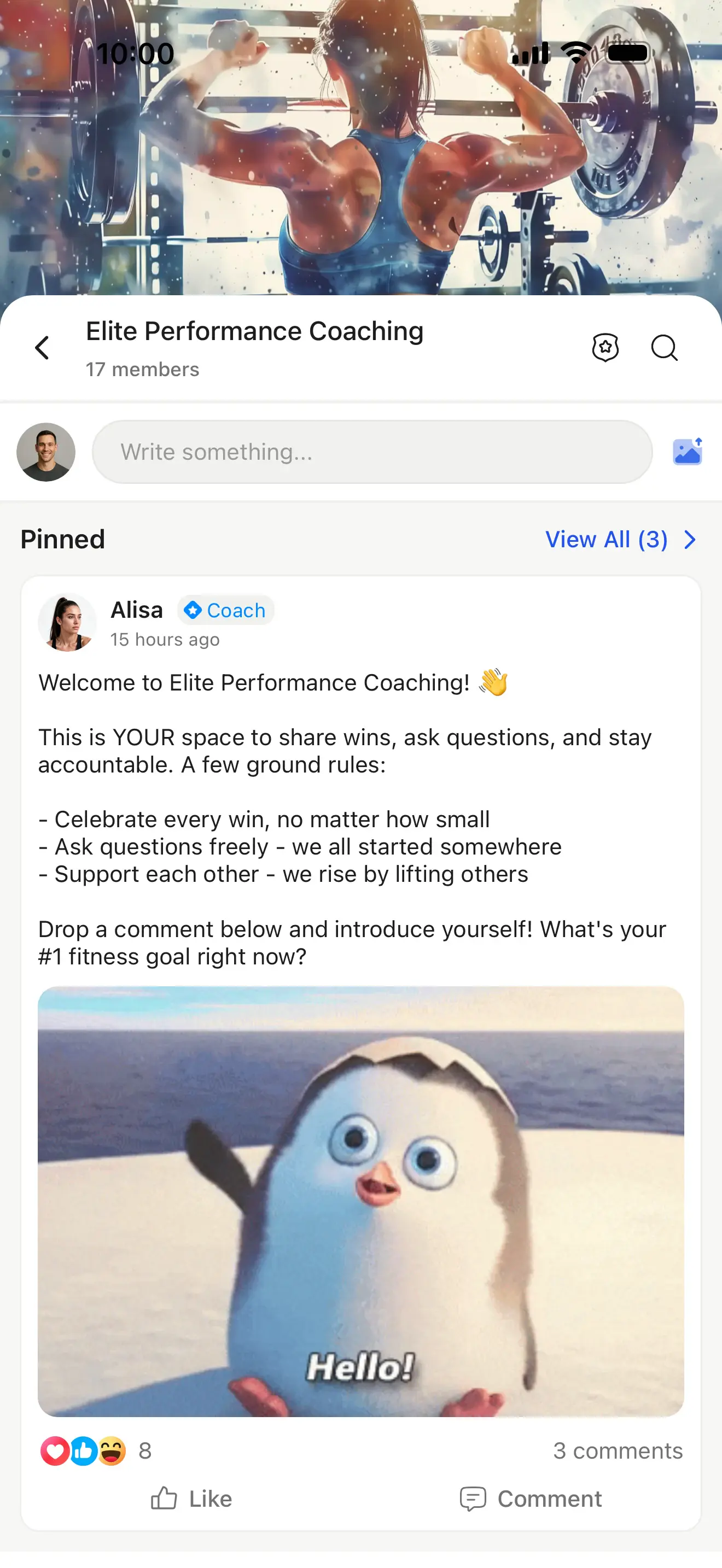
An in-app community feed with scheduled posts, polls, reactions, and threads. No Facebook groups needed.
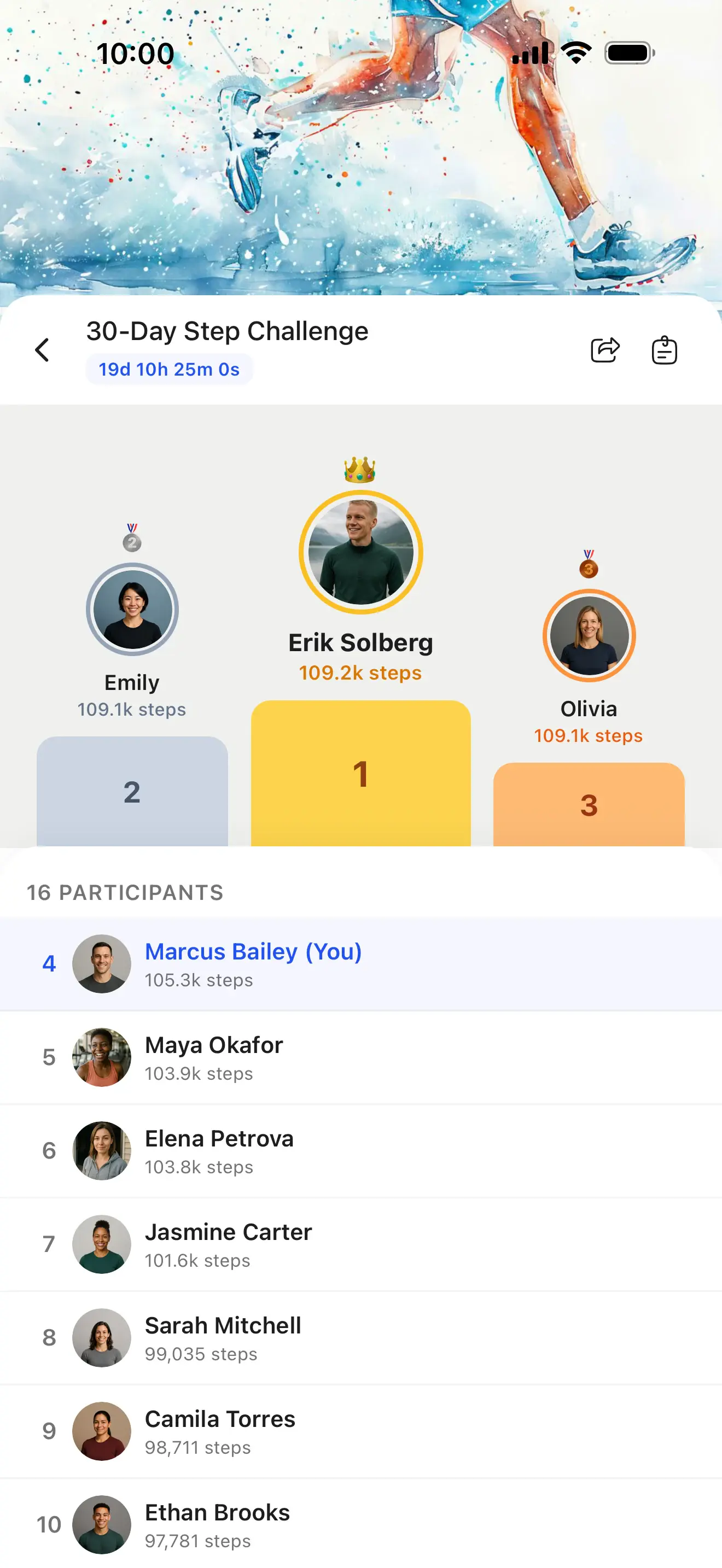
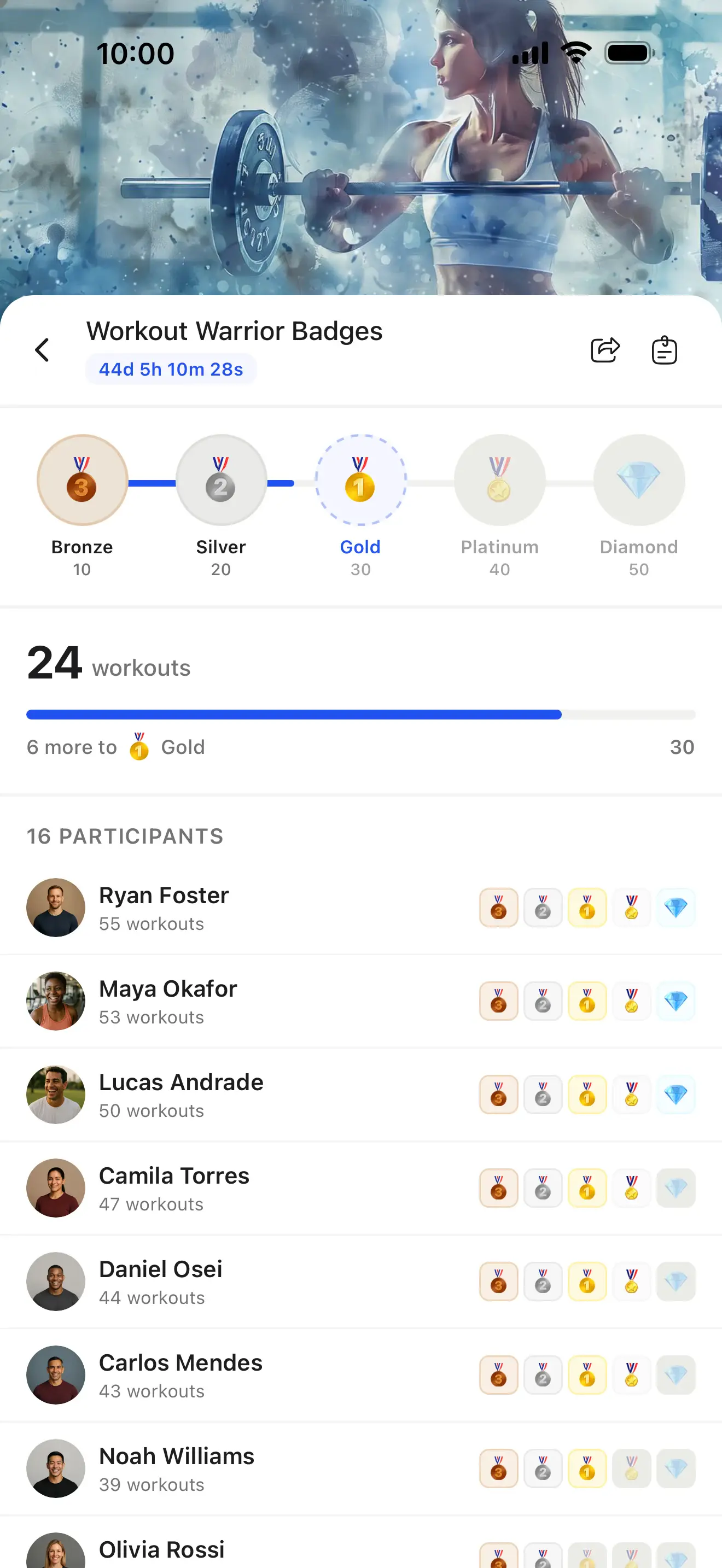
Challenges
Launch fitness challenges with live leaderboards, milestone badges, and automatic progress tracking.
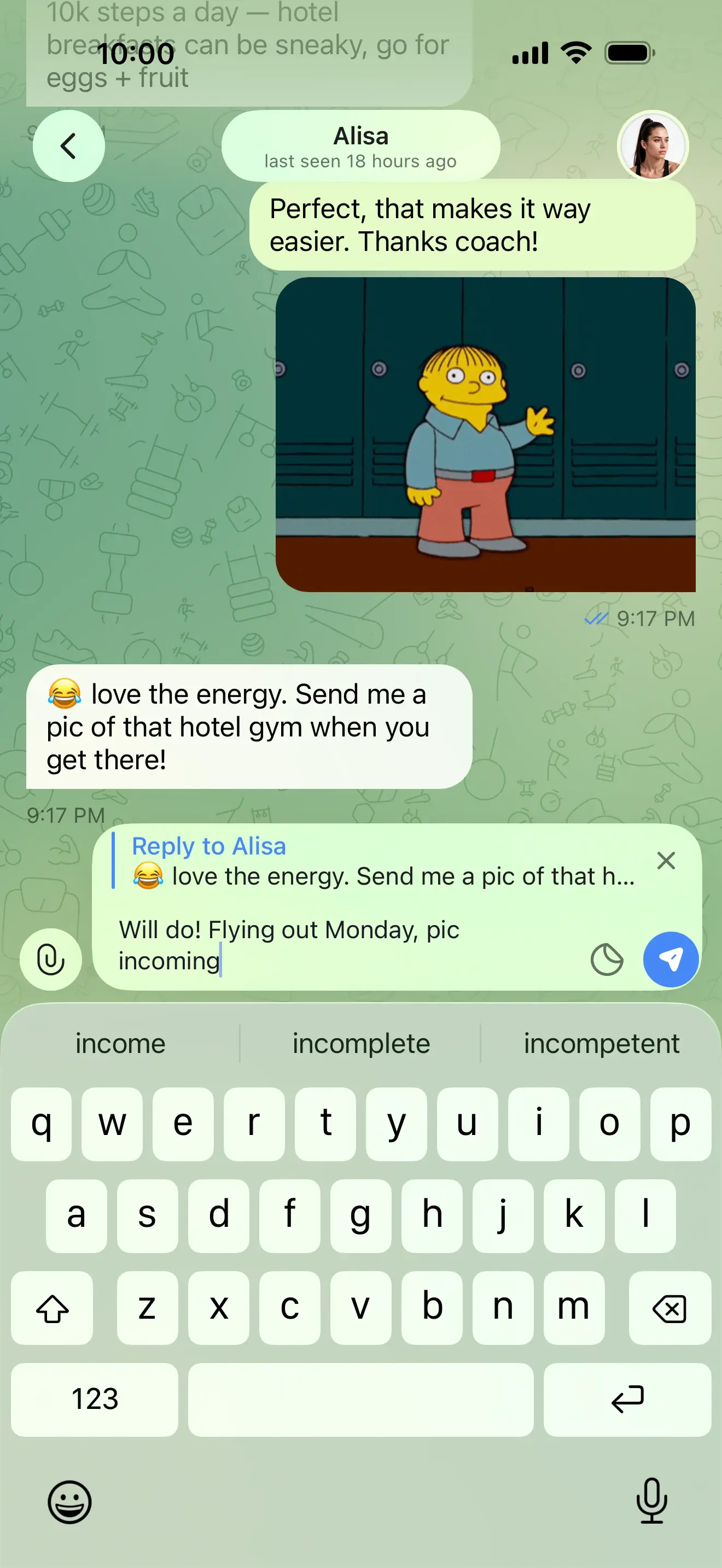
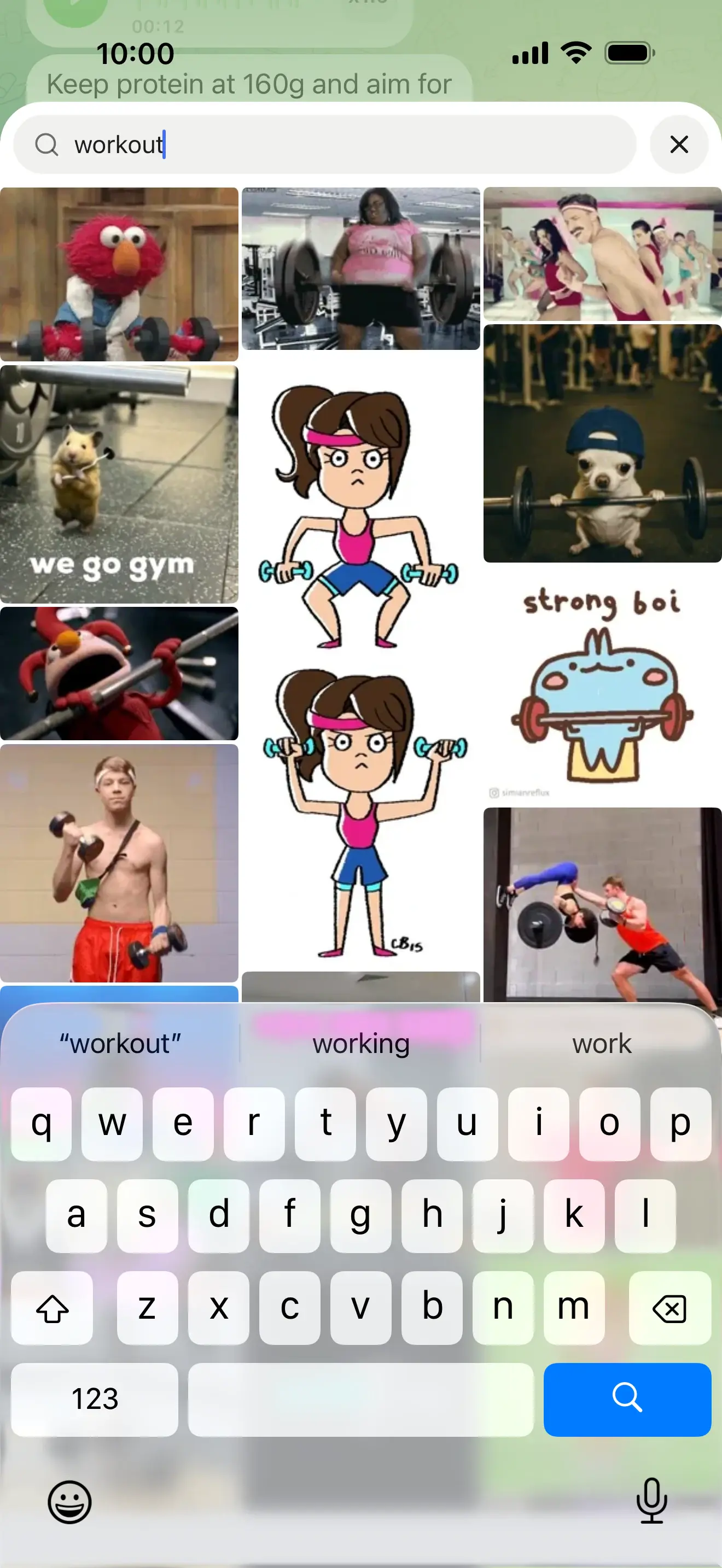
Messaging
Chat, voice notes, polls, GIFs, and group threads. Everything you need to stay connected with every client.
Content that coaches for you
Build a library of recipes, workouts, and resources your clients can access anytime, so you can scale without repeating yourself.
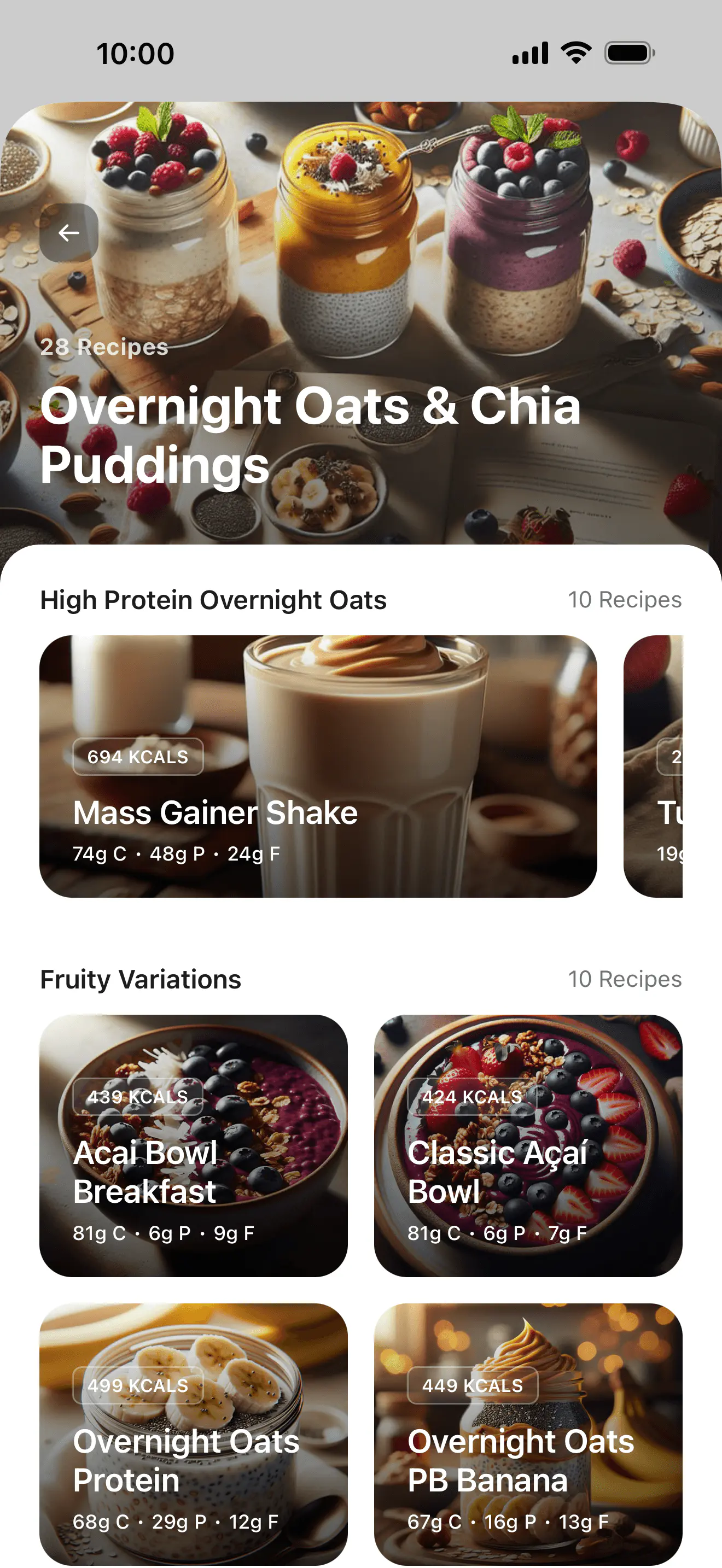
Recipe Books
Build recipe books your clients browse on demand. Full macro breakdowns, cooking instructions, and one-tap meal logging.
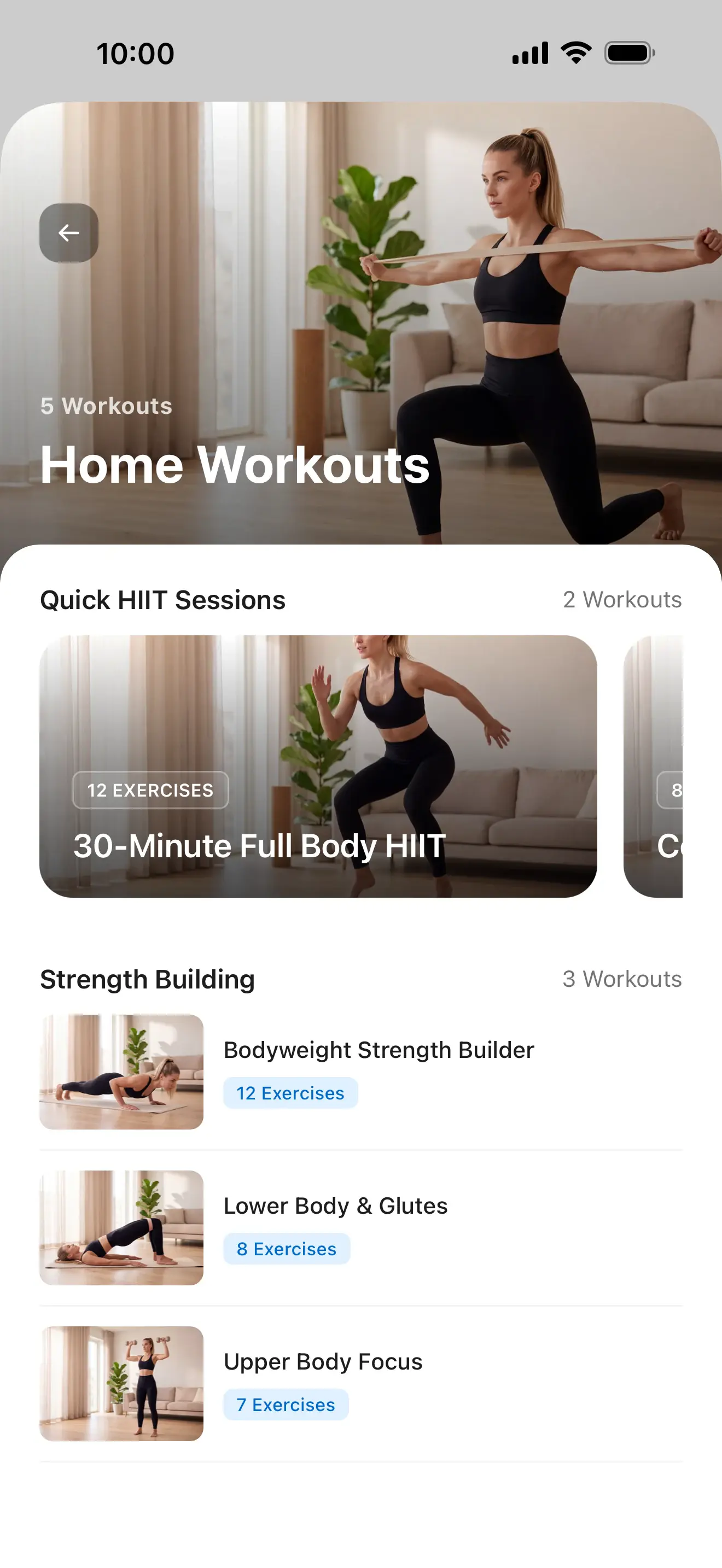
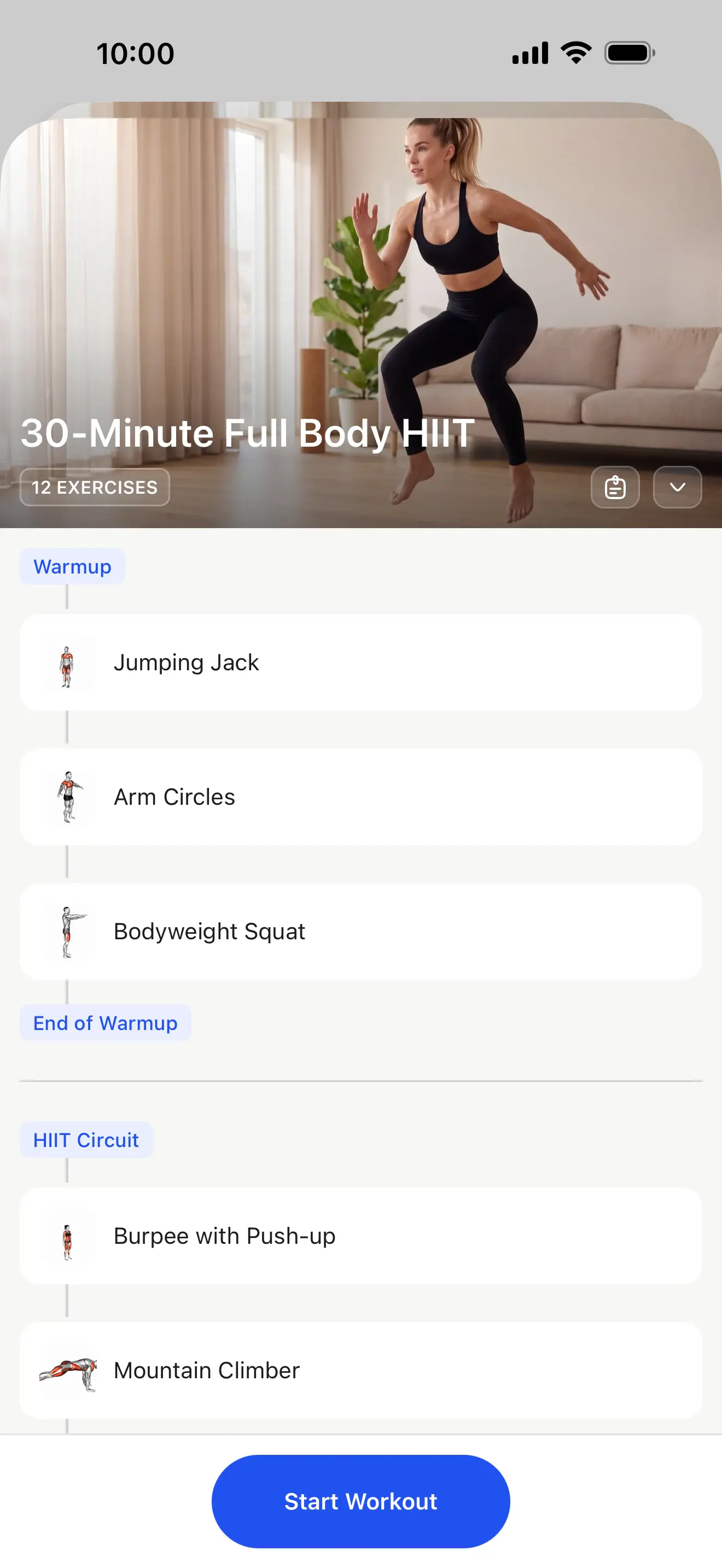
Workout Studio
Record and upload follow-along workout videos. Clients can stream on-demand from the app.
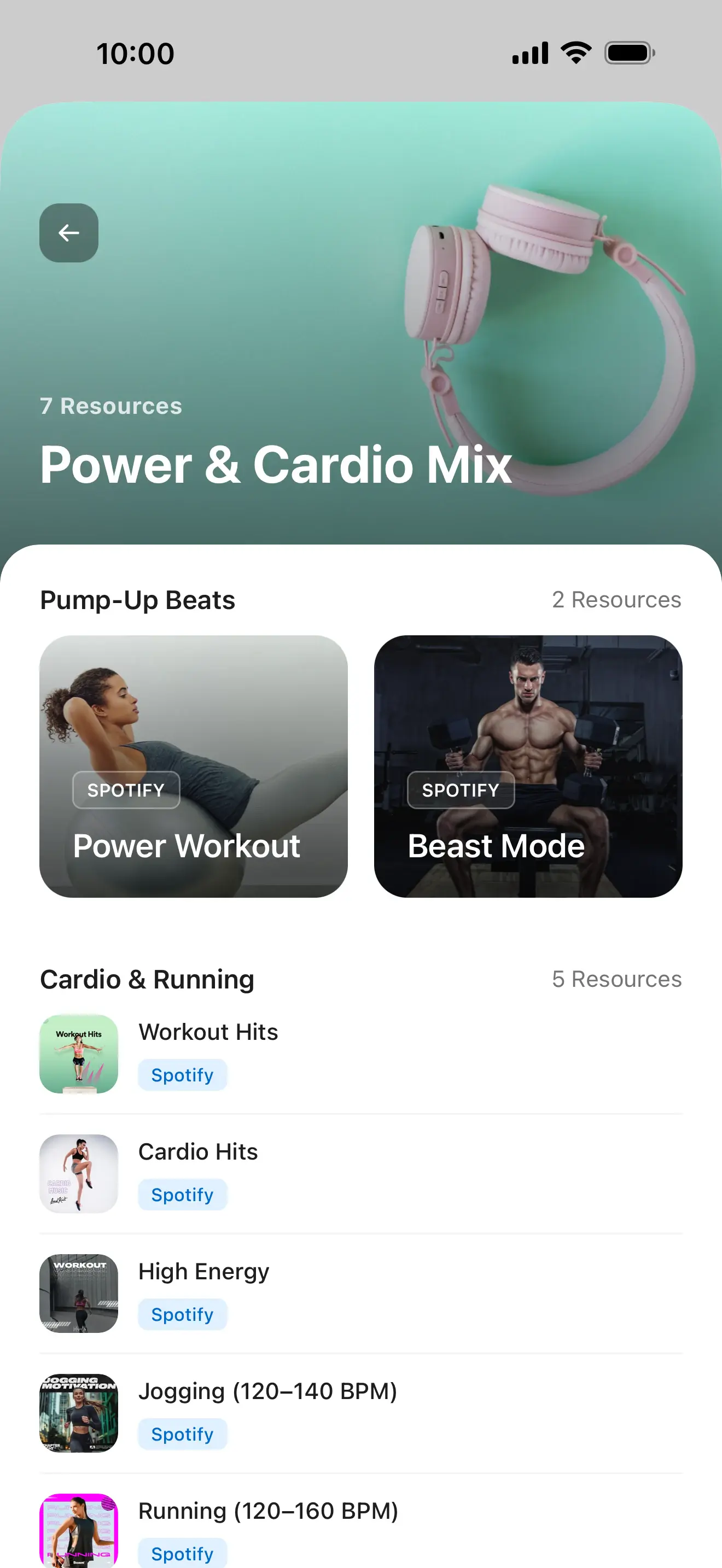
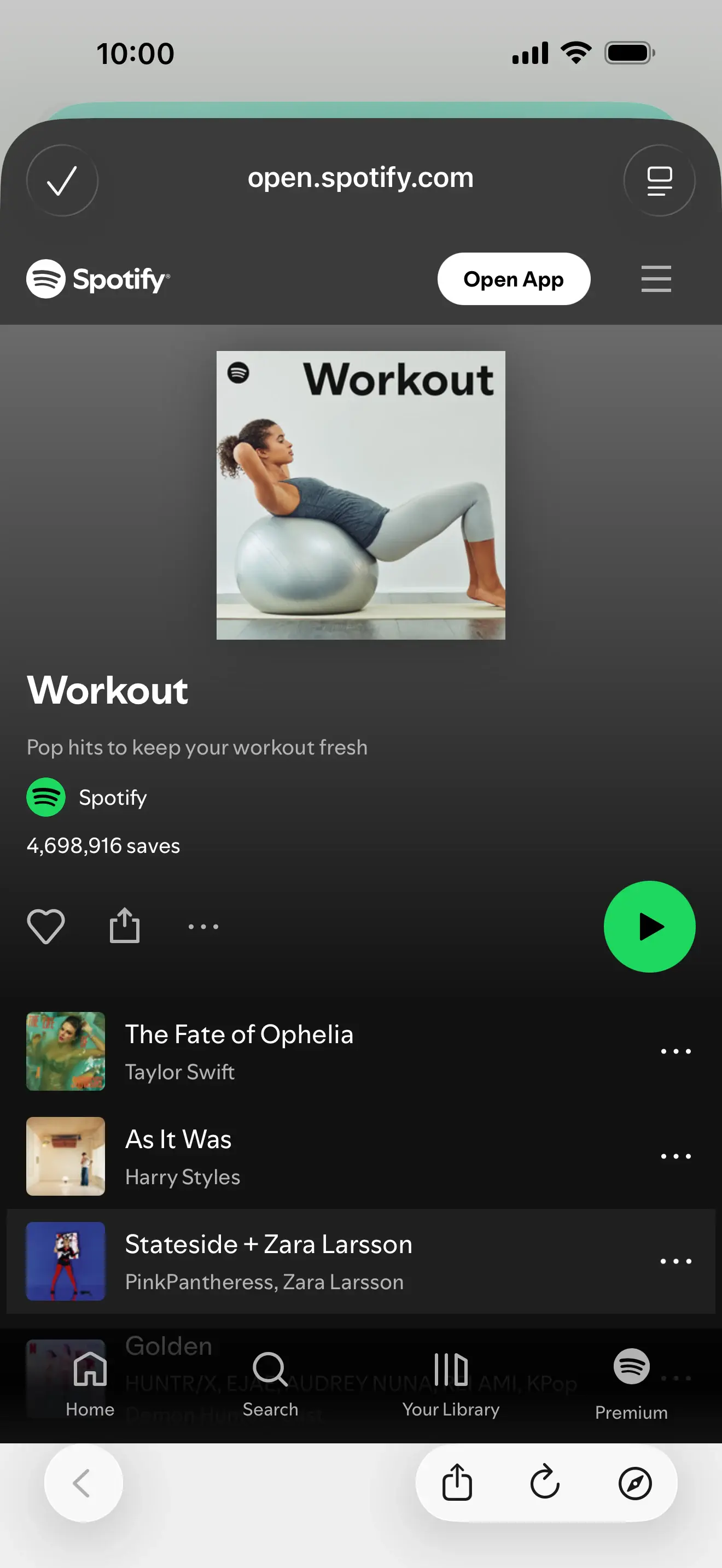
Resource Collections
PDFs, guides, checklists, and documents organised into collections your clients can access anytime from the app.
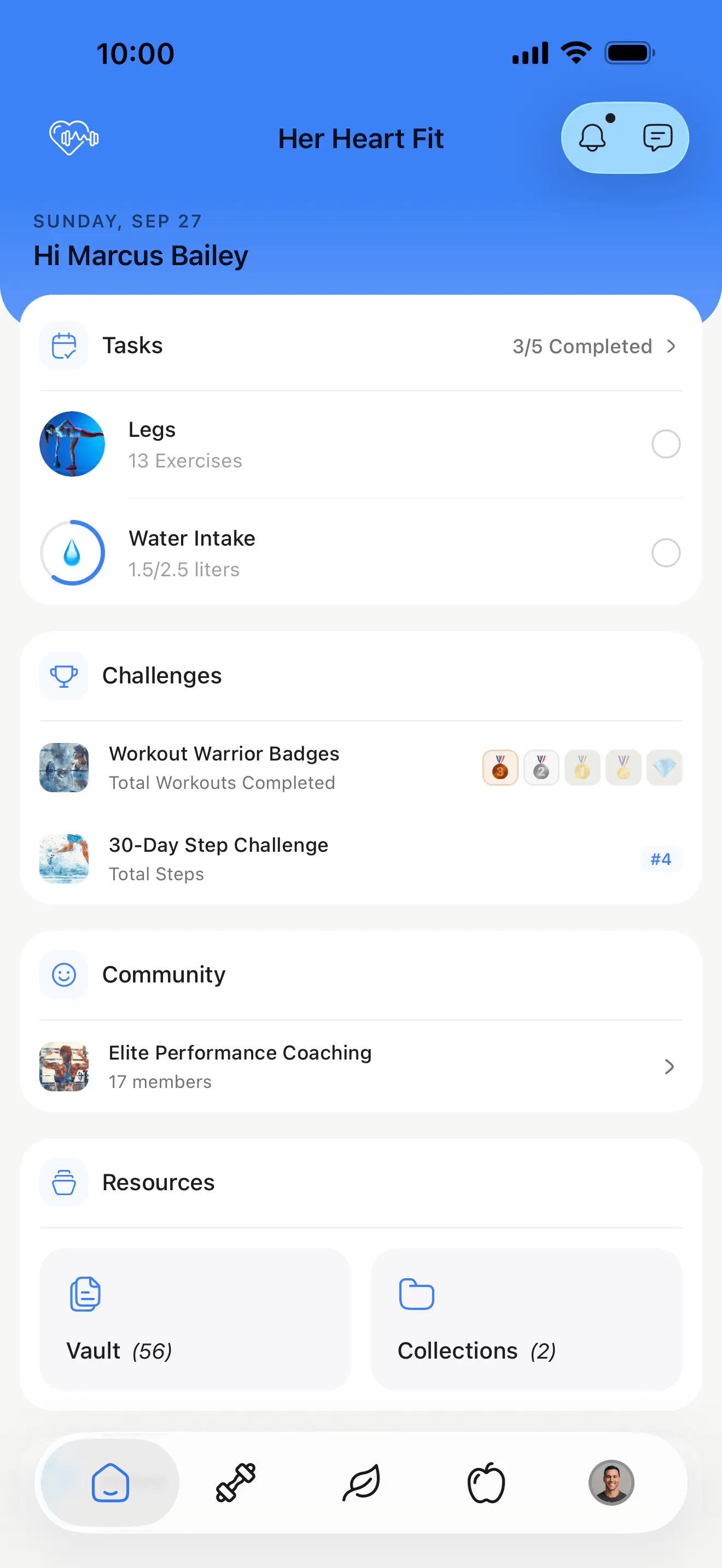
An app your clients will actually love.
A beautiful, branded experience on iOS and Android with everything your clients need to train, eat, and stay connected.


Frequently asked questions
Trusted by coaches worldwide
Join 50,000+ coaches who use HubFit to manage, grow, and scale their fitness coaching business.





Having used multiple different coaching platforms over the years — I've been in the fitness industry 15 years now — this one has definitely delivered more than any other and it's only getting better.

I've used a lot of coaching platforms and this is the only one where I've been really happy with how it works. You don't have to have five different programs just to coach people. Everything is in one place.










HubFit completely transformed how I run my coaching business. I went from scattered spreadsheets to a premium, polished system that my clients love. It cut my admin time by 75% and let me focus on what I do best, which is coaching.

Supercharge your coaching business
See why HubFit is the coaching platform of choice for modern fitness professionals.